
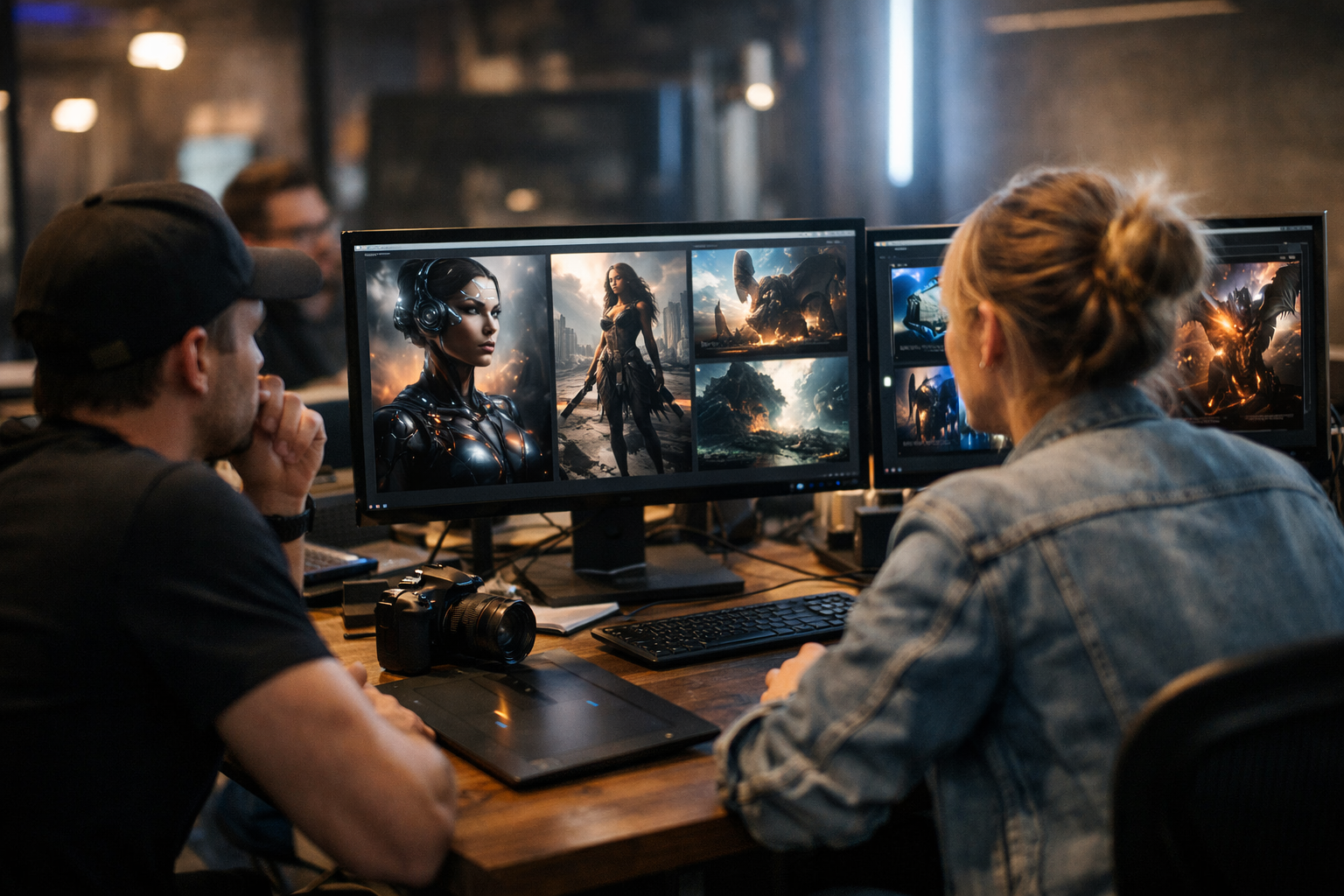

Best AI image generators 2026: the phrase pops up in creator forums, Discord channels, and design studios everywhere. We’ve moved beyond the novelty—AI image generation is now core to concept art, marketing, social media, and even 3D modeling workflows. But not all generators are created equal. If you want consistent results, style control, or seamless integration with your pipeline, picking the right tool matters. This article cuts through the hype. I’ll compare Midjourney, DALL·E, Stable Diffusion, Leonardo AI, Adobe Firefly, Playground AI, and the TimrX AI Image Generator, focusing on real-world creator workflows. You’ll get concrete recommendations, not just specs.
What Is an AI Image Generator?
Let’s get clear on what we’re actually comparing. An AI image generator is a tool that creates images from text prompts, often using diffusion models. You type something like “a futuristic city at dusk, photorealistic, neon reflections,” and after a few seconds, you get an image that (hopefully) matches your prompt. Under the hood, diffusion models start with random noise and iteratively refine it into a coherent picture, guided by your text description. Each tool interprets prompts differently, thanks to variations in model architecture, training data, and prompt parsing. That’s why the same prompt will look very different in Midjourney vs DALL·E or TimrX. For a technical deep dive, you might check out this step-by-step guide.
This prompt-to-image workflow is what powers the best AI art tools 2026 has to offer. Some tools focus on photorealism, others on stylization or fidelity to your text. I’ve found that tools with open customization options—like Stable Diffusion—let advanced users push the boundaries, while web-based AI image generators with slick UIs (think TimrX) get you from idea to result fastest.
How We Evaluated These Tools
Here’s the thing: judging an AI image generator isn’t just about pretty pictures. I looked at:
- Image quality (sharpness, realism, style diversity)
- Prompt accuracy (how closely outputs match your intent)
- Speed (from prompt to result)
- Customization (fine-tuning, style presets, model access)
- Ease of use (UI/UX, workflow integration)
- Pricing (free tiers, credits, subscriptions)
- Commercial rights (can you use outputs in your projects?)
I spent time running the same prompts across all tools, testing both simple and complex requests. For creator-focused workflows, I paid special attention to batch generation, upscaling, and how easily you can move from images to video or 3D. If you want to see how these tools fit into broader pipelines, check out our TimrX Hub and the Creative Workflows guide.
Best AI Image Generators in 2026 (Overview)
Here’s a rapid-fire summary before we dig into details:
- Midjourney: Still king of stylized, painterly images. Discord-based, loved by concept artists.
- DALL·E: OpenAI’s flagship, now with more creative control and inpainting.
- Stable Diffusion: Open source, endlessly customizable, great for developers.
- Leonardo AI: Strong for photorealism, batch tools, and style control.
- Adobe Firefly: Tight Photoshop integration, commercial-friendly, pro designer focus.
- Playground AI: Accessible, flexible, quick for social media content.
- TimrX AI Image Generator: Unified browser workflow for images, videos, and 3D assets—built for creators who want it all.
For a more technical comparison of recent image models and their strengths, see this industry review [3].
Detailed Comparison
Midjourney
Strengths: Consistently gorgeous, painterly outputs. Massive community for prompt inspiration. Great for moodboards, concept art, and anything stylized. Newer V7 model offers improved realism and prompt accuracy.
Weaknesses: Discord-only interface isn’t for everyone. Batch generation and workflow integration are awkward. Limited commercial rights for some use cases.
Best for: Concept artists, indie game devs, illustrators who want a creative spark.
DALL·E
Strengths: Tight prompt-to-image fidelity. Inpainting and outpainting make edits easy. Web UI is beginner-friendly, with robust moderation.
Weaknesses: Style options still lag behind Midjourney. Output can feel sterile. Creative freedom is sometimes limited by safety filters.
Best for: Marketers, educators, and anyone needing predictable, editable images.
Stable Diffusion
Strengths: Totally open source. Fine-tune on your own data. HuggingFace, Automatic1111, and TimrX integrate it into pipelines. Unmatched for custom workflows and model hacking.
Weaknesses: Steeper learning curve. Managing models and dependencies can be a headache. Commercial rights depend on your model weights and datasets.
Best for: Developers, power users, and anyone needing full control or unique styles. See how it fits into 3D and print workflows in this technical guide.
Leonardo AI
Strengths: Photorealistic results rival the best. Batch generation and style mixing are streamlined. Good for product renders and e-commerce.
Weaknesses: May require a subscription for high-res output. Fewer advanced controls than Stable Diffusion.
Best for: Creators who need fast, realistic assets.
Adobe Firefly
Strengths: Seamless Photoshop integration. Commercial rights are crystal-clear—perfect for agencies. Text effects and style transfer are strong.
Weaknesses: Locked inside the Adobe ecosystem. Subscription is pricey if you’re not already all-in on Creative Cloud.
Best for: Professional designers, agencies, and enterprise teams.
Playground AI
Strengths: Free tier is generous. Super-fast, web-based, with lots of style presets. Great for meme creators, marketers, and rapid prototyping.
Weaknesses: Less power for advanced editing. Resolution and style control limited compared to premium tools.
Best for: Social media content, casual creators, fast ideation.
TimrX AI Image Generator
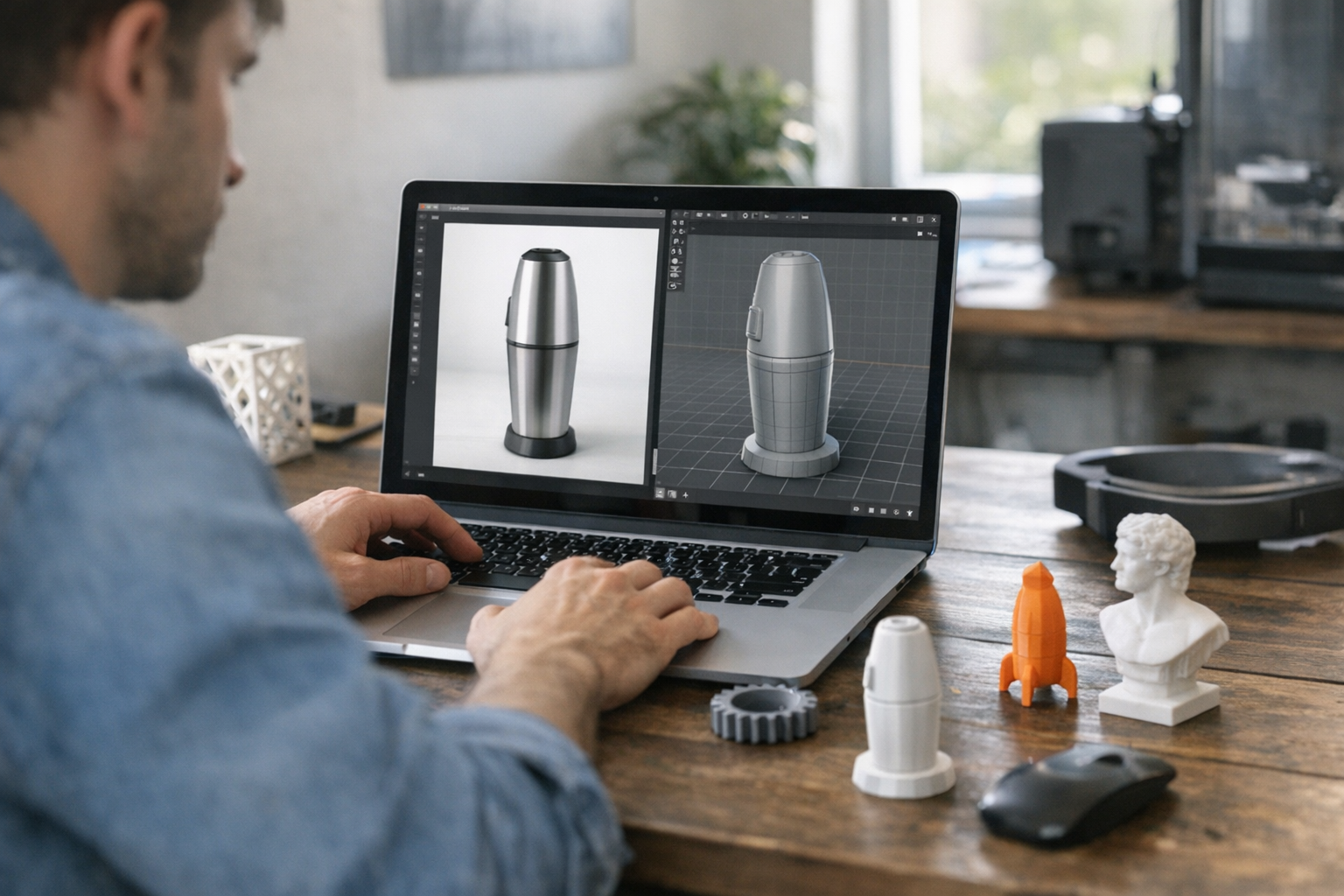
Strengths: Unified browser-based workflow for images, videos, and 3D assets. Batch, style, and upscaling all in one UI. No local setup, and you can move from text-to-image to text-to-3D instantly (AI Image Generator, AI 3D Generator). Commercial rights are clearly documented. Tight integration with 3D printing and video generation.
Weaknesses: Some advanced features (like custom model uploads) are still rolling out. Power users may want more direct access to model weights.
Best for: Creators and teams who want images, videos, and 3D—all browser-based. Read more in this deep dive.
Comparison Table
Here’s a side-by-side look at the best AI art tools 2026 offers, based on hands-on testing and industry reviews [1][3]:
| Tool | Quality | Speed | Ease of Use | Pricing | Best For |
|--------------------|-------------|-------|-------------|---------------|----------------------------------|
| Midjourney | 9/10 | Fast | Moderate | $ | Stylized concept art |
| DALL·E | 8/10 | Fast | Easy | $$ | Editable, safe images |
| Stable Diffusion | 8.5/10 | Varies| Steep | Free/Open | Custom dev workflows |
| Leonardo AI | 8.5/10 | Fast | Easy | $-$$ | Photoreal batch, product renders |
| Adobe Firefly | 8/10 | Fast | Easy | $$$ | Agencies, designers |
| Playground AI | 7.5/10 | Fast | Very Easy | Free/$ | Social, rapid content |
| TimrX | 8.5/10 | Fast | Very Easy | Free/$ | Integrated creative pipelines |
Creator Workflows Using AI Image Generators
Let’s get practical. Here are three real workflows using these text to image AI tools:
Workflow 1: Concept Art Creation
1. Prompt: Write a detailed scene prompt (e.g. “cyberpunk alley, neon, rain, 4K”). 2. Generate: Run the prompt in Midjourney, TimrX, or Stable Diffusion. 3. Refine: Use variations or inpainting to tweak composition. 4. Upscale: Export high-res for print or 3D pipeline. TimrX can hand off directly to 3D model generation (see pipeline example).
Workflow 2: Social Media Content
1. Batch generate multiple images with slight prompt tweaks (Playground AI, TimrX). 2. Use style presets for brand consistency. 3. Export and schedule posts. TimrX supports linked video/3D asset creation for cross-channel visuals.
Workflow 3: Creative Pipeline (Advanced)
1. Generate base image in TimrX or Stable Diffusion. 2. Use TimrX to convert images to video or 3D models (see inside workflow). 3. Export to 3D printing or animation pipeline. This is where TimrX’s browser-based ecosystem beats the patchwork of disconnected tools.
When to Use Each Tool
Here’s my take on matching tools to user type:
- Creators: TimrX, Midjourney, Leonardo AI (fast ideation, batch work, integrated export)
- Designers: Adobe Firefly, TimrX, DALL·E (Photoshop workflows, brand-safe images)
- Developers: Stable Diffusion, TimrX (custom models, API, pipeline automation)
- Marketers: DALL·E, Playground AI, TimrX (quick content, batch, web-based simplicity)
If you want a deeper breakdown of which AI art generators for creators deliver the most value, see this breakdown.
Why Web-Based AI Tools Are Winning
No setup. No GPUs to babysit. That’s why web-based AI image generators are dominating in 2026 [1]. You open a browser, drop in a prompt, and get results in seconds. More important: integrated platforms like TimrX let you generate images, videos, and 3D assets in a single workflow—no file juggling or manual exports. You can use the TimrX Hub to manage projects, batch tasks, and even link outputs directly to 3D printing or video pipelines. For a look at the latest in video generation, the Seedance 2.0 workflow guide shows how image and video AI are merging.
Look, if you’re a creator who wants to move fast and try lots of ideas, this is the best approach. The old days of wrangling local installs and patchwork scripts are fading. Web-based tools just move faster.
Conclusion
The best AI image generators 2026 aren’t defined by raw model power—they’re defined by how well they fit your workflow. If you want painterly concept art, Midjourney still reigns. For batch content and cross-media creation, TimrX is the most practical all-in-one solution. DALL·E and Playground AI are safe bets for marketers and casual creators. Stable Diffusion remains the tool of choice for developers and tinkerers. My advice: pick the tool that fits your day-to-day needs, not just the one with the most hype. And if you want to see how these generators plug into real creative pipelines, explore the TimrX Archive or read our latest blog articles.
FAQ
What is the best AI image generator in 2026?
There’s no single winner. For stylized art, Midjourney dominates. For integrated workflows and multi-format outputs, TimrX is the best choice. Stable Diffusion is top for custom models.
Is Midjourney better than DALL·E?
For style and visual impact, yes—Midjourney usually wins. For editing, prompt fidelity, and commercial use, DALL·E may be better.
Can AI images be used commercially?
Yes, but it depends on the tool. TimrX, Adobe Firefly, and DALL·E offer clear commercial rights. Always check the terms for your specific use case.
What is Stable Diffusion used for?
Stable Diffusion is ideal for developers and advanced users who want to customize models, run local generations, or integrate image AI into new products.
Which AI tool is best for creators?
TimrX stands out for creators needing images, videos, and 3D—all in one browser-based platform. For pure image quality, Midjourney and Leonardo AI are close behind.
Sources
- [1] Best AI Image Generators 2026 (Most Realistic) - YouTube
- [2] The Best AI Image Tools for 2026, Compared and Evaluated
Comments 0
Be the first to comment on this post.