


AI image generation isn’t just hype. It’s the engine behind faster concept art, on-demand marketing visuals, and even the jump from 2D sketches to 3D models. If you’re a developer, artist, or creative building with these tools, you need to know what’s really going on under the hood—and how to actually use it in a real workflow.
Diffusion Models: The Brains Behind AI Image Generation
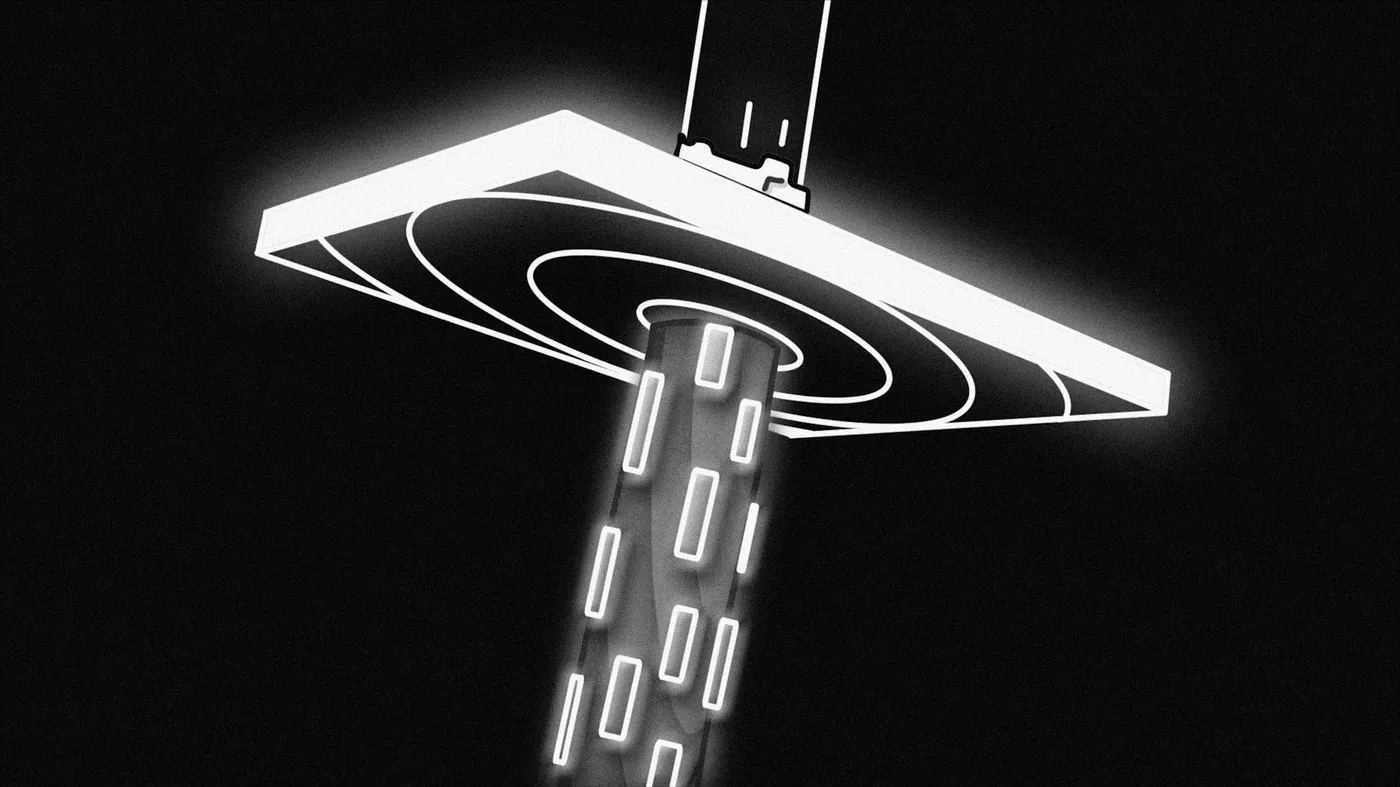
Most top-tier AI image generators today are built on diffusion models. Here’s the gist: diffusion models start with pure noise—think TV static—and gradually transform that noise into a coherent image through a series of denoising steps. The model learns, during training, how to reverse the process of turning an image into noise. At generation time, it goes step-by-step from random noise to something you’d actually want to use. That stepwise refinement is what lets you prompt ‘a spaceship landing on Mars at golden hour’ and get a surprisingly plausible result [2][3].
Why did diffusion models win out over older GANs? They’re more stable, less likely to produce weird artifacts, and easier to steer with text prompts. If you want to dive deeper into the technical side, check out the original papers on Denoising Diffusion Probabilistic Models (DDPMs)—but honestly, you don’t need a PhD to use these tools effectively.
Prompt Engineering: Getting the Results You Want
Here’s the thing: most of the magic comes from how you write your prompt. The AI is trained on millions of image-text pairs scraped from the web [1]. That means it’s really good at picking up on style, subject, and context cues. Want a retro 80s poster? Say so. Need photorealism? Add ‘ultra-realistic’ or ‘shot on a DSLR’ to your prompt. In my experience, specificity wins—describe what you want in 10-20 words, not just two or three.
- Be explicit about style, lighting, and composition.
- Include aspect ratio if the tool supports it (e.g., '16:9 wide shot').
- Iterate: tweak words and regenerate until you get what you want.
- Use negative prompts (if available) to ban unwanted elements.
Prompt engineering isn’t guesswork; it’s a skill. And it’s one you develop by experimenting, not by reading documentation.
Real-World Use Cases: How Creators Are Actually Using AI Image Tools
Let’s get concrete. I’ve seen teams use AI image generation for:
- Generating quick marketing visuals for social media campaigns
- Whipping up dozens of concept art drafts in a single afternoon
- Rapid product mockups before committing to expensive photoshoots
- UI and web design inspiration—entire hero sections or icon sets
- Bootstrapping textures and references for 3D modeling
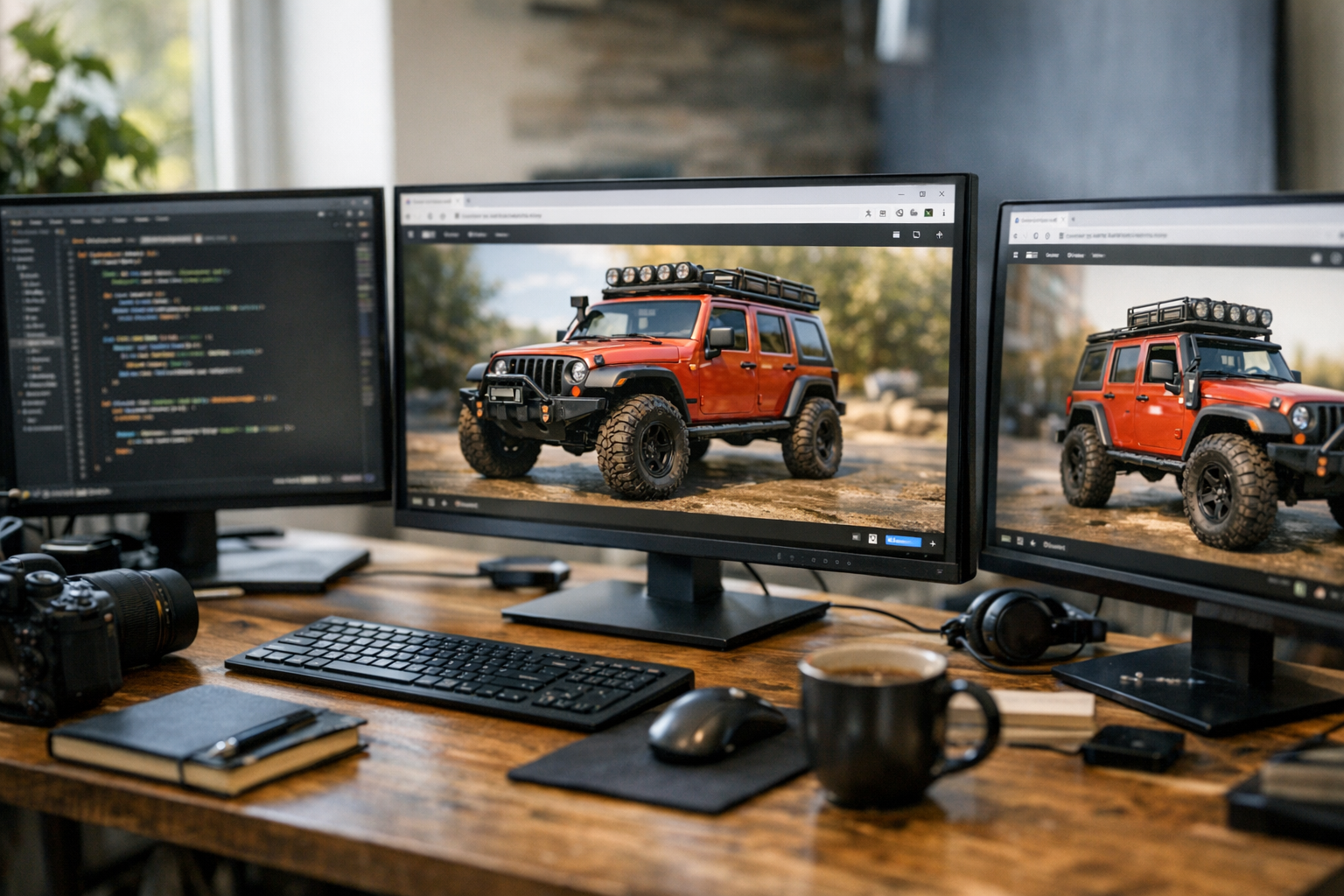
For example, let’s say you’re designing a new sneaker. Instead of hiring a concept artist for each colorway, you can generate 20+ photorealistic variants in minutes. Or maybe you’re pitching a mobile app—generate on-brand UI layouts to test with users before any code is written. This isn’t theory; it’s how real creative teams are moving faster (and saving budget) right now.
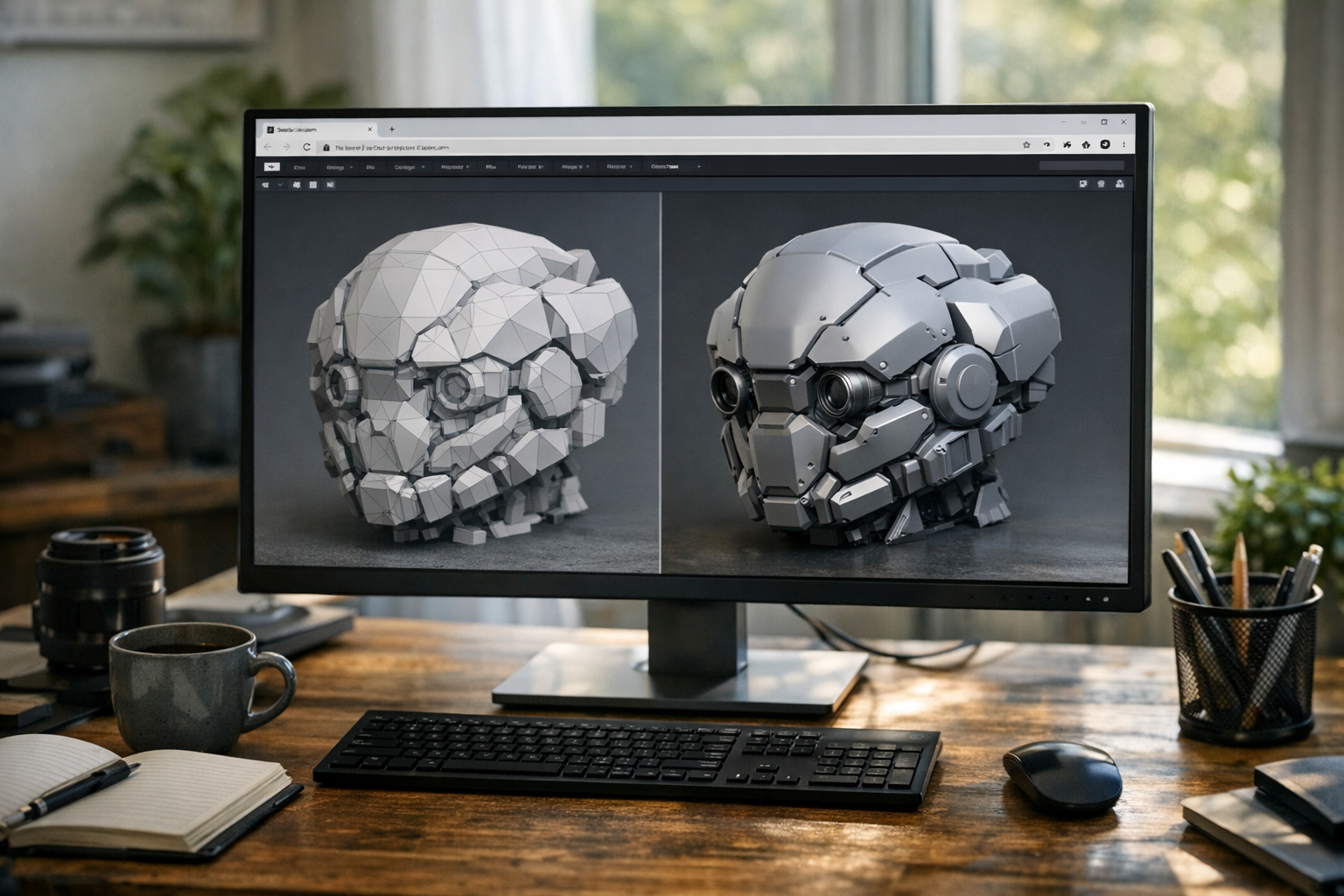
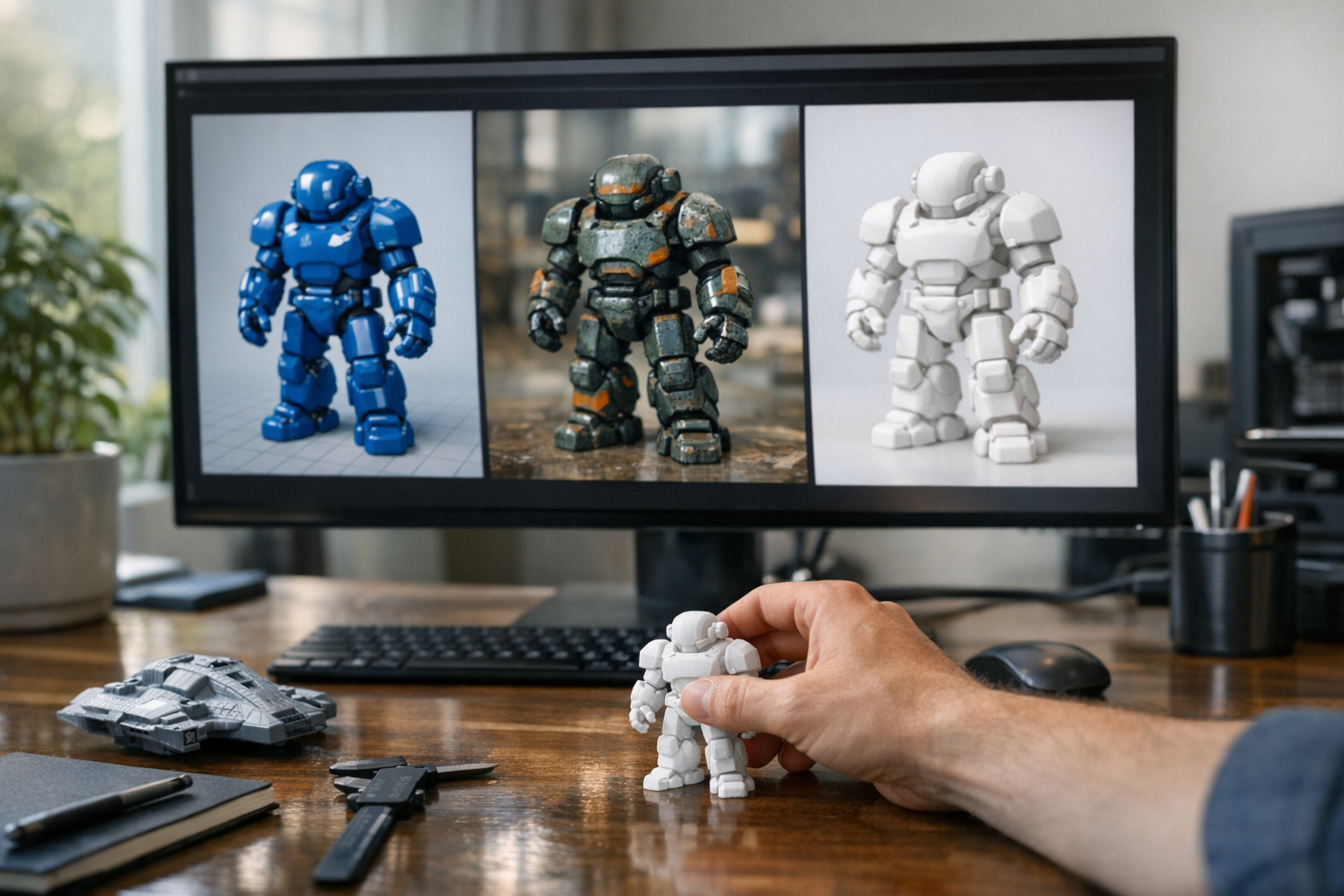
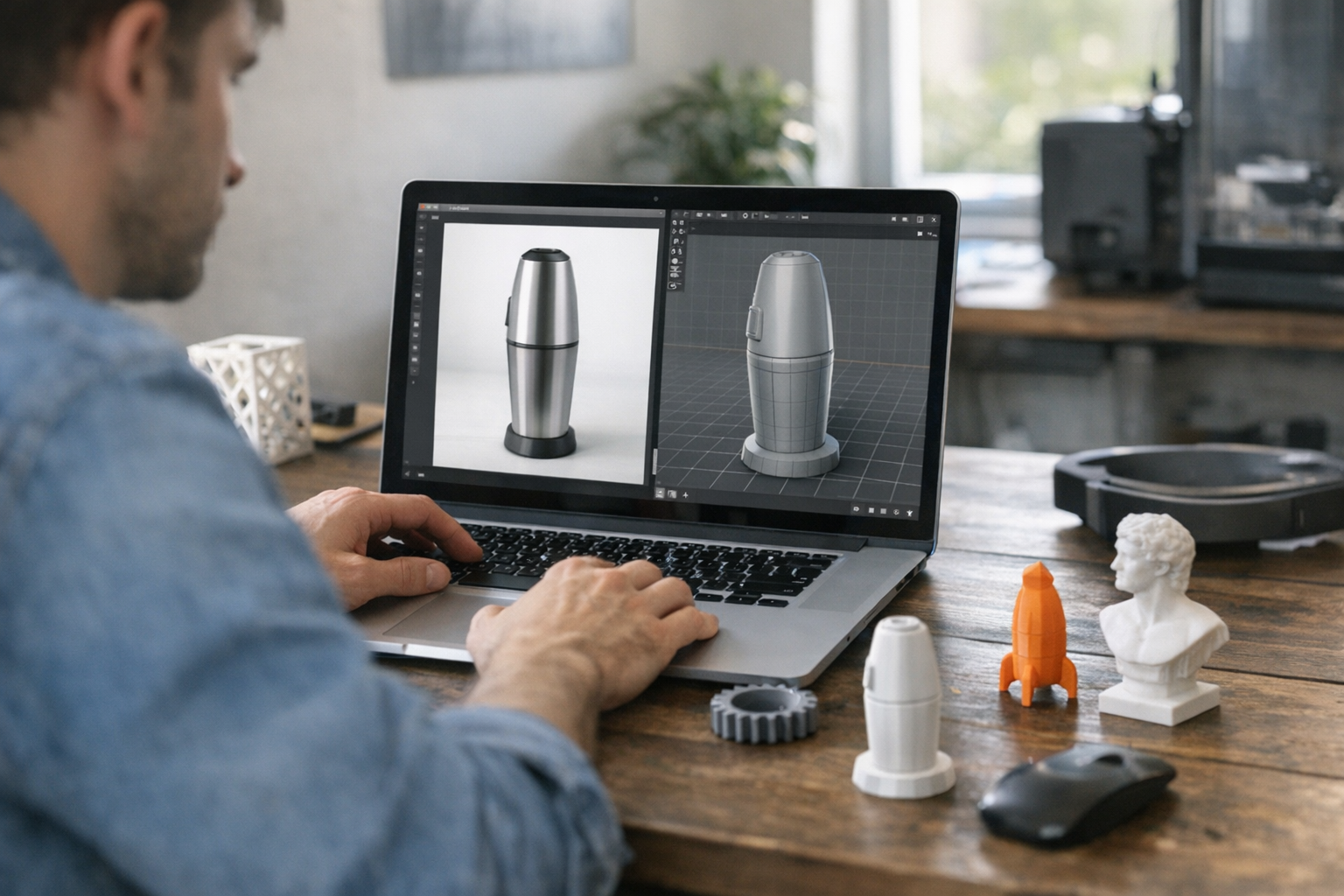
Some creators even go further and use AI images as a base for text-to-3D workflows, jumping from prompt to render to printable model with almost no manual modeling. If you want a deep dive into cross-modal workflows, see our article on combining image, video, and 3D generation.
Limitations: What AI Image Models Still Struggle With
Let’s not kid ourselves: AI image models aren’t magic. They’re pattern matchers, not artists. Here’s what they still get wrong:
- Hands and faces can look uncanny, especially in crowded scenes
- Compositional logic sometimes breaks (e.g., extra limbs, missing objects)
- Text in images is usually garbled
- Style and consistency across multiple images can be hit-or-miss
If you need pixel-perfect results, you’ll still want a human in the loop. But for ideation, rapid iteration, and mood boarding? AI models are already best-in-class.
Why Web-Based Tools Matter: Instant Access, Real Integration
A few years ago, running these models required a beefy GPU and hours of setup. Now? Platforms like TimrX let you generate images straight from your browser—no installs, no waiting. This is a big deal for teams that want to integrate image generation into creative pipelines, whether for rapid prototyping or batch asset creation.
If you want to see this in action, try the TimrX AI Image Generator. You can generate, tweak, and export images in seconds, then immediately use them in 3D, video, or print workflows—all from the same web interface. That’s the real unlock: AI as a creative companion, not a black box you have to beg for results.
The bottom line? Browser-based tools democratize access. Whether you’re on a Windows laptop, a MacBook, or even a tablet, you can tap into the same AI firepower as the pros. That’s a seismic shift for the creative industry.
Try It Yourself: A Simple Workflow Example
Let’s walk through a real workflow using TimrX’s web tools. Here’s how you’d generate a set of marketing visuals, ready to drop into a pitch deck:
- Head to the TimrX AI Image Generator in your browser.
- Type a detailed prompt, e.g., 'Minimalist green sneaker, photorealistic, on white background, dramatic lighting'.
- Use the preview to tweak your prompt or change settings (aspect ratio, style modifiers).
- Export the best image as PNG or JPEG.
- Drag and drop your image into Canva, Figma, or your favorite slide editor.
- Want a 3D mockup? Use the Image-to-3D tool to turn your generated image into a basic 3D model.
This is end-to-end ideation—zero Photoshop, zero downloads, all in-browser. You can rinse and repeat for concept art, product renders, or even UI backgrounds.
FAQ: AI Image Generation Basics
- What is AI image generation?
AI image generation uses machine learning—usually diffusion models—to create new images from text, sketches, or reference data [1][3]. - How do diffusion models work?
They start with random noise and gradually denoise it, step-by-step, into a coherent image based on your prompt [2]. - Are AI images copyright free?
It depends. Images generated from scratch are typically free of direct copyright, but check your platform’s terms and local laws. Don’t use prompts referencing copyrighted characters or brands. - Can AI images be used for 3D models?
Absolutely. You can feed generated images into tools like Image-to-3D or use text-to-3D workflows to kickstart the modeling process.
AI image generation isn’t just a cool trick—it’s changing how we create, iterate, and build. The best way to learn? Open a browser, start prompting, and see what you can make.
Sources
- [1] How AI creates images - Artificial Intelligence and Images
- [2] 3 Questions: How AI image generators work | MIT CSAIL
- [3] How AI Image Generation Works: A Technology Crash Course
Comments 0
Be the first to comment on this post.