
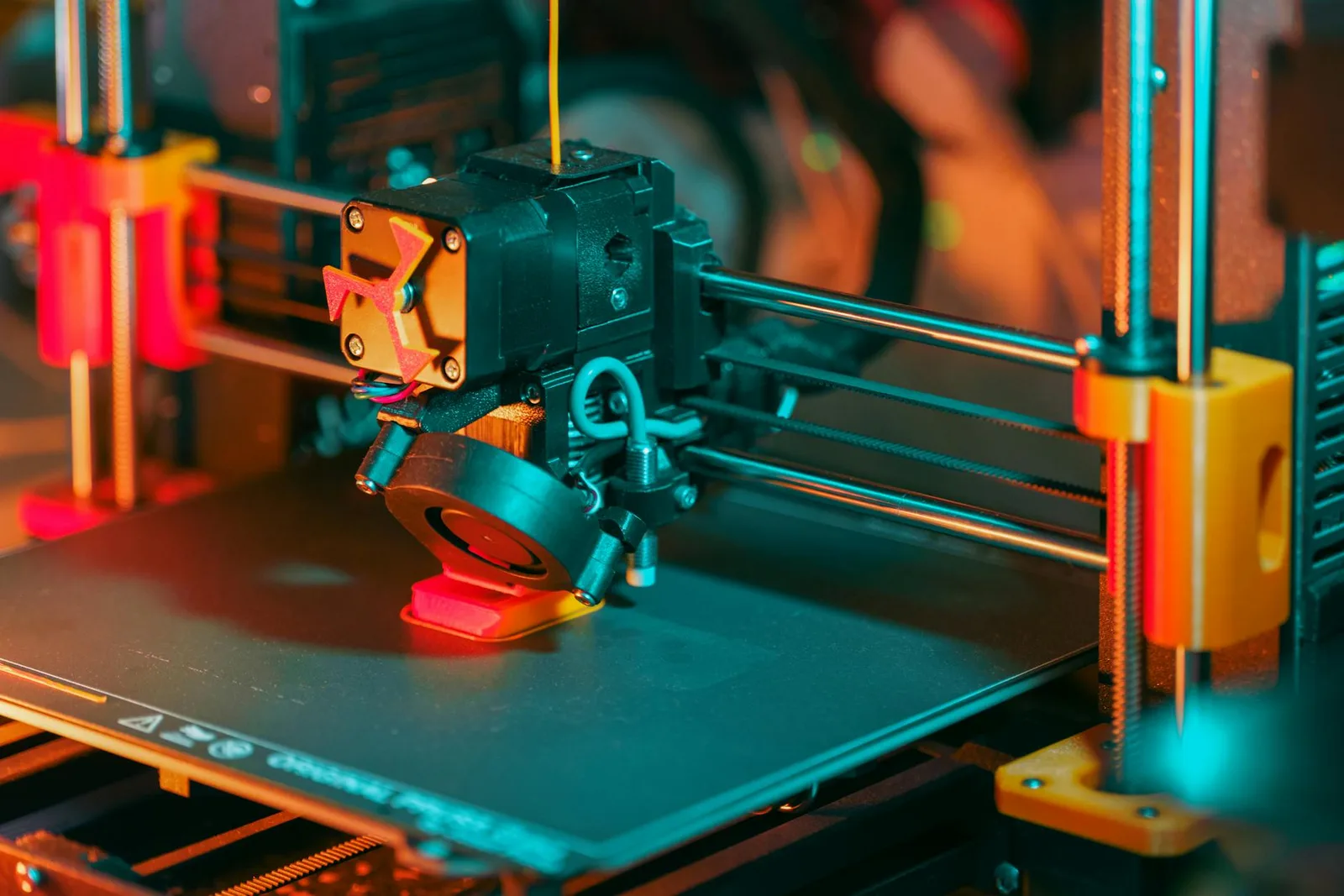

AI-generated 3D models aren’t just a novelty anymore. They’re changing how products get designed, prototyped, and printed—at home and in engineering labs. I’ve watched the shift from manual CAD workflows to prompt-based model creation, and frankly, the productivity gains are hard to ignore. Here’s how AI is reshaping 3D printing right now, with tools you can use in your browser.
AI-Assisted Product Design: From Idea to Model in Minutes

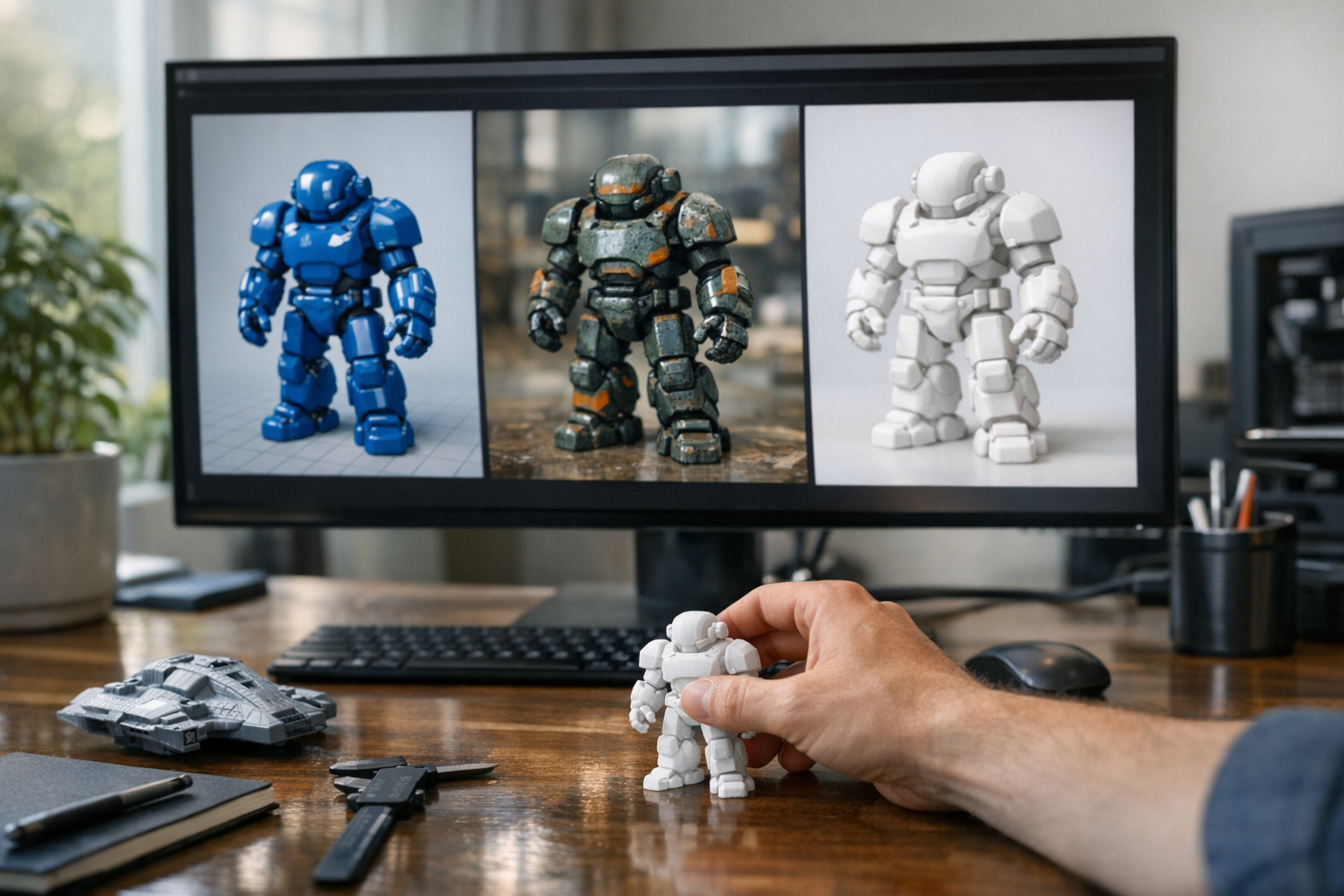
Product design used to mean hours (sometimes days) in CAD, iterating through rough sketches and parametric tweaks. Now? You can describe what you want—“a low-poly fox figurine” or “ergonomic phone stand”—and platforms like TimrX or other AI-powered tools generate a printable model in minutes. Generative AI models, trained on vast databases of 3D shapes, can synthesize new designs that fit your prompt [3]. And because these models understand geometry, they can create objects that are both novel and printable, not just pretty renders.
- Faster from concept to prototype: Skip manual modeling for initial iterations.
- Accessible to non-experts: No CAD experience needed for basic shapes.
- Supercharged brainstorming: Let AI propose dozens of variations in seconds.
I’ve seen teams go from napkin sketch to a test print within a single afternoon—something unheard of just a few years ago. This isn’t just speed. It’s creative freedom.
Generative Design for Manufacturing: Smarter, Stronger, Lighter
Generative design isn’t just about making shapes. It’s about optimizing for real-world constraints: weight, strength, material use, printability. AI models can generate lattice structures that are impossible to design by hand, or automatically hollow out infill to save filament. According to MIT, generative AI can create new data (including shapes) from training sets, rather than just predicting the next number in a sequence [3]. For manufacturing, this means AI can propose designs that maximize performance while minimizing cost and print time.
- Topology optimization for strength-to-weight ratio
- Supports and overhangs designed for minimal post-processing
- Material-aware designs: choose resin, PLA, PETG, or metal and let the AI adapt
Want a drone arm optimized for carbon fiber printing? AI can generate it, taking into account the anisotropy of the material. This is the kind of stuff that used to require a team of FEA specialists.
How AI Generates Printable Models: Workflow and Tools
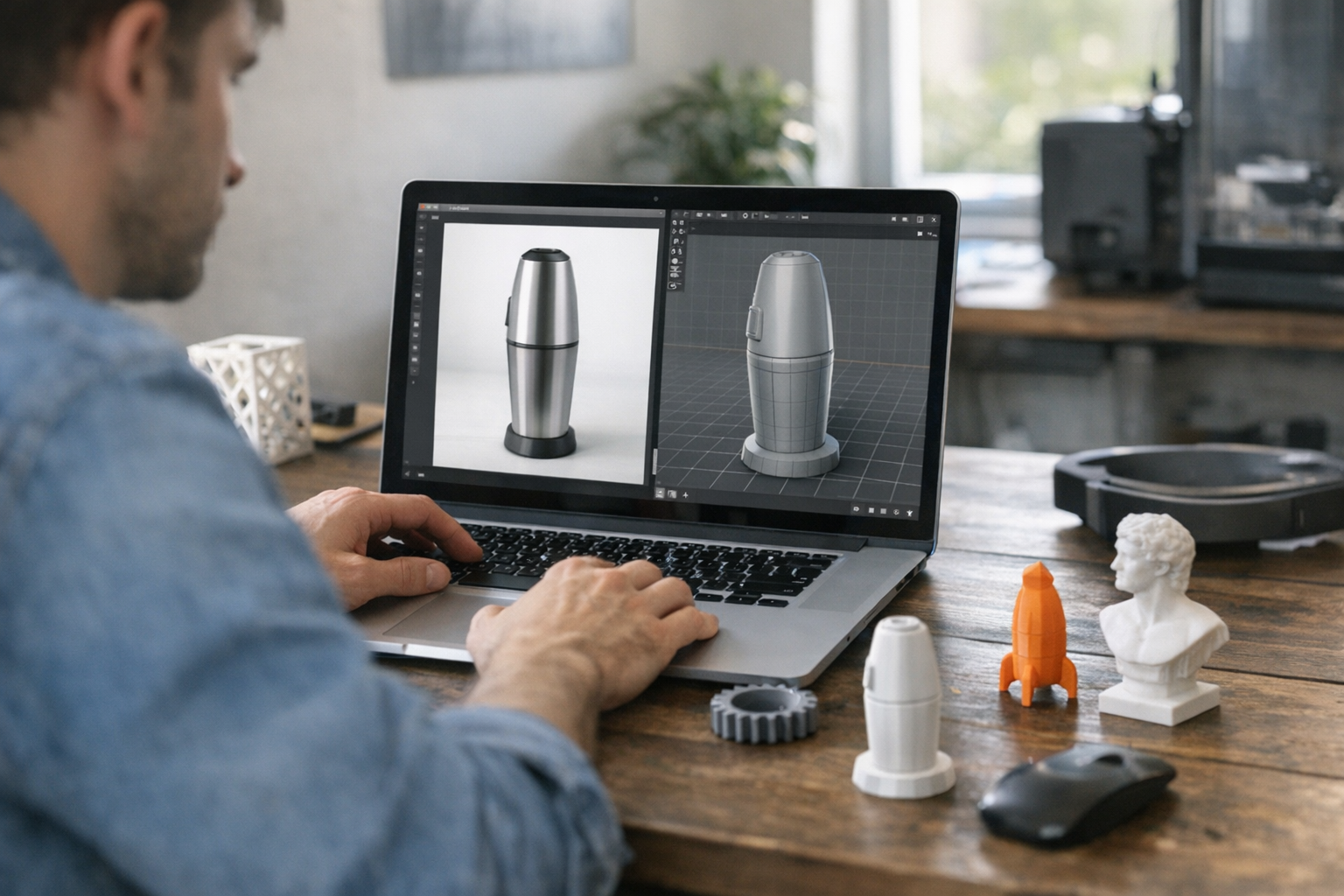
Here’s the thing: not every model that looks good on-screen prints well. AI-powered 3D model generators like TimrX’s Text-to-3D and Image-to-3D workflows are designed to output printable geometry—usually in STL or OBJ format. The process is straightforward:
- Describe your object (text prompt or image reference).
- Choose parameters: size, style, desired material.
- Let the AI generate a watertight, manifold 3D mesh.
- Preview, tweak, or regenerate as needed.
- Export to STL/OBJ and import into your slicer.
Some models may need minor clean-up—removing meshes that are too thin to print, for example—but the heavy lifting is increasingly handled by the AI. For a hands-on walkthrough of prompt-based model creation, check out How AI Generates 3D Models From Text: A Practical Step-by-Step Guide.
Real-World Examples: From Figurines to Engineering Prototypes
Let’s get concrete. Here are four real use cases I’ve seen AI-generated models excel at:
- Custom Figurines: Artists generate unique tabletop miniatures or cosplay props with prompt-driven tools. No sculpting required.
- Rapid Prototyping: Engineers go from rough idea to testable print in hours, iterating on mechanical parts without hand-modeling.
- Home Decor Models: Hobbyists describe a "geometric vase" or "art deco wall sconce" and get ready-to-print STLs.
- Engineering Prototypes: AI-driven topology optimization creates parts with organic structures, ready for real-world stress testing.
TimrX’s Hub and 3D Print Model Generator let you go from a prompt to download in five minutes. I’ve printed custom chess pieces and a replacement coffee machine lever this way—faster than I could have drawn them in Fusion360.
Web-Based AI Tools: No Installs, Just Results
Browser-based platforms like TimrX are a big deal here. You don’t need a workstation or expensive software—just log in, generate, and download. This is pushing 3D model creation into the hands of anyone with an idea and a printer. TimrX’s AI 3D Generator and 3D Print Model Generator handle the grunt work: generating watertight meshes, resizing, and even suggesting print settings. For creators and engineers alike, it’s about getting more done, faster.
Step-by-Step: AI to 3D Print in Practice
- Go to a browser-based AI modeling tool (e.g., TimrX).
- Enter a detailed prompt: e.g., “low-poly cat figurine, 8cm tall”.
- Preview the generated model. Regenerate if needed.
- Export the file as STL or OBJ.
- Open your slicer (PrusaSlicer, Cura, Bambu Studio, etc.).
- Check for mesh errors, scale, and slice for your printer.
- Print and enjoy. Optionally, iterate your prompt for improvements.
Expectations: First prints may need a bit of tuning—think wall thickness, overhangs, or minor mesh repair. But the core model generation step is dramatically faster than manual 3D modeling.
Who Wins? Advantages for Hobbyists and Pros
For hobbyists, it’s all about accessibility and speed. You can make your own phone holders, toy parts, or home decor without ever opening Blender. For professionals, AI means rapid iteration—test five bracket designs before lunch and send the best one to the CNC shop. In my experience, this workflow encourages experimentation and lowers the barrier for creative risk-taking. AI doesn’t replace human ingenuity, but it sure amplifies it.
Generative AI models for businesses threaten to upend the world of content creation, with substantial impacts on marketing, software, design, and more.
Harvard Business Review [1]
FAQ: AI and 3D Printing
- Can AI generated models be 3D printed?
Yes. Most AI tools output STL or OBJ files, which are standard for 3D printing. - What file formats work for 3D printing?
STL is the most common. OBJ works too, but STL is preferred for most printers and slicers. - Do AI models need optimization before printing?
Sometimes. Check for thin walls, overhangs, or non-manifold edges. Most AI tools try to output printable meshes, but a quick check in your slicer or Meshmixer helps. - What slicer software should be used?
Any standard slicer: PrusaSlicer, Cura, Bambu Studio, or Simplify3D. Just import the STL and slice as usual.
AI is rapidly changing every step of the 3D printing workflow—from ideation to final print [2][3]. Whether you’re a maker, engineer, or designer, now’s a great time to experiment with AI-powered creation. The only real limit is your imagination—and maybe your print bed size.
Sources
- [1] Explained: Generative AI | MIT News
- [2] How Generative AI Is Changing Creative Work
- [3] How artificial intelligence is transforming the world | Brookings
Comments 0
Be the first to comment on this post.