


AI creative tools are everywhere right now, but the best ones aren’t just hype — they’re reshaping how creators work. Whether you’re a digital artist, 3D modeler, indie filmmaker, or someone who just wants to make content faster, the right AI tools can multiply what you can accomplish in a day. Here’s my take on the five categories that actually matter for creators in 2024, and how real people are using them to get results.
1. AI Image Generators

AI image generators have gone from novelty to necessity in creative workflows. You feed them a text prompt or a reference image, and they spit out detailed visuals in seconds. Tools in this category use deep generative models — usually diffusion or transformer-based — to produce everything from concept art to product mockups to entire comic pages. In my experience, the best use cases are when you need to ideate quickly or create a high volume of visuals for pitches, social media, or client drafts.
- Rapid prototyping of visual ideas for campaigns
- Generating background art or assets for games and animation
- Creating moodboards and visual references for teams
If you want a deep dive into how these models work under the hood, check out our post How AI Image Generation Works: A Step-by-Step Guide for Creators.
2. AI Video Generation Tools

Here’s the thing: video was supposed to be too complex for AI. Now, generative video models are turning text scripts or storyboards into full-motion clips. You can animate concepts, generate transitions, or even synthesize actors’ movements. Creators are using these tools for quick explainer videos, social promos, and even short films — all without traditional filming or editing. It’s not perfect for every use case (yet), but for rapid content or ideation, it’s a game-changer.
- Generating storyboards and animatics for previsualization
- Producing short-form ads or social media videos
- Augmenting live-action footage with AI-generated elements
For a deeper look at workflows, see AI Video Generation: How Modern Generative Models Are Changing Content Creation.
3. AI 3D Modeling Tools
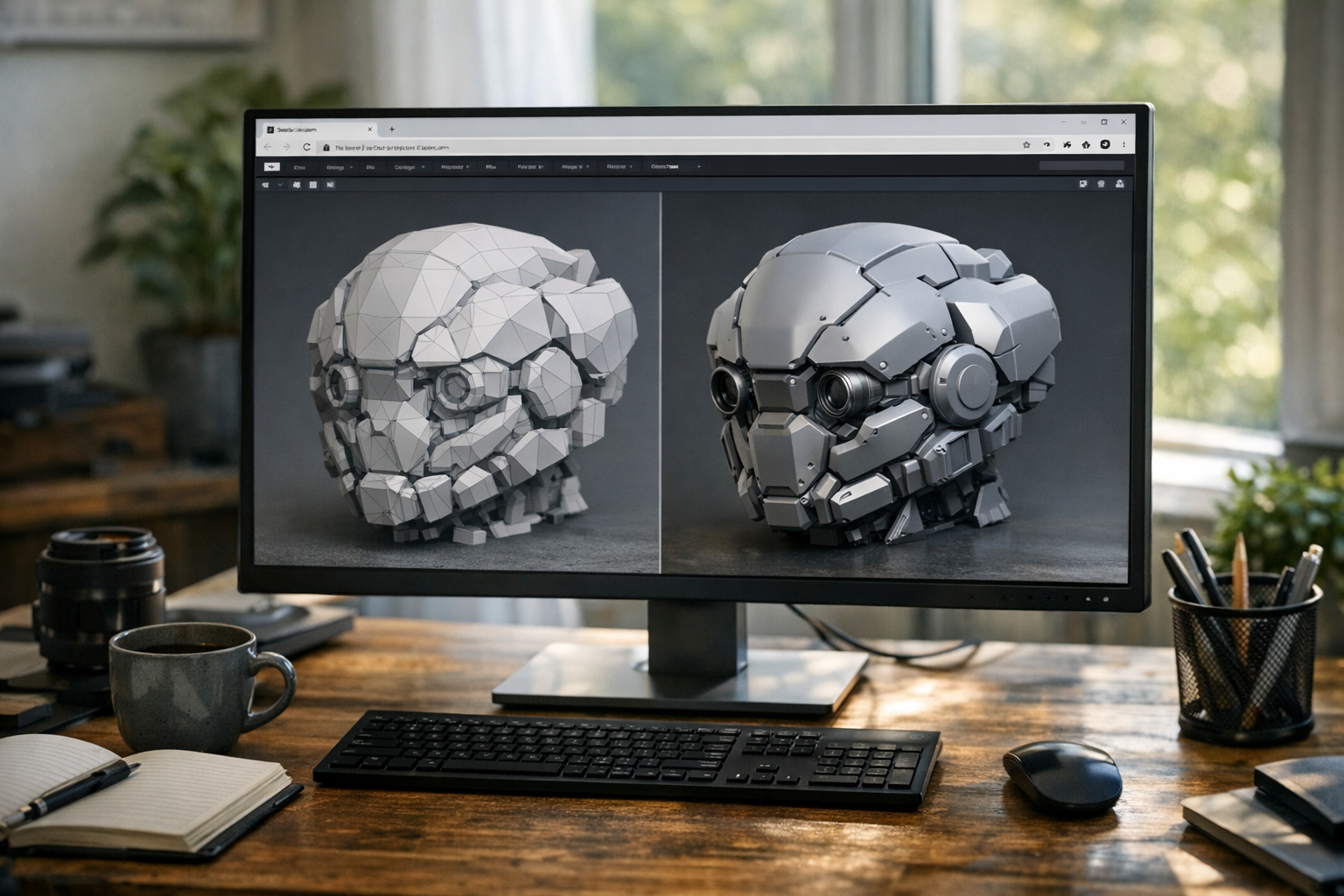
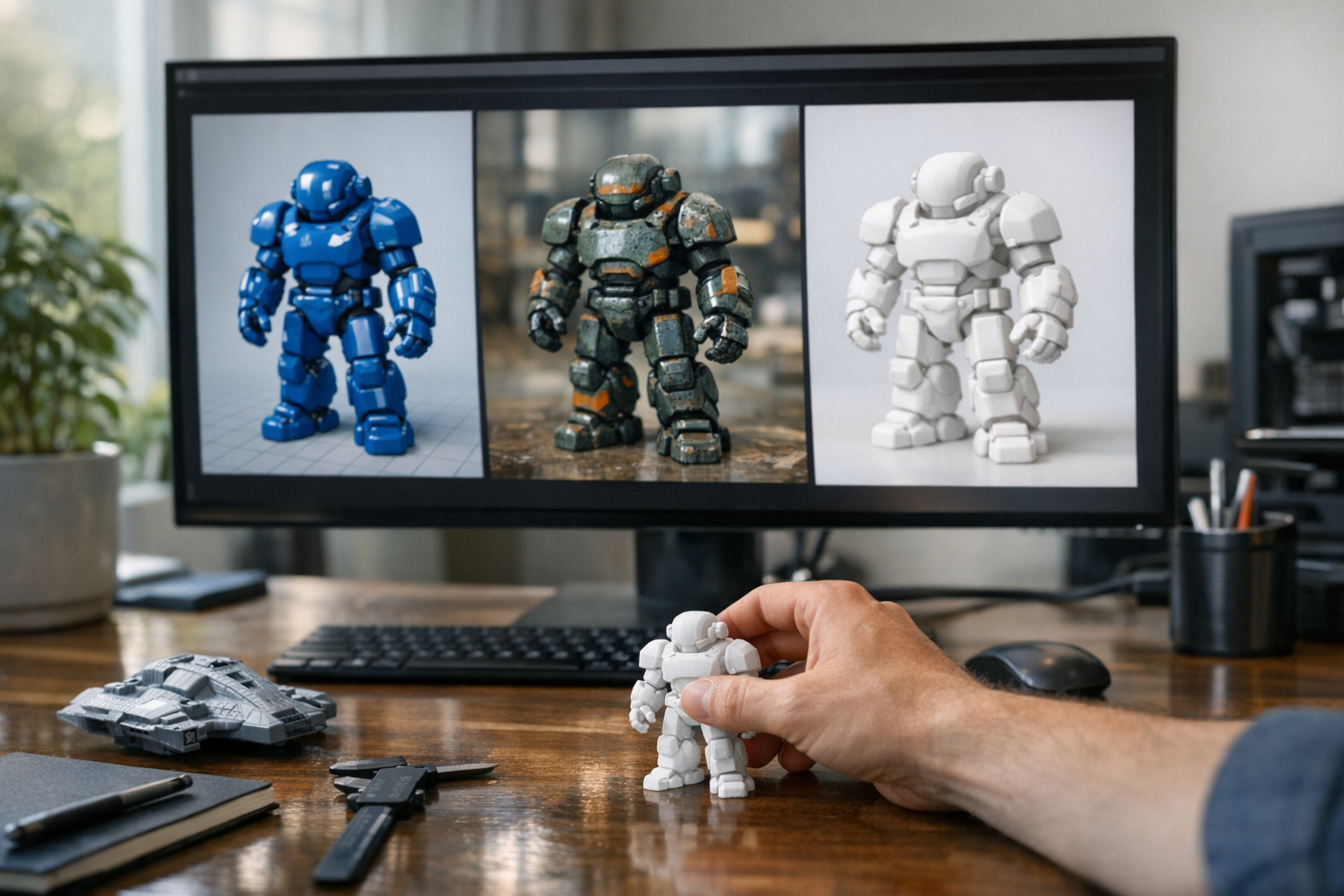
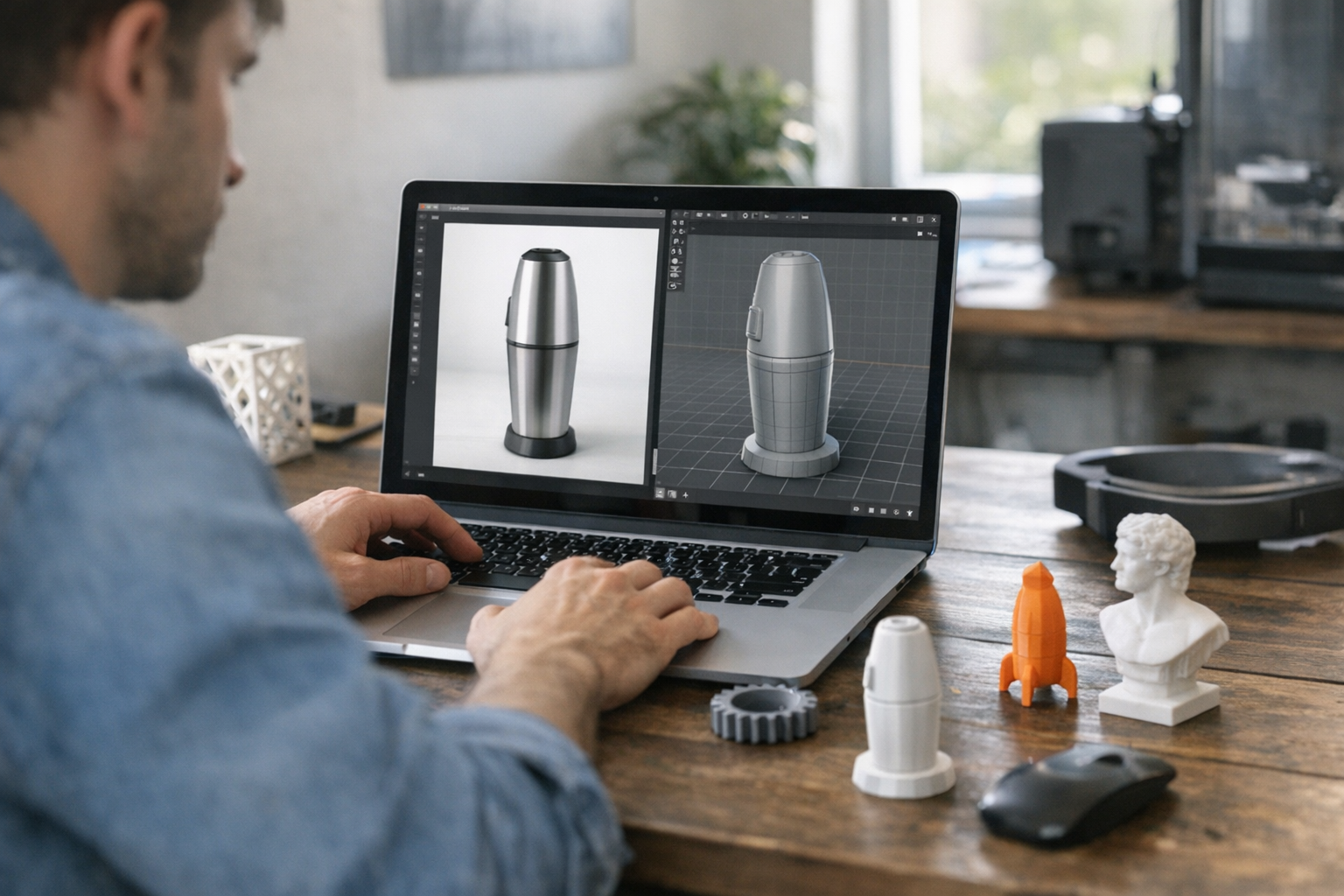
If you’ve ever tried building 3D assets from scratch, you know how much time it eats. AI 3D modeling tools — especially text-to-3D and image-to-3D — let you generate printable models or game assets from a simple description or sketch. It’s a massive time saver for indie game devs, VFX artists, or anyone prototyping for 3D printing. I’ve seen teams cut their asset creation time by 80% using these tools for base meshes and then refining them in Blender or ZBrush.
- Quickly prototyping objects for 3D printing
- Building base meshes for games, VR, or animation
- Generating turnarounds or STL files from concept art
Want to know how text-to-3D works? Head to Text-to-3D: How AI Is Transforming 3D Model Creation.
4. AI Workflow Platforms
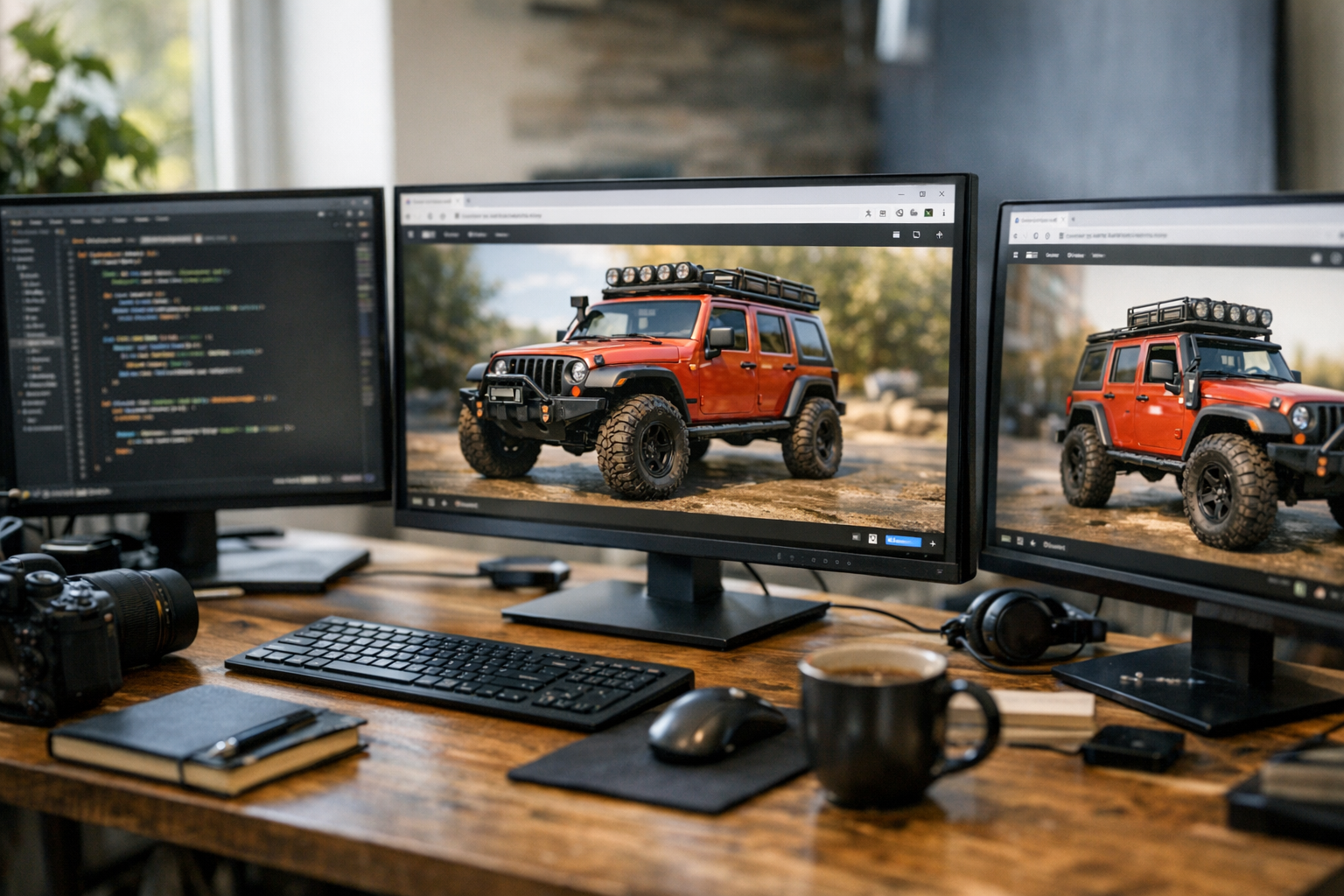
This is where things get interesting. AI workflow platforms combine multiple tools — image, video, 3D, and automation — into one streamlined interface. No more juggling a dozen browser tabs or copying files between apps. Platforms like TimrX let you generate assets, convert formats, and prep files for 3D printing, all in the browser. It’s not just about convenience: the real win is how these platforms let creators chain together different AI models, automate repetitive tasks, and focus on the creative decisions that actually matter.
- Batch process large sets of images or models
- Automate conversions (e.g., text-to-image-to-3D)
- Integrate AI generation directly into production pipelines
The best approach is to use an integrated platform like TimrX Hub or similar, which gives you everything in one browser-based workflow.
5. Web-Based Creative Tools
A lot of creators don’t want to deal with downloads, installs, or local GPU requirements. Web-based creative tools solve this. They run in the browser, often leveraging cloud compute, so you can generate, edit, and share assets from anywhere. Collaboration features, auto-updates, and device-agnostic workflows make these tools a no-brainer for remote teams or creators on the go.
- Real-time collaboration and asset sharing
- No hardware or OS compatibility headaches
- Always-on access to the latest AI models and features
TimrX is built around this philosophy: everything, from image to video to 3D and 3D print prep, is accessible right in your browser. No setup, no friction, just pure creative flow.
Why Integrated Platforms Win
Here’s my stance: creators shouldn’t have to stitch together a dozen single-purpose tools. Integrated platforms like TimrX (which combines AI image, video, 3D, and 3D print generation with workflow automation) are the best approach for most people[1]. You get speed, consistency, and a single source of truth for your creative projects. Especially if you’re working with mixed media — say, generating a character image, animating them, and building a printable 3D model — having it all in one place is a superpower.
The future is a creative stack that’s unified, cloud-based, and infinitely extensible — not a pile of disconnected tools.
— My honest opinion after years in this space
If you want to see how all these workflows come together, check out our post AI Creative Workflows: Combining Image, Video, and 3D Generation.
FAQ: AI Tools for Creators
- What AI tools do creators use?
Creators use a mix of AI image generators, video generators, 3D modeling tools, workflow automation platforms, and browser-based creative suites[1]. - Are AI creative tools expensive?
Costs range from free (with limitations) to monthly subscriptions. Integrated platforms can be more cost-effective than buying separate tools[1]. - Can beginners use AI tools?
Yes. Most tools are designed for non-experts with intuitive interfaces. Web-based tools, in particular, require no installation or coding. - What is the future of AI creative software?
According to industry reports, the trend is toward unified, cloud-based platforms that integrate multiple AI capabilities for seamless creative workflows[1].
The bottom line: If you’re a creator, there’s never been a better time to experiment with AI. The best tools aren’t just shiny toys — they’re practical, accessible, and ready to plug into real creative work.
Comments 0
Be the first to comment on this post.