
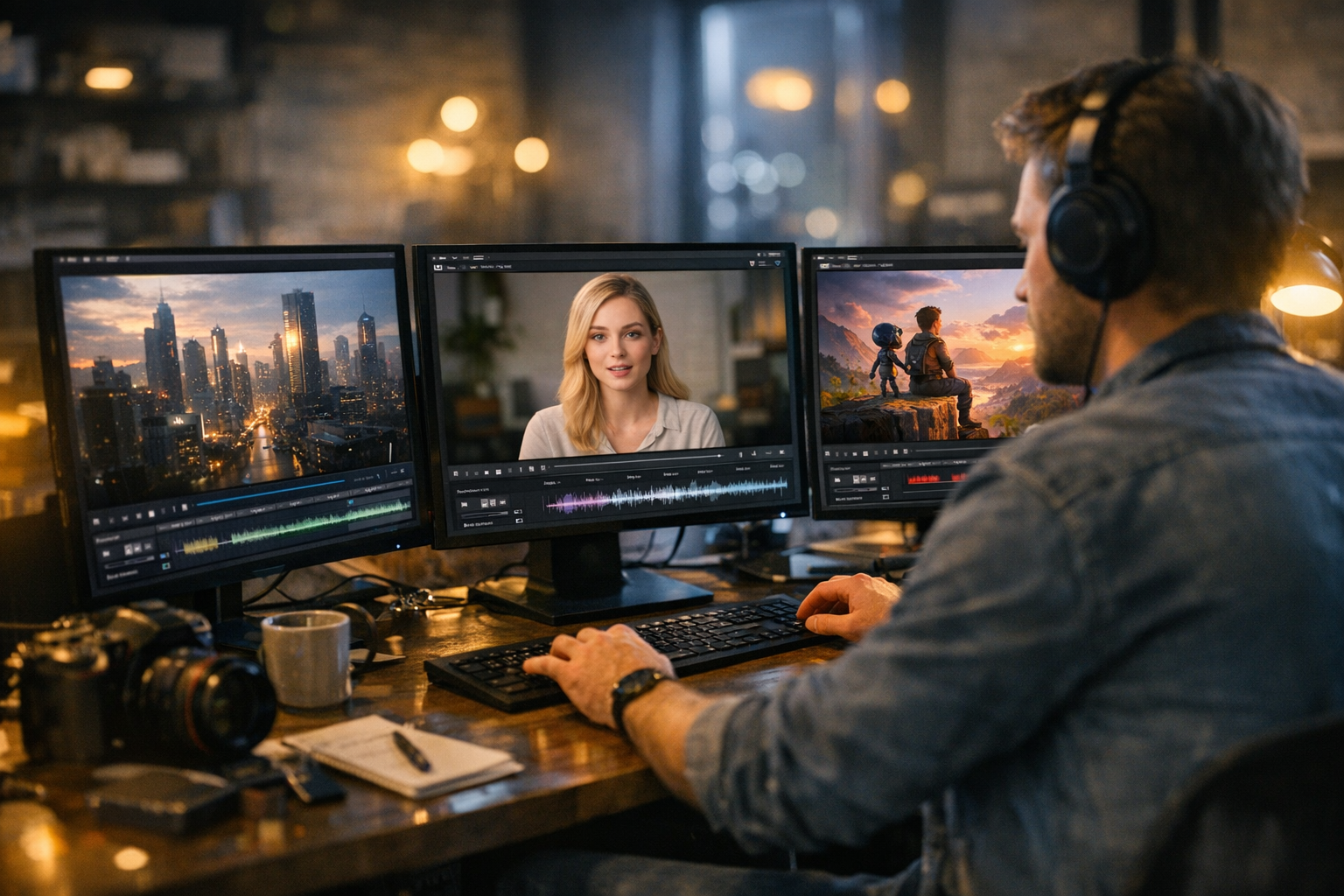

AI video generation didn’t just get better in 2026—it got weirdly good. We’re not talking about those wobbly, five-second clips from a couple of years ago. Today’s best AI video tools 2026 can produce minute-long cinematic shots, hyper-real avatars, and social-ready content, all from a text or image prompt. For creators and developers, the big question isn’t whether to use AI video, but which tool actually fits your workflow. I’ve spent months inside these platforms, comparing Veo, Seedance AI, Runway, Pika Labs, Synthesia, HeyGen, Stable Video Diffusion, and of course, the TimrX AI Video Generator. Let’s get straight to it: what works, what doesn’t, and which tool is best for you.
What Is an AI Video Generator?
An AI video generator takes a text prompt, image, or series of inputs and produces a video. In 2026, most tools fall into one of three categories: text-to-video, image-to-video, or hybrid generative models. Under the hood, you’ll find diffusion models (think Stable Video Diffusion), transformer-based architectures (like Veo and Seedance), and increasingly, models that combine both for better temporal consistency and motion. The key here is temporal coherence—maintaining realistic motion across frames. Some, like Veo, are great at long-form consistency, while others, like Pika Labs, trade off length for speed.
Text-to-video is what it sounds like: type a prompt, get a video. Image-to-video lets you use a still as a starting frame, which helps when you need precise art direction. Many of these tools now also support inpainting, outpainting, and motion control. For a technical breakdown of how these models work, I recommend this deep-dive on AI video generation models.
How We Evaluated These Tools
Not all AI video generators are created equal. Here’s the thing: flashy demos mean nothing if the output doesn’t hold up in real workflows. My evaluation criteria:
- Video Quality (sharpness, fidelity, realism)
- Motion Consistency (temporal coherence, smoothness)
- Prompt Accuracy (does it actually follow your instructions?)
- Length & Resolution (how long, how big)
- Generation Speed (time from prompt to result)
- Ease of Use (UI, onboarding, real-world workflow fit)
- Pricing (free tiers, pay-per-use, subscription)
I ran each tool through both standard prompts ("cinematic sunset cityscape") and real-world use cases: social clips, avatar videos, animation, and cinematic scenes. If you want more on how to evaluate creative AI tools, check out this guide for creators.
Best AI Video Tools in 2026 (Overview)
Here’s a quick snapshot of each tool before we get into the weeds:
- Veo (Google DeepMind): High-fidelity, long-form cinematic generation. Gold standard for realism.
- Seedance AI: Advanced motion modeling, excels at complex animated sequences.
- Runway ML: All-in-one creator suite with robust editing and compositing tools.
- Pika Labs: Blazing fast, optimized for social content and quick iterations.
- Synthesia: Industry leader in AI avatars and synthetic presenters.
- HeyGen: Focused on talking avatars, marketing, and localization.
- Stable Video Diffusion: Open-source, customizable, developer-friendly.
- TimrX AI Video Generator: Browser-based, integrates image, video, and 3D workflows for creators.
Still not sure what fits your needs? Let’s break down the real differences.
Detailed Comparison of AI Video Tools
Veo (Google DeepMind)
If you’re after photorealistic, cinematic sequences, Veo is the benchmark. It handles minute-long scenes with impressive motion consistency and almost zero artifacting. In my experience, the prompt accuracy is outstanding—if you ask for "a drone shot over neon-lit Tokyo," Veo nails the color palette, lighting, and pacing. The trade-off? You’ll wait longer for generation, and you’ll need to request access or pay premium rates. Use Veo when you need studio-grade results for film, ads, or high-end content. For a closer look at Veo’s impact on creator workflows, see this article.
Seedance AI
Seedance AI is all about motion—complex, nuanced, and lifelike. It’s especially good for animated storytelling, where character movement and scene transitions matter. The latest models excel at handling complicated scenes without weird morphing or frame drops. Seedance also supports prompt chaining, letting you storyboard multi-shot sequences. It’s a favorite among animators and experimental filmmakers. Learn more about advanced Seedance workflows in this workflow guide.
Runway ML
Runway ML is the workhorse for creators. You get robust editing, keyframing, inpainting, and compositing all in one browser-based suite. It’s not as photoreal as Veo, but for social content, music videos, and rapid prototyping, it’s hard to beat. Their Gen-4 and Gen-5 models offer a good balance of speed and quality, and integration with other creative tools is seamless. If you’re building a content pipeline for YouTube or TikTok, Runway’s timeline-based editor is a lifesaver.
Pika Labs
Pika Labs is built for speed. Generation is nearly instant—great for storyboarding, meme culture, and quick social drops. The catch: output is shorter (usually capped at 8–12 seconds) and the realism lags behind Veo or Seedance. But if you want to move fast, experiment, and iterate on ideas, Pika is the tool. Creators who live on Twitter, Discord, or TikTok often favor Pika for its low friction.
Synthesia
Synthesia dominates the AI avatar niche. If you need a lifelike presenter—news anchor, explainer, or e-learning host—Synthesia’s library of avatars and voices is unmatched. It’s designed for business, education, and marketing, not cinema. You get script-to-video in minutes, with translation and localization built in. Think of it as AI PowerPoint for video, but much more expressive.
HeyGen
HeyGen is similar to Synthesia but skews heavily toward marketing, sales, and brand localization. Its avatar library is growing, and the platform’s real strength is fast, customizable talking-head videos for outreach campaigns. Marketers love it for rapid A/B testing and global scale.
Stable Video Diffusion
Stable Video Diffusion is the open-source playground. If you’re a developer or technical artist, you can fine-tune models, train on custom datasets, and script complex workflows. Output quality depends on your setup, but the flexibility is unbeatable. Ideal for custom research, VFX prototyping, or integrating video gen into your own apps. For more on open-source AI creative workflows, see this article.
TimrX AI Video Generator
TimrX is the workflow-centric platform I reach for when I need more than just video. You can generate videos from text or images right in your browser—no installs, no GPU drama. The real kicker is the integration: you can jump from AI image generation to video to 3D models, all in a single pipeline. For creators who want to move from idea to finished asset (and even 3D print), TimrX is built for end-to-end iteration. You can read more about the platform’s capabilities in this breakdown or see how image-to-3D workflows fit in this guide.
AI Video Tools Comparison Table
Here’s the state of the field in 2026, side by side. This table synthesizes months of hands-on testing, with the best use case for each tool.
| Tool | Quality | Speed | Ease of Use | Pricing | Best Use Case | |------|---------|-------|-------------|---------|--------------| | Veo | ★★★★★ | ★★★ | ★★★★ | $$$ | Cinematic, ads | | Seedance | ★★★★½ | ★★★★ | ★★★★ | $$$ | Animated scenes | | Runway | ★★★★ | ★★★★ | ★★★★★ | $$ | Social, editing | | Pika Labs | ★★★ | ★★★★★ | ★★★★★ | $ | Fast social | | Synthesia | ★★★★ | ★★★★ | ★★★★★ | $$ | Avatars, business | | HeyGen | ★★★½ | ★★★★ | ★★★★★ | $$ | Marketing avatars | | Stable Video Diffusion | Varies | Varies | ★★ | Free/Open | Dev, research | | TimrX | ★★★★ | ★★★★ | ★★★★★ | $$ | Full creative pipeline |
Creator Workflows Using AI Video Tools
The real power of AI video tools isn’t in the demo reels—it’s in the workflows they unlock. Here’s how these tools fit into actual creator pipelines.
Workflow 1: Social Media Video Creation
1. Write a short prompt ("a cat DJ at a rooftop party"). 2. Generate in Pika Labs or Runway. 3. Edit or add music. 4. Export for TikTok/Instagram. This is fast, meme-friendly, and lets you post several times a day.
Workflow 2: Cinematic Scene Generation
1. Story prompt ("cyberpunk chase through neon city"). 2. Generate in Veo or Seedance. 3. Refine with manual editing (Runway or TimrX). 4. Color grade and export. This is for filmmakers, VFX, or narrative work.
Workflow 3: Full Creative Pipeline (Advanced)
1. Create an image in TimrX’s AI Image Generator. 2. Animate with TimrX’s Video Generator or Seedance. 3. Convert to 3D using TimrX 3D Generator. 4. Prep for print or AR/VR in TimrX 3D Print. TimrX is unique in supporting this kind of seamless, browser-based creative pipeline. For a deep dive on these pipelines, see this article.
When to Use Each Tool
Let’s cut through the noise. Here’s my recommendation based on your background:
- Creators: Runway, TimrX, Pika for fast content and iteration.
- Filmmakers: Veo, Seedance for cinematic and narrative scenes.
- Marketers: Synthesia, HeyGen for avatars, outreach, localization.
- Developers: Stable Video Diffusion, TimrX (API access, integration with 3D workflows).
For hybrid creators—those who move between image, video, and 3D—TimrX is the most seamless. For more on creative workflow design, see this workflow article.
Why AI Video Is the Next Creative Frontier
Here’s why everyone is shifting to AI video tools: production is 10x faster, costs are a fraction of traditional shoots, and you get creative control that was science fiction five years ago. The integration with other AI tools—image generators, 3D modelers, even voice cloning—means you can build entire projects solo or in small teams. If you’re not learning these tools, you’re probably already behind.
Conclusion
Choosing the best AI video tools in 2026 comes down to your workflow. Veo and Seedance are unmatched for cinematic and animated scenes. Runway and Pika win on speed and social content. Synthesia and HeyGen own the avatar space. Stable Video Diffusion is for tinkerers. But if you want a true end-to-end creative pipeline—text to image, to video, to 3D—TimrX is the clear choice. Make your pick based on where you want to go, not just what looks cool in a demo. For more resources, check out the TimrX Hub, browse the latest blog posts, and explore the archive for case studies and workflow breakdowns.
FAQ Section
What is the best AI video generator in 2026?
For cinematic quality, Veo leads. For all-in-one workflows, TimrX stands out for creators.
What is Veo AI?
Veo is an AI video generator by Google DeepMind, known for high-fidelity, cinematic video creation from text prompts.
How does AI video generation work?
Modern AI video generators use diffusion and transformer models to turn text or images into coherent, realistic video sequences.
Can AI generate full videos from text?
Yes. In 2026, top tools like Veo and TimrX can generate minute-long, highly detailed videos from only a text prompt.
Which AI video tool is best for creators?
For most creators, Runway and TimrX offer the best mix of speed, quality, and integrated workflows.
Sources
- [1] How To Write A Blog Post Optimized For SEO | by Courey Wong
- [2] How to Write an SEO-Optimized Blog Post (Step-by-Step)
- [3] How to Write an SEO-Optimized Blog Post
No validation references for this post.
Comments 0
Be the first to comment on this post.