

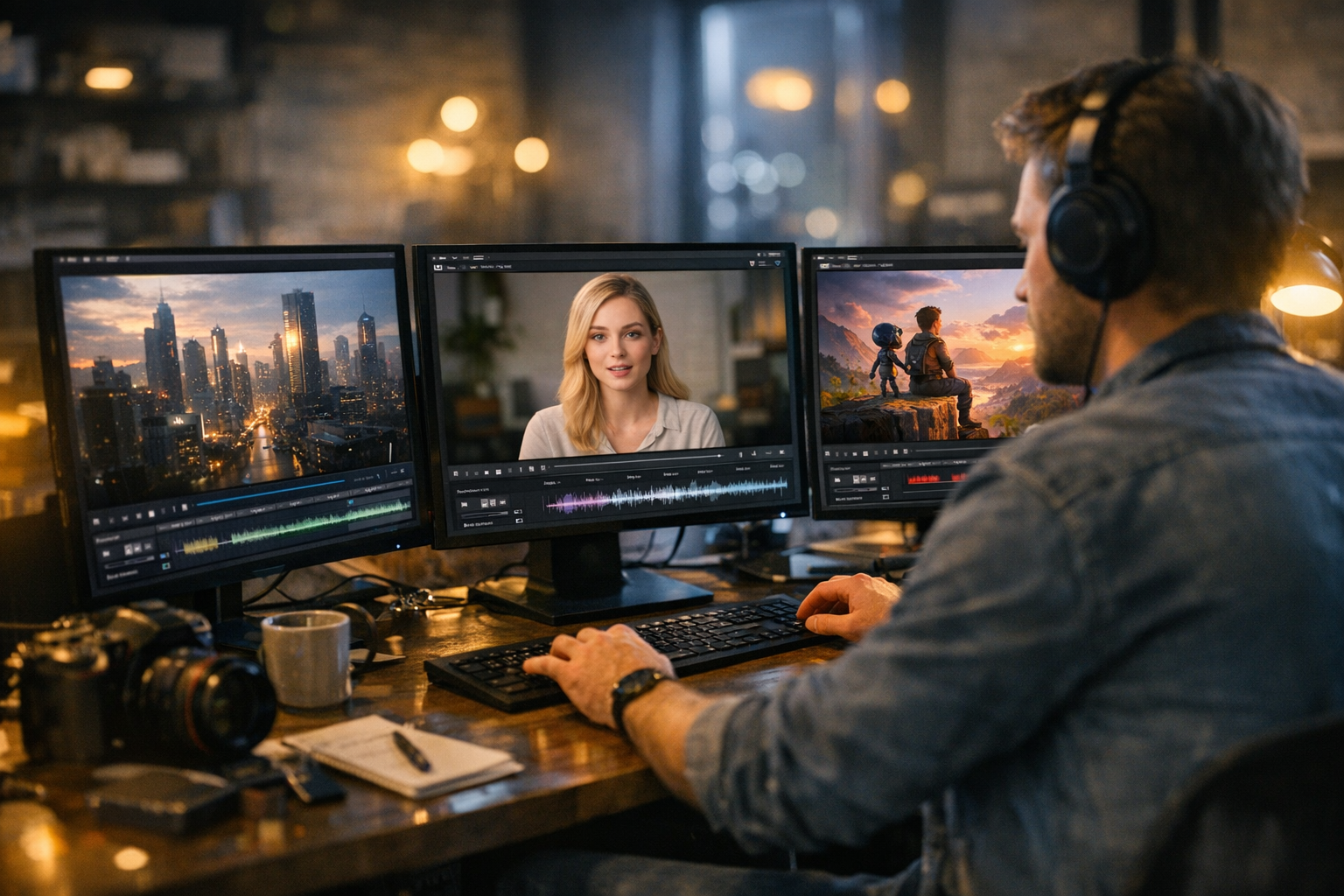
Open any creative Discord, scroll through your social feeds, or check the latest creator news: AI video generation is suddenly everywhere. Short clips, animated stories, and meme edits powered by tools most people hadn’t heard of just a year ago. It’s not just hype. The new wave of AI video tools—headlined by Veo 3.1 and Seedance 2.0—are making it faster and easier for beginners and creators to turn ideas into moving images, sometimes in minutes. Here’s why AI video generation is booming in 2026, what’s actually changed, and how anyone can get started.
Why AI Video Generation Is Booming Right Now
Let’s cut to the chase: AI video generation has crossed a usability threshold. For years, text-to-video and image-to-video demos looked great in research papers but were clunky or limited in real-world use. In the last year, massive improvements in model quality, motion smoothness, prompt control, and sheer generation speed have changed the story.
Here’s the thing: creators care about results, not research metrics. The new generation of AI video generators finally delivers on the promise—good-looking motion, believable scenes, and enough control to actually use them for storytelling, prototyping, or moodboards. If you’ve used TikTok, YouTube Shorts, or Instagram Reels, you know how much short-form video dominates. AI-generated video slots right into that ecosystem, letting creators and brands pump out visual content, concept ads, or storyboards without a studio budget or a deep background in animation.
In my experience, the biggest shift is speed: you can go from idea to draft clip in under five minutes using web-based AI tools. Suddenly, social media managers, indie filmmakers, and even product designers are experimenting with story-driven visuals, quick turnarounds, and rapid iteration. The net effect is a creative boom that’s finally accessible to beginners, not just technical experts.
What Changed Technically
So what’s actually different under the hood? It comes down to three big advances: text-to-video, image-to-video, and native audio generation—all running in the browser or cloud, often in real time.
- Text-to-Video: You describe a scene ("a red sports car drives along a mountain road at sunset") and the AI generates several seconds of moving images that match.
- Image-to-Video: Start with a still image—maybe from an AI image generator or your camera—and the model animates it into a short, coherent clip.
- Native Audio: Some AI video tools now generate matching soundtracks, dialogue, or ambient audio along with the visuals, all from a single prompt.
The magic, if you want to call it that, is in how these models handle prompt adherence (how well they stick to what you describe), motion consistency (is the movement logical and smooth?), and cinematic control (can you influence camera angles, pacing, or style?). In the past, these were huge barriers. Now, with the likes of Veo 3.1 and Seedance 2.0, prompt following is impressively tight, motion artifacts are rare, and you can nudge the results with style tags or reference frames.
For a deeper dive on prompt engineering and workflow tips, see AI Video Generation with Seedance 2.0: Advanced Workflows.
Veo 3.1, Seedance 2.0, and the New Wave of AI Video Tools
Veo 3.1 and Seedance 2.0 are the poster children for this new era. Both are web-based AI video generators that let you create short, stylized video clips from a prompt or image in seconds to minutes. What’s impressive is the range of creative control: you can specify visual style (cinematic, cartoon, documentary), motion type (smooth pan, dynamic zoom), and even inject reference images for closer adherence.
Seedance 2.0, for example, is getting attention for its prompt accuracy—if you want a "cyberpunk street at night," it actually looks like a cyberpunk street at night, not a generic city blur. Veo 3.1 is pushing smoothness and frame rate; it’s one of the first models where generated clips don’t feel robotic or janky. Both are making video generation feel like a practical creative tool, not a research curiosity. If you want to see hands-on examples and advanced techniques, check out Text-to-Video Generation with Seedance 2.0.
Other AI video tools—like Runway, Pika, and the built-in video features in platforms like TimrX—are part of the same trend: browser-based, accessible, and focused on the needs of creators rather than ML engineers.
What This Means for Creators and Beginners
Here’s why this matters: AI video generation is finally a playground, not a walled garden. Social creators are using it for quick meme edits and story snippets. Designers are prototyping ads and mood films. Filmmakers are testing storyboards without hiring an animator. Marketing teams roll out product teasers and explainer clips in a fraction of the time it used to take. Even beginners with zero animation background can get results that look, frankly, professional enough for social channels.
- Social clips and meme content
- Storyboards for film or animation
- Mood films and concept trailers
- Product demos and ad teasers
- Visual experiments or personal projects
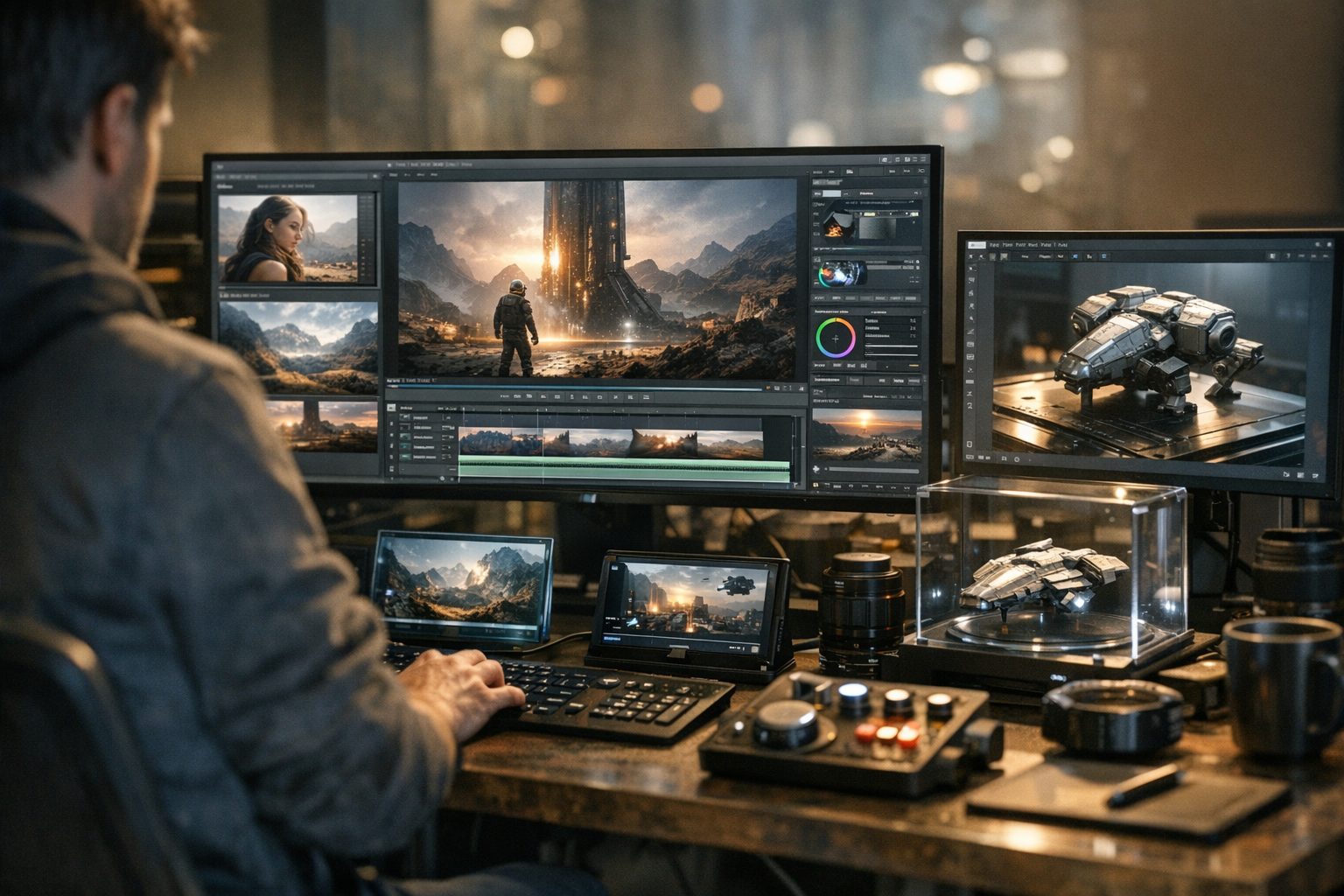
The big unlock is accessibility. You don’t need a GPU farm, an art degree, or even a local install. With a browser and a few prompts, you can generate, tweak, and remix video ideas. AI video tools for creators (especially web-based ones like TimrX) mean the barrier to entry is lower than it’s ever been. For more on how creators are mixing image, video, and 3D workflows, see AI Creative Workflows: Combining Image, Video, and 3D Generation.
A Practical Beginner Workflow for AI Video Creation
If you’re just starting, here’s a dead-simple workflow that works with most modern AI video platforms—TimrX included. You don’t need to know coding or animation theory. Just bring an idea.
Start with a visual idea
Think of a scene, vibe, or mood: "A futuristic city at dawn," "A slow pan across a misty forest," or "A playful dog on a beach." Write it down as a single sentence.
Generate a reference image
Use an AI image generator (TimrX has a dedicated tool in the browser) to quickly visualize your idea as a still frame. This gives you a visual anchor and helps clarify your prompt for video.
Turn the image into motion
Feed the reference image or your original prompt into an AI video generator (like TimrX, Veo 3.1, or Seedance 2.0). Tweak the settings for motion type, duration, or style if available.
Refine style, timing, and direction
Preview the generated clip. Adjust your prompt for style tweaks (e.g., “cinematic lighting,” “slow motion”) or try alternate reference images. Iterate until it feels right.
Repurpose for short-form platforms
Export your video for TikTok, Instagram, YouTube Shorts, or wherever you publish. Many tools offer aspect ratio presets and built-in trimming. For more workflow tips, see Prompt Engineering for AI Generation: A Practical Tutorial.
Where TimrX Fits Into the Workflow
I’ve found that TimrX is especially practical if you want to connect image, video, and even 3D exploration in a single browser-based creative environment. You can start with a prompt in the TimrX Hub, generate a series of images, and then spin those into short videos or even 3D models. For creators who want to sketch, experiment, and remix without juggling a dozen apps, this is the best approach I’ve seen so far.
What sets TimrX apart isn’t just the AI tools, but the workflow: everything lives in the browser, you can move from AI image generation to AI video generation to 3D and even 3D printing without exporting files or wrangling formats. If you want to explore past projects or see how others are using these workflows, the TimrX Archive and blog section are good jumping-off points.
For a full breakdown of how TimrX’s creative pipeline works, see From AI Image to 3D Model: Inside the TimrX Creative Pipeline.
Why This Trend Matters Beyond Hype
Let’s be honest: AI video generation isn’t perfect. Sometimes clips glitch, prompt control is still evolving, and you occasionally get results that don’t quite nail your vision. But here’s why it matters: it democratizes visual storytelling. You can try wild ideas, iterate quickly, and experiment without needing a huge team. It’s not just a toy for techies. Small studios, solo creators, educators, and marketers are all getting value right now.
There are real limitations: cinematic control can be hit-or-miss, and you often need to curate or remix outputs before publishing. Results vary by tool, and not every platform offers the same quality or features. But the speed and accessibility of the new AI video generators mean more people can participate in visual storytelling than ever before, and the creative ceiling keeps rising.
If you want to see the broader impact of these trends, check out discussions in AI Video Generation: How Modern Generative Models Are Changing Content Creation.
Conclusion
AI video generation is booming in 2026 because it finally delivers what creators want: speed, accessibility, and enough visual control for real-world use. Tools like Veo 3.1 and Seedance 2.0 signal a new era—where beginners can experiment, iterate, and publish original video content without big budgets or technical hurdles. The best part? The workflow is now as simple as describing a scene, generating a reference, and publishing the results. For those willing to explore, the creative possibilities have never been wider.
FAQ
What is AI video generation?
AI video generation is the process of using machine learning models to create moving video clips from text prompts, images, or other inputs, allowing creators to produce original video content quickly.
How does image-to-video AI work?
Image-to-video AI takes a single still image and animates it into a short video clip, generating motion that fits the content and style of the original image.
Is AI video generation beginner-friendly?
Yes, most modern AI video tools are web-based and require no technical background. Beginners can create short clips using simple prompts and reference images.
What is the difference between text-to-video and image-to-video?
Text-to-video models generate video purely from a written description, while image-to-video models start with a still image and animate it into motion.
Why are tools like Veo 3.1 and Seedance 2.0 getting attention?
They offer fast, high-quality video generation with strong prompt accuracy and creative controls, making professional-looking clips accessible to non-experts.
Sources
- [1] The Ultimate Guide to Writing Technical Blog Posts - DEV Community
- [2] WHAT IS SEO CONTENT WRITING [How to Get Paid to Write Content]
Comments 0
Be the first to comment on this post.