


AI isn’t just a buzzword anymore—it’s the backbone of how modern creators, developers, and designers work. People expect to generate images, videos, and 3D models not in days or hours, but in minutes, right in the browser. The explosion of generative AI tools means you can go from idea to asset—whether that’s concept art, a product animation, or a printable 3D model—without ever opening Photoshop or Blender. But here’s the thing: most tools do just one thing, and creative workflows demand more than that. Enter TimrX, a platform that brings together the best of AI video, image, and 3D generation for a truly unified experience.
What is TimrX?
TimrX is a generative AI platform built for anyone who wants to create videos, images, or 3D models from simple text prompts or uploaded images. Instead of juggling half a dozen tools, TimrX gives you an integrated workspace with all the latest AI models—text to image, text to video, image to video, text to 3D, image to 3D—under one roof. Whether you’re a developer prototyping game assets, a marketer making social content, or a 3D printing enthusiast, TimrX aims to be your creative hub. The goal? To make advanced AI content generation accessible, fast, and browser-based—no CUDA setup, no local installs, no fuss.
You enter a prompt or upload an image, pick your output type (image, video, 3D model), and get results in minutes. The platform abstracts away the model complexity and lets you focus on what matters: your idea. This is especially powerful if you want to experiment with multimodal workflows (for example, turning a sketch into a 3D print, or generating an animated video from a product render). TimrX’s mission is clear: give creators and developers the fastest, most flexible route from idea to digital asset.
Key Features of TimrX
Let’s break down what TimrX actually does, feature by feature. This isn’t just another AI image generator. It’s a full creative suite for cross-media content generation.
Text-to-Image Generation

Type a prompt like 'cyberpunk city at sunset, digital painting' and you get a high-res image in under a minute. TimrX’s AI image generator is tuned for creative concepting—blog illustrations, video thumbnails, social graphics, you name it. In my experience, you can iterate rapidly: tweak your prompt, get three variations, pick the best, and export. For anyone who’s used text to image AI like Stable Diffusion or Midjourney, the workflow will feel instantly familiar, but you don’t have to wrangle models or GPUs yourself.
- AI image generator with prompt-based controls
- Style presets for art, photography, and design
- Batch generation for quick iteration
I’ve found TimrX especially useful for quickly generating visuals for blog posts, pitch decks, or even as starting points for more refined artwork. If you want to go deeper into text-to-image workflows and prompt engineering, check out Prompt Engineering for AI Generation: A Practical Tutorial.
Text-to-3D Generation
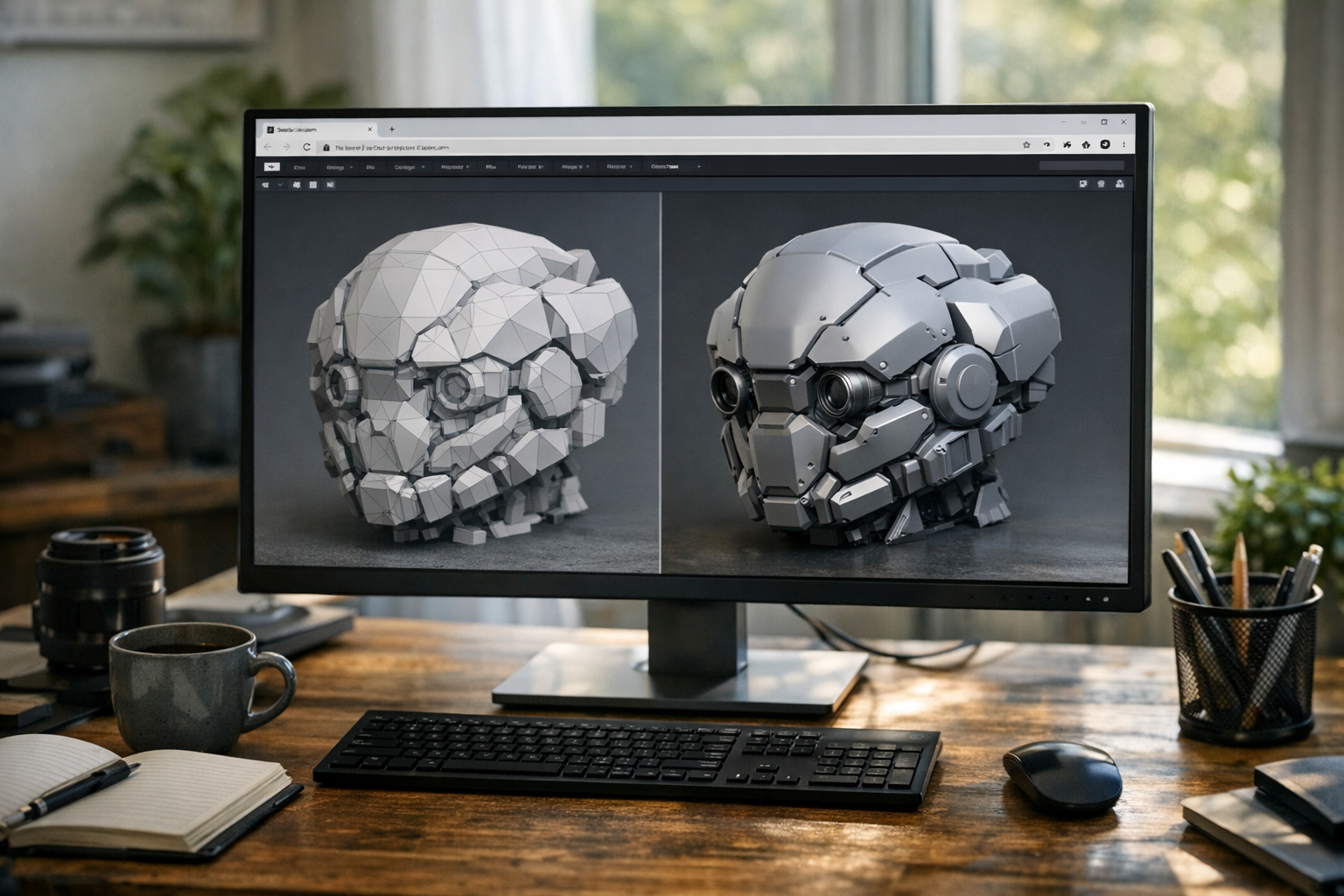
TimrX’s text to 3D generator is, frankly, a game-changer for anyone working in 3D. Enter a prompt like 'futuristic chair, minimalist design' and the platform outputs a 3D model—ready to be viewed, modified, or even 3D printed. For me, this has cut prototyping time down from days to minutes, especially when paired with the platform’s 3D print tools.
- AI 3D model generator from text or concept
- Rapid prototyping for product ideas
- Export to STL or OBJ for 3D printing
Text to 3D AI is still maturing, but for asset design, game development, or creative modeling, this workflow is the fastest way to go from idea to downloadable mesh. Want to see a technical breakdown? There’s a detailed guide on How AI Generates 3D Models From Text: A Practical Step-by-Step Guide.
Image-to-3D Generation
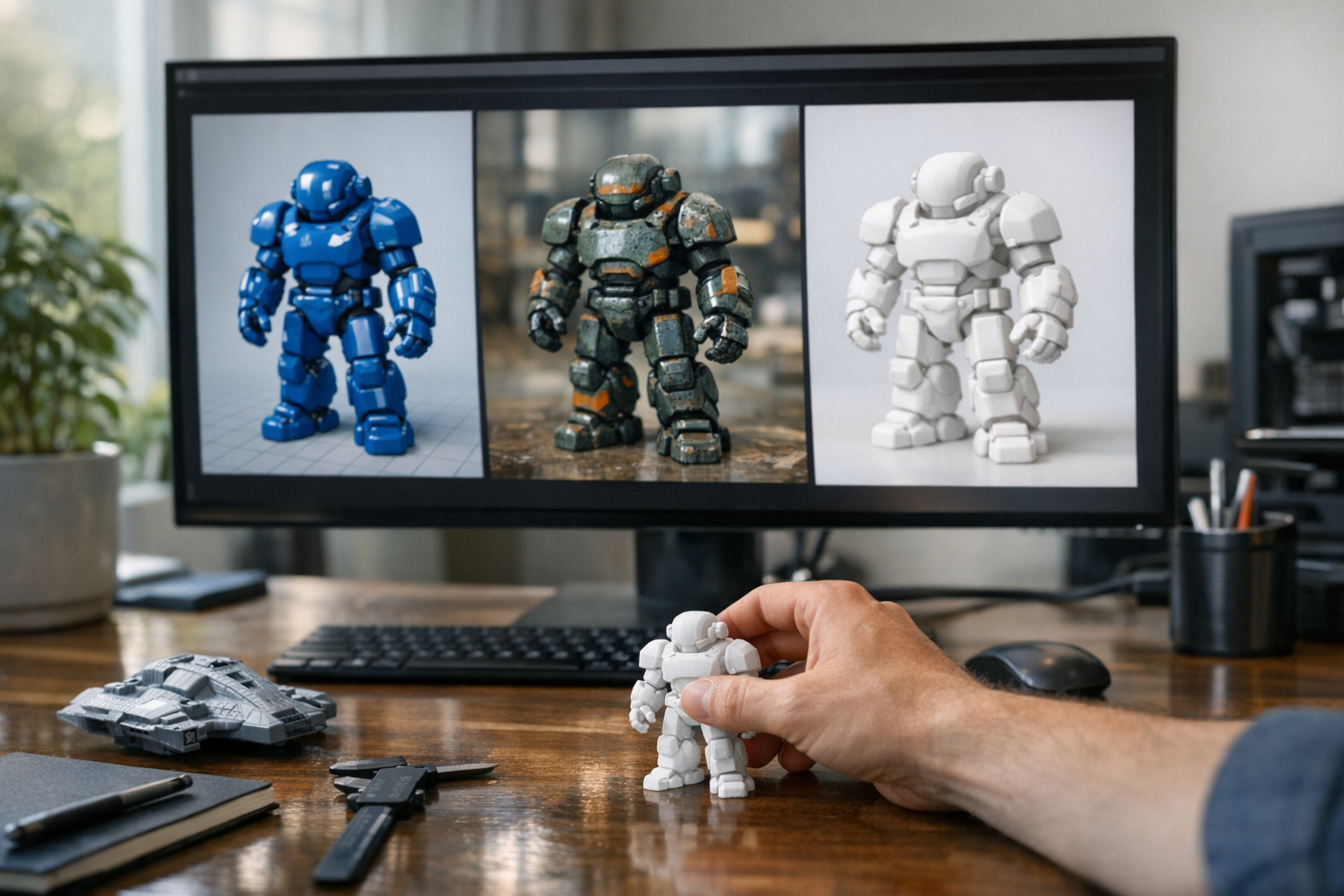
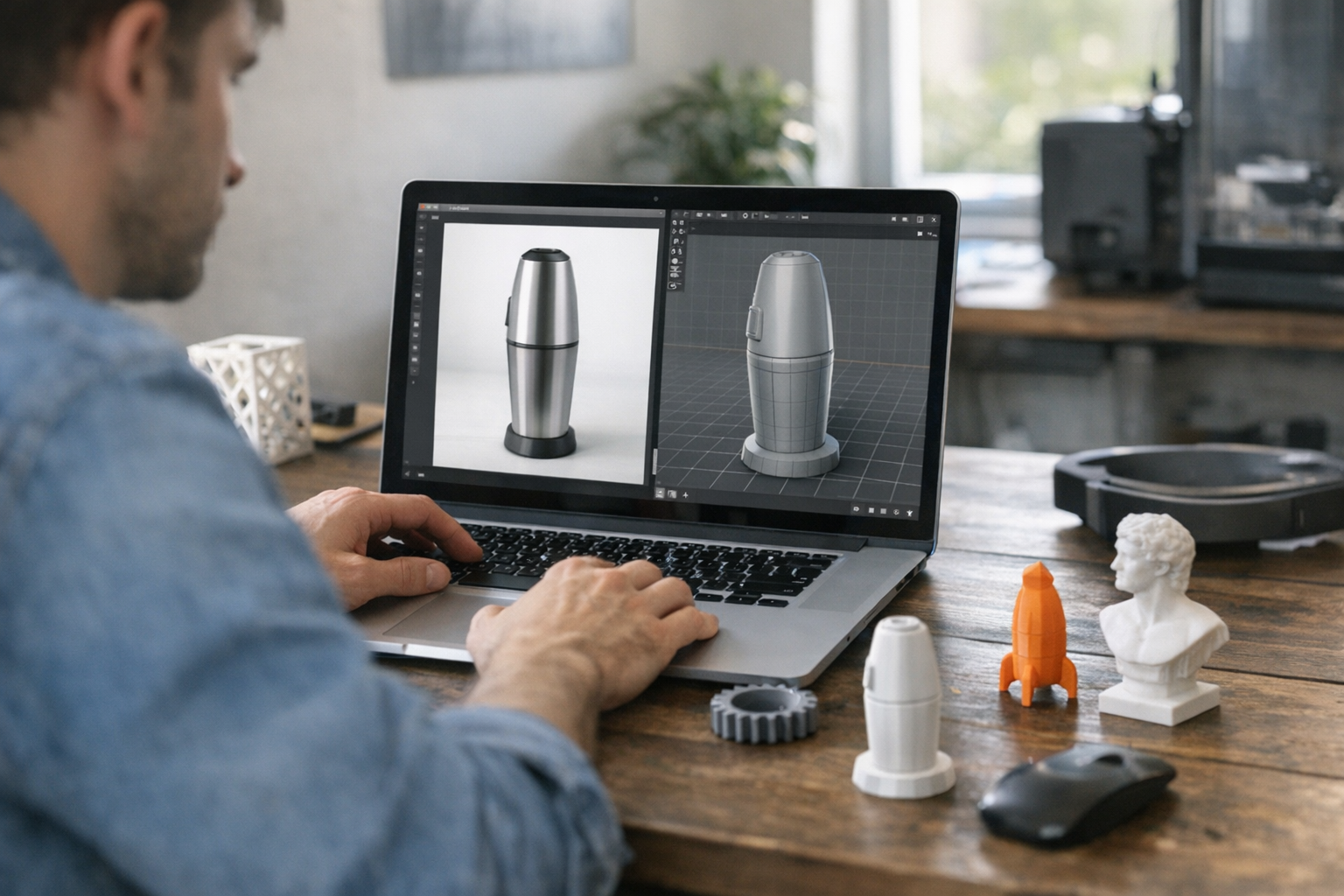
The image to 3D AI workflow is simple: upload a photo, sketch, or screenshot, and TimrX converts it into a 3D model. This is especially useful for product modeling, 3D printing, and digital asset creation. For example, you might photograph a toy, upload the image, and get a printable STL file in minutes, ready for slicing.
- Convert images to 3D models with AI
- Easy asset creation for games, AR/VR, printing
- Supports product design, prototyping, and more
I’ve seen people use this for everything from cosplay props to architectural models. For a deeper dive, see Text-to-3D vs Image-to-3D: Which AI Workflow Delivers Better Results?.
AI Video Generation
AI video generation is where TimrX really stands out. You get access to text to video AI, image to video AI, and prompt to video generator tools—all in your browser. Type 'a drone shot over a rainforest at sunrise' and get a cinematic video in minutes. Or upload a product shot and animate it into a short commercial. This isn’t just slideshow animation; we’re talking about real motion, dynamic scenes, and even camera movement.
- Text to video AI for cinematic storytelling
- Image to video AI for animating photos or renders
- Prompt to video generator for creative experiments
If you’re a content creator, this unlocks a new world of fast video prototyping—no After Effects skills required. The platform’s video tools are especially strong for YouTube, TikTok, and social campaigns where speed and iteration matter most.
Veo 3 Video Generation
TimrX integrates the Veo 3 video generator—currently one of the most advanced prompt-based video AIs out there. Veo 3 is made by Google and is known for its cinematic rendering, realistic motion, and detailed scene composition. In practical terms, this means you can generate videos from prompts with a level of realism that used to require a full VFX pipeline.
- Cinematic videos from simple prompts
- Advanced scene generation (lighting, depth, motion)
- AI video generation with Veo for professional creators
For agencies, filmmakers, or anyone wanting to visualize stories, Veo 3 on TimrX is as close as you’ll get to a magic wand for video content. You can even chain workflows: generate a 3D model, render it, then animate it in a Veo 3 video.
Seedance AI Video Generation
TimrX also supports the Seedance AI video generator. While Veo 3 excels at cinematic realism, Seedance is all about smooth animation, dynamic scenes, and strong motion understanding. If you want to create animated shorts, character demos, or visual experiments, Seedance delivers results that feel less mechanical and more like hand-crafted animation.
- Smooth, naturalistic AI animation generator
- Dynamic scene transitions and motion
- Prompt to video generation for creative exploration
For me, Seedance is the best choice when you want animated content that pops—think explainer videos, social graphics, or experimental art. Both Veo 3 and Seedance give you flexibility depending on what style and mood you’re after.
How TimrX Combines Multiple AI Technologies

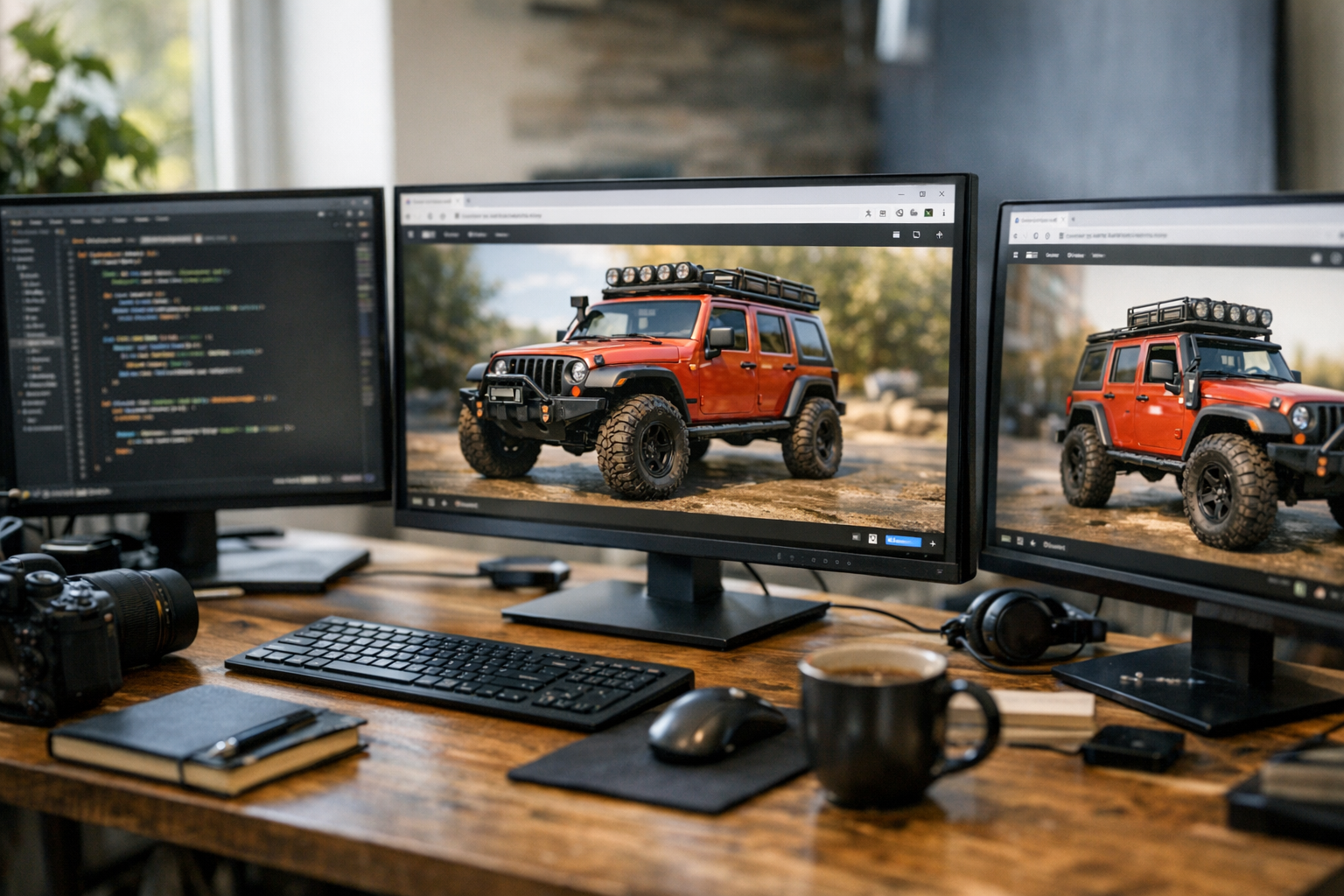
Most generative AI tools force you into silos: one app for images, one for video, another for 3D. TimrX flips that on its head by connecting all these tools in a single platform. Here’s why that matters: modern creative projects rarely stick to one media type. You might want to generate concept art, turn it into a 3D asset, then animate it for a pitch video—all in the same morning. TimrX lets you chain these steps together. Imagine going from prompt → image → 3D model → animated video without ever exporting, importing, or switching tabs. That’s the kind of workflow that saves time—and, honestly, makes experimentation way more fun.
This integrated approach is what sets TimrX apart from single-focus tools. Developers can build end-to-end content pipelines. Artists can iterate across media types. 3D printing fans can prototype and animate their models before hitting 'print.' It’s one of the few platforms where multimodal creativity is actually practical, not just a buzzword.
Use Cases for Creators and Developers
Who actually benefits from TimrX? In my experience, it’s not just one type of user. Here are the most common real-world scenarios.
- Content Creators: Generate high-quality visuals, videos, and animations for YouTube, TikTok, and social media. The AI video generator is a huge time saver for rapid prototyping.
- Game Developers: Build prototype assets, generate concept art, and create 3D models for game engines or pre-visualization. No more waiting for outsourced assets.
- 3D Printing Enthusiasts: Generate 3D models from prompts or images, convert photos into printable designs, and prep files for home or commercial 3D printers.
- Designers and Artists: Use text to image AI for concept art, experiment with new styles, or visualize design ideas in 3D or animated formats.
- Agencies & Marketers: Create branded content, explainer videos, or campaign visuals with text to video AI tools for faster client delivery.
The beauty of TimrX is that it doesn’t pigeonhole you—whether you’re a hobbyist or a pro, the workflows are accessible and scalable. For more on how AI is transforming 3D printing specifically, see How AI-Generated Models Are Transforming 3D Printing: A Technical Guide.
Why AI Platforms Like TimrX Are the Future
A few years ago, generating content with AI felt like science fiction. Now, it’s the baseline for competitive creative work. Generative AI platforms like TimrX are changing how design, content creation, 3D production, and video generation get done. Here’s why this matters: integrated tools mean faster workflows, more experimentation, and lower costs. You don’t need a team of specialists—just a good idea and the right prompt.
From what I’ve seen, the future is clear: multimodal, browser-based AI workspaces will replace a patchwork of legacy apps. TimrX is ahead of the curve by offering a unified suite for everything from AI video generation to 3D printing workflows. It’s not about replacing artists or developers; it’s about giving them superpowers.
Getting Started with TimrX
Ready to try it? Getting started with TimrX is refreshingly simple:
- Open the TimrX platform in your web browser—no downloads required.
- Pick a creative tool: AI image generator, AI video generator, or AI 3D model generator.
- Type a prompt or upload an image, then select your output format.
- Tweak settings (style, resolution, animation length) as needed.
- Generate, review, and export your new asset.
What I appreciate is that everything happens in the browser—there’s no GPU setup or compatibility headaches. For developers, there are also options for API integrations and even custom workflow automation. The learning curve is gentle, but the creative ceiling is high.
The Future of AI Creation
AI video generation, AI modeling, and AI visual production aren’t future trends—they’re here now. Platforms like TimrX are setting the new standard for what creative software can do: instant results, multimodal workflows, and accessible interfaces that invite experimentation. I expect to see even tighter integration across media types, more control over style and detail, and smarter collaboration features in the next generation of these tools.
If you’re a creator, developer, or innovator, now’s the time to explore what’s possible. The days of waiting for assets or wrangling a dozen apps are numbered. The future is one prompt away.
Conclusion: TimrX in the Real World
TimrX is the rare generative AI platform that actually solves real creative problems. It combines AI video, image, and 3D generation in a seamless browser-based experience. Whether you’re making content for the web, prototyping a product, or preparing a printable model, TimrX gives you the tools to create, iterate, and export faster than ever. I’ve used a lot of AI creative tools, and this is the best approach for anyone who wants multimodal power without technical headaches. If you want to generate videos from prompts, convert images to 3D models with AI, or just experiment with the latest generative models, TimrX is worth your time.
FAQ: TimrX and Generative AI Tools
Q: Can I generate 3D models from a photo or sketch?
A: Yes, TimrX supports image-to-3D AI. Upload your image, and the platform converts it into a 3D model you can download or print.
Q: Is TimrX only for professionals?
A: No, TimrX is built for everyone—creators, developers, designers, and beginners. The browser-based interface is user-friendly, but advanced features are there for power users.
Q: Which AI video generators does TimrX use?
A: TimrX integrates both Veo 3 (for cinematic realism) and Seedance (for smooth animation). Choose the model that fits your project.
Q: Do I need a powerful computer to use TimrX?
A: No—everything runs in your browser on remote servers. You just need a modern browser and internet connection.
Comments 0
Be the first to comment on this post.