
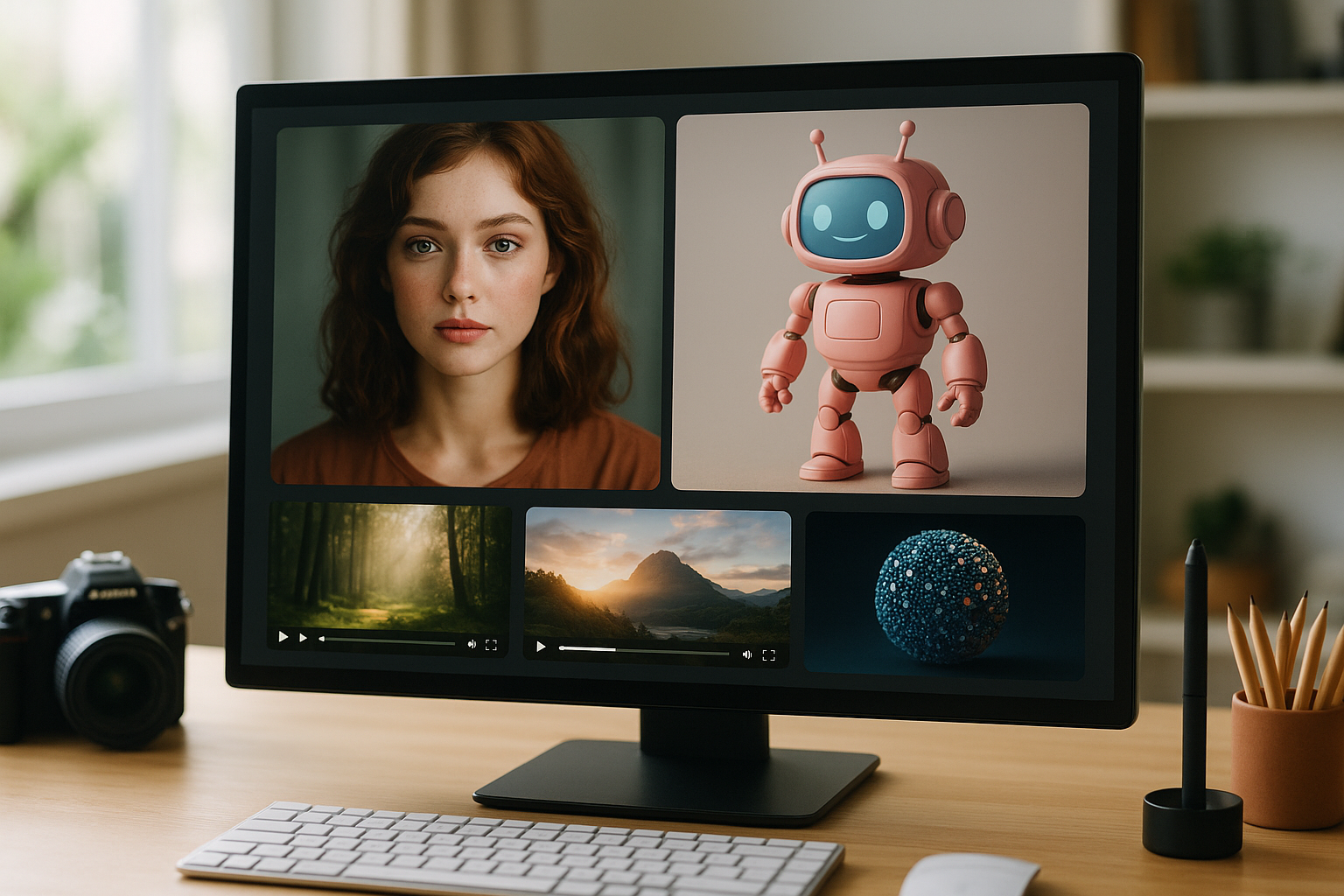

Generative AI is moving faster than most people can keep up. But here's the thing: most AI tools are still scattered, fragmented, and frankly a headache for anyone trying to build something end-to-end. If you've ever tried to move from an AI-generated image to a 3D model, or take a prompt and get a video asset ready for your project, you know the pain. That's exactly the problem the TimrX AI platform is designed to solve. It unifies the entire workflow—AI image, video, and 3D generation—directly in your browser. No installs, no CUDA setups, no weird Python errors. Just fire up the workspace and go. For developers and creators who want to build, prototype, and ship modern assets, this is the type of AI creative platform we've needed for a long time [1][3].
The Vision Behind the TimrX Platform
Most AI creative tools do one thing. Maybe they generate images from text. Maybe they give you a video clip from a prompt. But stringing those tools together? That's always been manual, error-prone, and usually requires hopping between a bunch of websites or heavyweight desktop apps. TimrX takes a different approach: it brings all the major AI generation workflows—text-to-image, text-to-video, image-to-3D, and more—into a single, browser-based workspace. The whole idea is to make AI creative pipelines as simple as building a playlist. Chain your steps, tweak your assets, export for your engine or printer. The TimrX Hub acts as your central launchpad, letting you manage every stage of the process, whether you're generating assets, collaborating, or prepping for export [3].
That browser-first philosophy isn't just about convenience. It means the platform is accessible anywhere, on any device. No more worrying about local GPU power or fighting with dependencies. For teams, for hackathons, for quick prototyping—this is the right call.
I've run into plenty of situations where I just needed to get from concept art to a textured 3D model in a weekend, and every extra step killed momentum. TimrX is designed to remove those frictions, letting you focus on creativity and iteration.
Core Capabilities of TimrX
So, what can you actually do with TimrX? At its core, it's an AI image video and 3D generator—but the details matter. Let's break down the main generation types and how each fits into real creative workflows.
Text to Image Generation
Prompt-based image generation is where a lot of people start with AI creative platforms. You type a prompt—"futuristic cityscape at sunset"—and get back a set of images ready for concept art, backgrounds, or marketing visuals. The TimrX AI Image Generator makes this process dead simple. You can iterate on your prompt, adjust parameters, and instantly download or pipeline the outputs. I've used this for everything from quick UI mockups to texture bases for 3D models. If you want to get deeper, check out How AI Image Generation Works: A Step-by-Step Guide for Creators.
Use cases aren't just limited to art portfolios. Game developers can spin up environment concepts. Marketers can create campaign visuals. Texture artists can pull seamless patterns and tweak them in minutes.
AI Video Generation
Now let's talk about video. The TimrX AI Video Generator supports both text-to-video and image-to-video workflows. You can start with a prompt—think "cyberpunk drone flyover"—and the system produces a short video clip using models like Veo or Seedance. Or, take an AI image and animate it into a cinematic shot. There's a detailed walkthrough in Text-to-Video Generation with Seedance 2.0 if you want to see it in action.
Developers and content creators can use these short clips for everything from pre-visualization to social media teasers. In my experience, being able to generate new video assets on the fly, without touching After Effects or DaVinci Resolve, genuinely speeds up prototyping. It's not about replacing high-end production—it's about getting good-enough assets instantly, right in the browser.
AI 3D Generation
3D is where things get really interesting. The TimrX AI 3D Generator supports both text-to-3D and image-to-3D workflows. That means you can describe a model in words—"low-poly sci-fi crate with worn textures"—or feed it a concept image, and the system generates a mesh and textures ready for use. If you're debating between text-to-3D and image-to-3D, see Text-to-3D vs Image-to-3D: Which AI Workflow Delivers Better Results?.
The outputs aren't just .obj or .fbx meshes—they're full assets with remeshed geometry and texture maps, built for real-world engines and even 3D printing. It's a massive leap for indie game devs, rapid prototypers, and anyone who needs to crank out models without a full modeling pipeline.
AI Creative Pipelines in TimrX
Here's what sets TimrX apart: it's not just a collection of tools, but a pipeline builder for creative AI workflows. You can chain steps together—generate a concept image, convert it to a 3D model, add AI textures, and export the final asset. No more jumping between 4 apps, or writing glue scripts just to move data. The TimrX Hub brings these steps under one roof, letting you manage and automate the flow from idea to finished asset.
This approach pays off in speed and iteration. Let's say you're designing props for a game. Generate ten concepts, convert your favorites to 3D, tweak the meshes, push them to your engine, or prep for 3D printing—all without leaving the browser. If you want an in-depth example, see From AI Image to 3D Model: Inside the TimrX Creative Pipeline.
The real advantage? You can prototype, iterate, and even collaborate faster than with any traditional toolchain. It's the best approach for modern creative teams who want to stay nimble.
Practical Workflow: From Prompt to 3D Model
Let me walk through a typical pipeline I use for game asset prototyping:
- Start with a text prompt in the AI image generator (e.g., "retro robot head, orange and chrome").
- Pick the best output and send it to the image-to-3D tool.
- The AI 3D generator creates a mesh and basic textures.
- Tweak the mesh—remesh, adjust UVs, or add procedural textures.
- Export the asset directly for Unity, Unreal, or as a print-ready STL.
This whole process takes minutes, not days. For people working on tight deadlines or iterating quickly, that's a game-changer (and yes, I've done this for hackathons and game jams). The process is documented in more detail in How AI Generates 3D Models From Text: A Practical Step-by-Step Guide.
The 3D print workspace (/3dprint) even lets you prep AI-generated models for printing—auto-scaling, fixing geometry, and exporting for your slicer. If you're interested in the intersection of AI and digital fabrication, check How AI-Generated Models Are Transforming 3D Printing: A Technical Guide.
AI Workflows for Developers
For developers, TimrX isn't just a toy—it's a practical set of browser AI tools for asset generation and prototyping. Need placeholder art for an MVP? Generate it. Building a procedural world and need hundreds of props? Set up a pipeline and let AI do the heavy lifting. You can automate, batch, and even script parts of the workflow thanks to the platform's modular design.
And since it's all browser-based, you can work from any device, share pipelines with teammates, or run AI asset generation in the cloud. This is especially useful for indie studios, teams working across time zones, or devs who just want to reduce local setup headaches. More on this in AI Creative Workflows: Combining Image, Video, and 3D Generation.
If you're looking for inspiration or want to see what's possible, the archive and blogs sections highlight real user projects and technical deep-dives.
TimrX and the Future of Creative AI
Generative AI is quickly becoming the backbone of creative industries. But the real leap isn't just better models—it's integrated, browser-first AI creative platforms like TimrX. As multimodal AI matures, being able to move seamlessly between text, image, video, and 3D in a single workflow is going to be the baseline, not the exception.
We're already seeing the impact: faster asset generation, more rapid prototyping, and a new level of creative iteration. As new models emerge (think Veo, Seedance, and their successors), platforms like TimrX will unlock workflows that used to be science fiction. If you want to stay ahead in AI-driven creation—whether you're a developer, artist, or technical lead—learning these pipelines now is the best move you can make.
Conclusion
TimrX is more than just an AI image video and 3D generator—it's a full-stack AI creative platform built for modern workflows. By integrating prompt-based image, video, and 3D asset generation directly into your browser, TimrX removes technical barriers and lets creators focus on the work that matters. If you're tired of fragmented tools and want to explore what's actually possible with generative AI, give the platform a try. You can get started right now by visiting the TimrX Hub and exploring the full toolset. For more technical details, check the blogs and archive.
FAQ
- What is the TimrX platform?
TimrX is a browser-based AI creative platform that enables image, video, and 3D model generation using integrated, pipeline-based workflows [1][3]. - Can AI generate 3D models from text?
Yes, TimrX supports text-to-3D AI workflows where you describe a model in natural language and receive a mesh and textures as output. - How do AI video generators work?
AI video generators like those in TimrX use deep learning models (e.g., Veo, Seedance) to create short video clips from textual prompts or images. - What are AI creative pipelines?
AI creative pipelines are sequences of AI tools chained together—e.g., generating an image, converting it to 3D, adding textures, and exporting the final asset. - Can AI generated models be used for 3D printing?
Yes, TimrX allows you to generate 3D-printable models, repair meshes, and export print-ready files through its 3D print workspace.
Sources
- [1] TimrX — AI Creative Platform for 3D, Video & Image Generation
- [2] AI Creative Workspace for 3D, Video & Image Generation - TimrX

Comments 0
Be the first to comment on this post.