
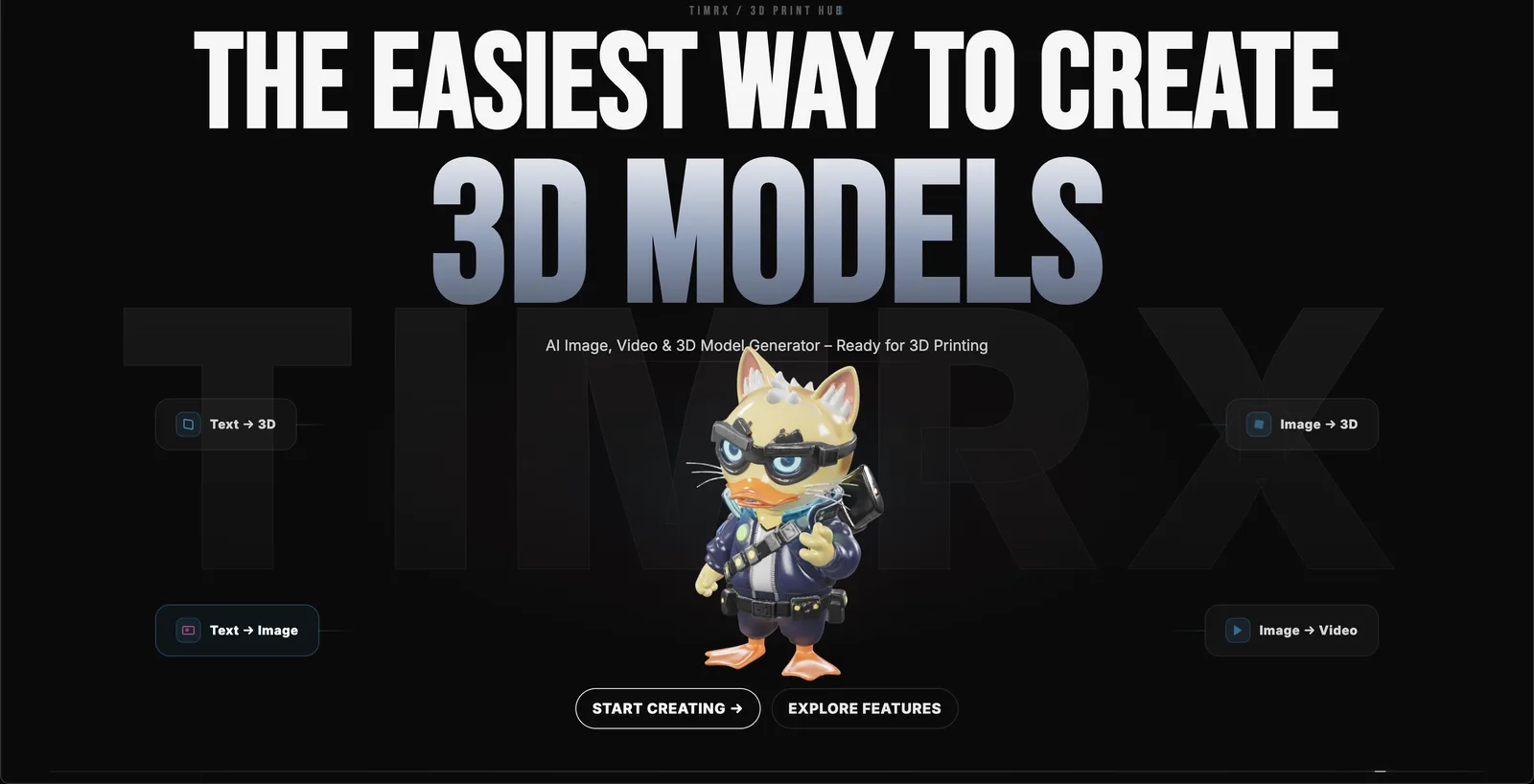

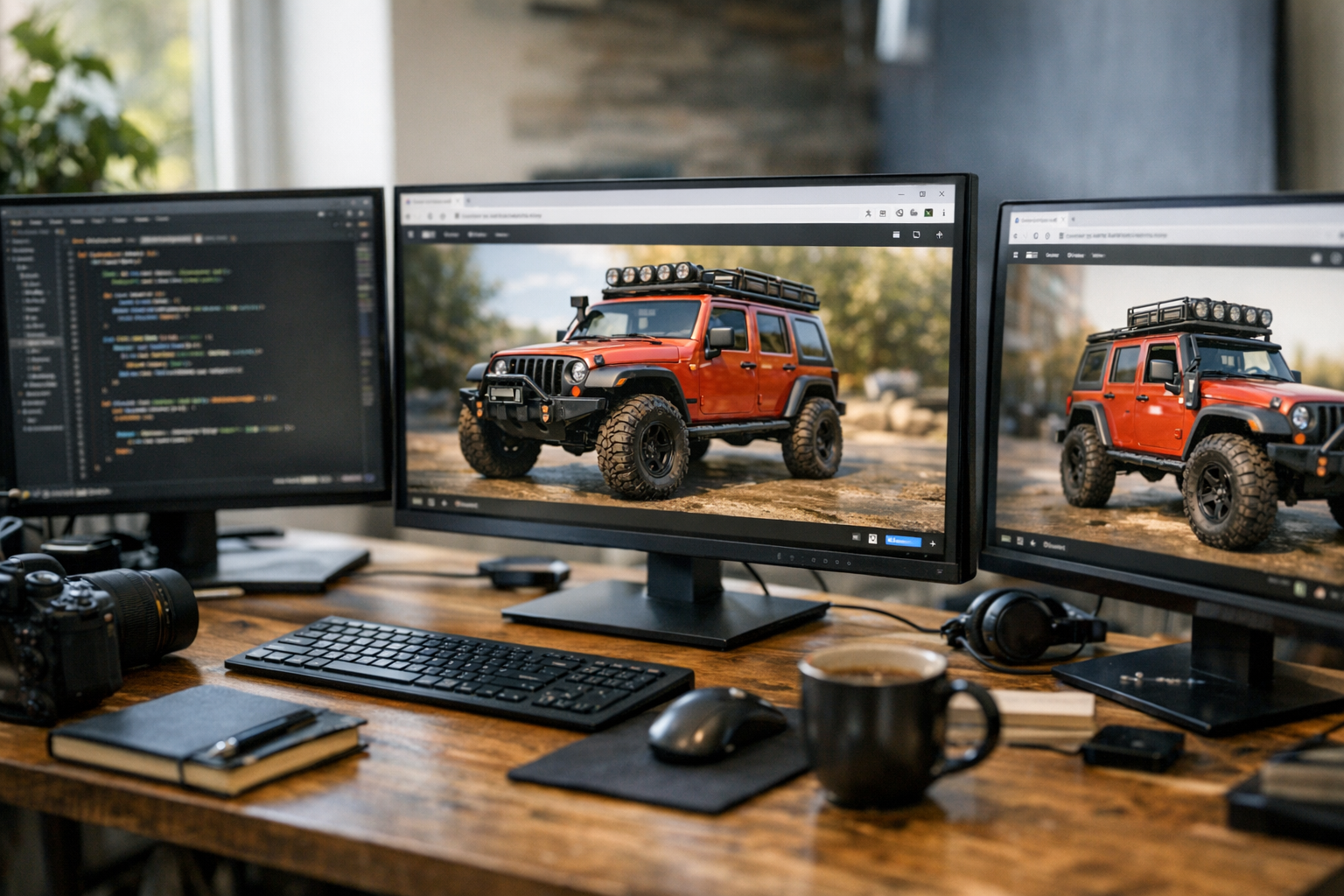
A few years ago, if you wanted to create a professional image, a detailed 3D model, and a cinematic video, you'd be looking at days (or weeks) of work. You'd juggle Photoshop, Blender, maybe After Effects, and a half-dozen plugins just to get assets talking to each other. But that's changed. Now, a single prompt—typed into a browser—can spark an entire creative pipeline. TimrX is at the center of this shift, letting creators go from text prompt to photorealistic image, to a high-quality 3D model, to a rendered video, all in one place. No local installs. No endless exports. Just a streamlined, browser-based workflow that feels closer to magic than labor.
Generating High-Quality Images With AI
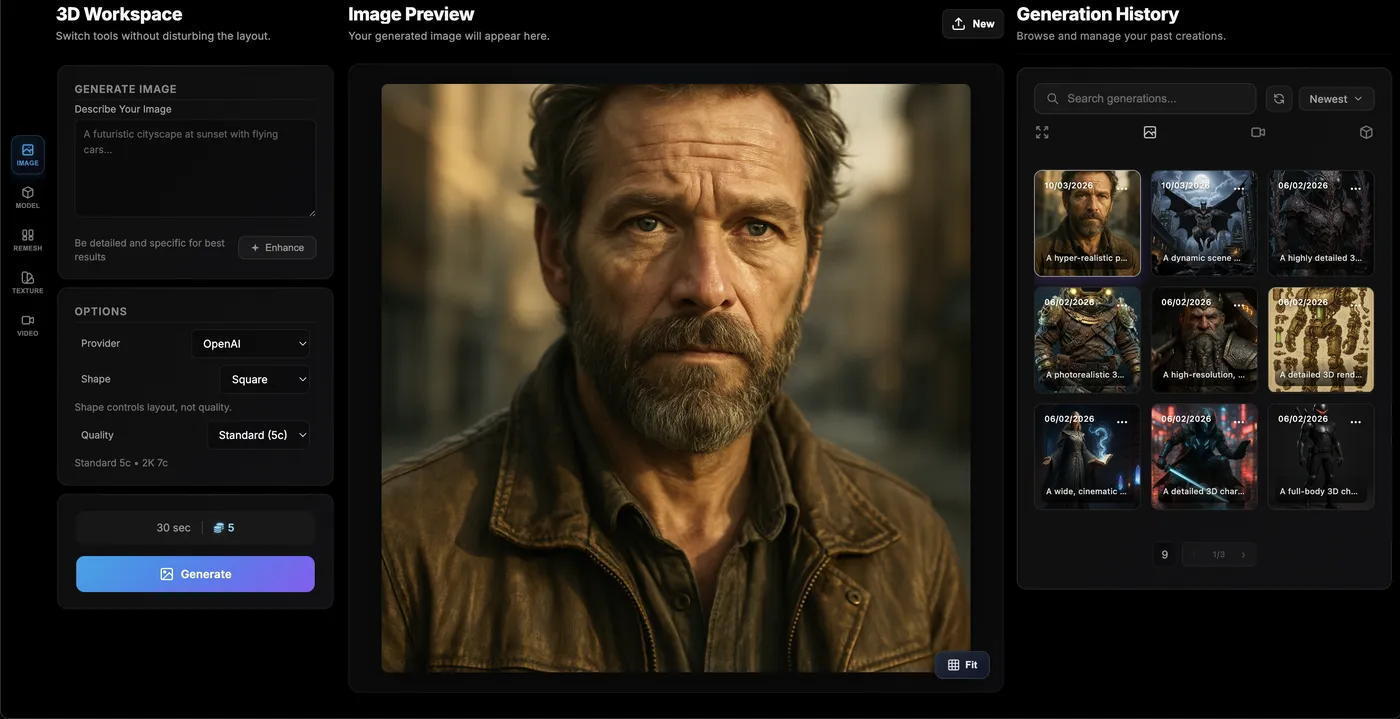
Let's start at the beginning: the AI image generator. TimrX's image generation tool is genuinely impressive. You enter a prompt—"middle-aged man with expressive eyes in cinematic lighting"—and within seconds, you're looking at an image that's hard to distinguish from high-end studio photography. The lighting is nuanced. Skin textures, fabric, even catchlights in the eyes—it all looks real. This isn’t just about slapping a style on a face; the realism comes from careful prompt control, sophisticated diffusion models, and rendering techniques that simulate photographic depth of field and cinematic color grading.
What matters here is that the generated image isn't just beautiful. It's technically robust: high resolution, clean edges, and consistent lighting. All of these are critical when you want to use the image as a base for 3D generation. In my experience, the difference between a usable AI image and a throwaway one is the attention to detail in things like shadow casting and texture clarity. TimrX nails this, making its AI image generator the ideal starting point for a full creative pipeline. For more on prompt strategies, check out Prompt Engineering for AI Generation: A Practical Tutorial.
Turning an AI Image Into a 3D Model
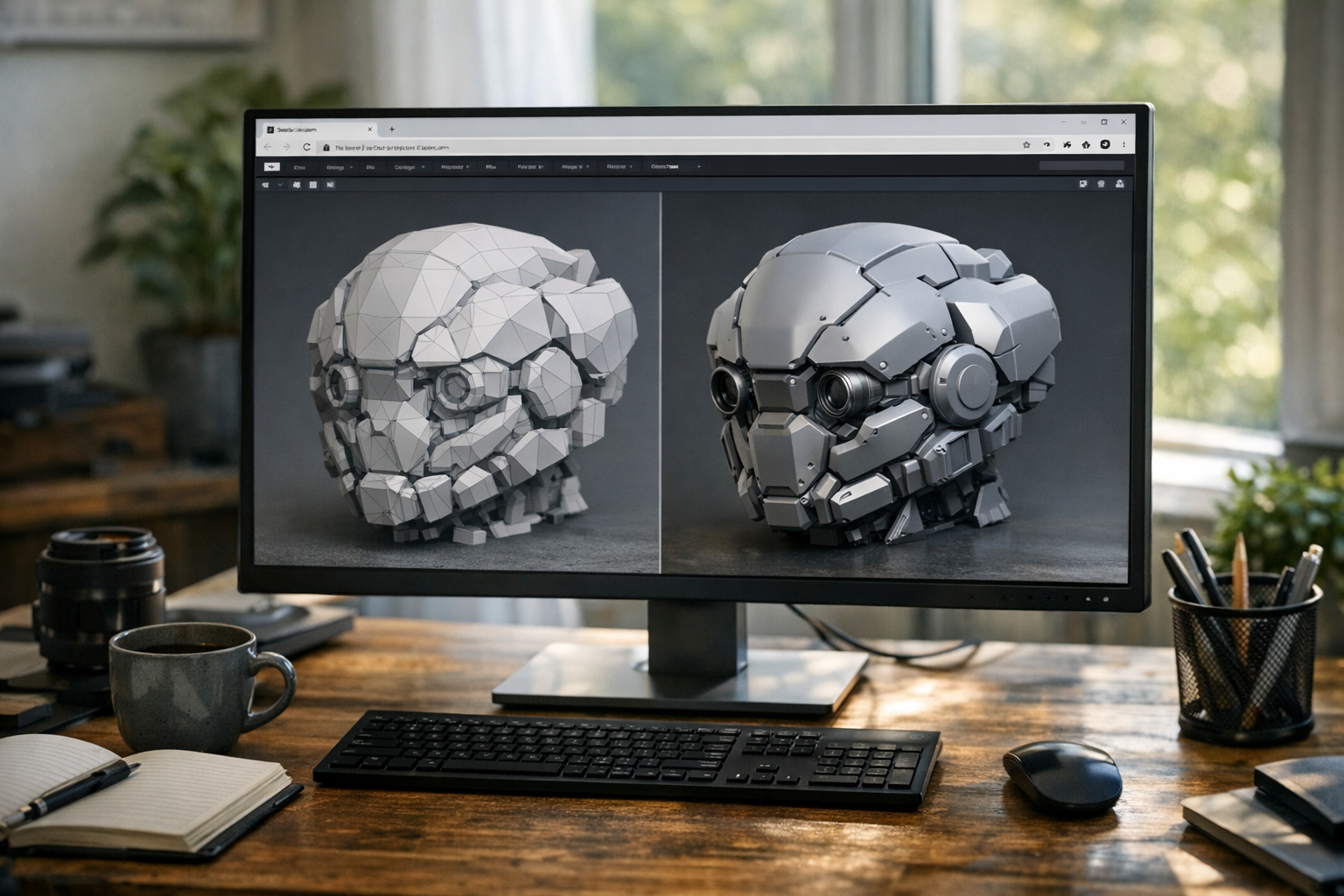
Now for the fun part—image to 3D AI. TimrX analyzes the image, reconstructs plausible depth, and generates a 3D geometry mesh. Under the hood, this involves neural networks trained on millions of images and 3D scans, inferring facial structure, bone landmarks, and surface normals. The result isn't a generic bust: it's a specific, textured, and surprisingly lifelike 3D model. The screenshot below shows the 3D bust generated from the AI image above. Texture mapping is crisp; you can see how the skin tone and lighting information gets projected onto the model surface. The mesh is clean and ready for further editing or export.
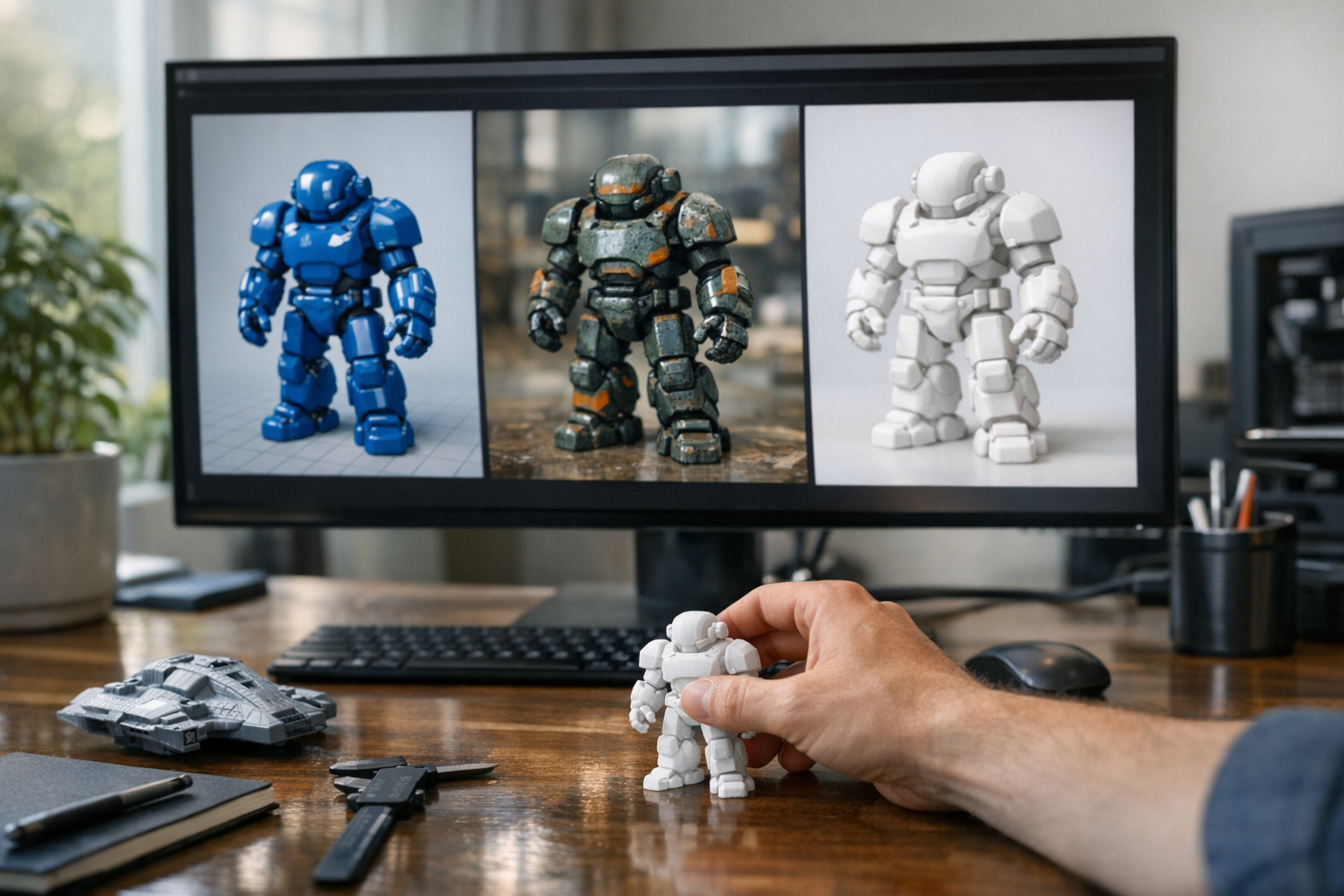
A few things stand out in this process. First, the mesh generation is fast—usually under a minute. Second, the texture mapping preserves the realism of the source image, so you aren't losing detail to blurry projections. Third, the 3D preview and generation history features let you track iterations, revert, or compare different outputs. I’ve used these models for animation mockups, quick game asset prototyping, and even prepping files for 3D printing. You can read more about AI and 3D printing in How AI-Generated Models Are Transforming 3D Printing: A Technical Guide.
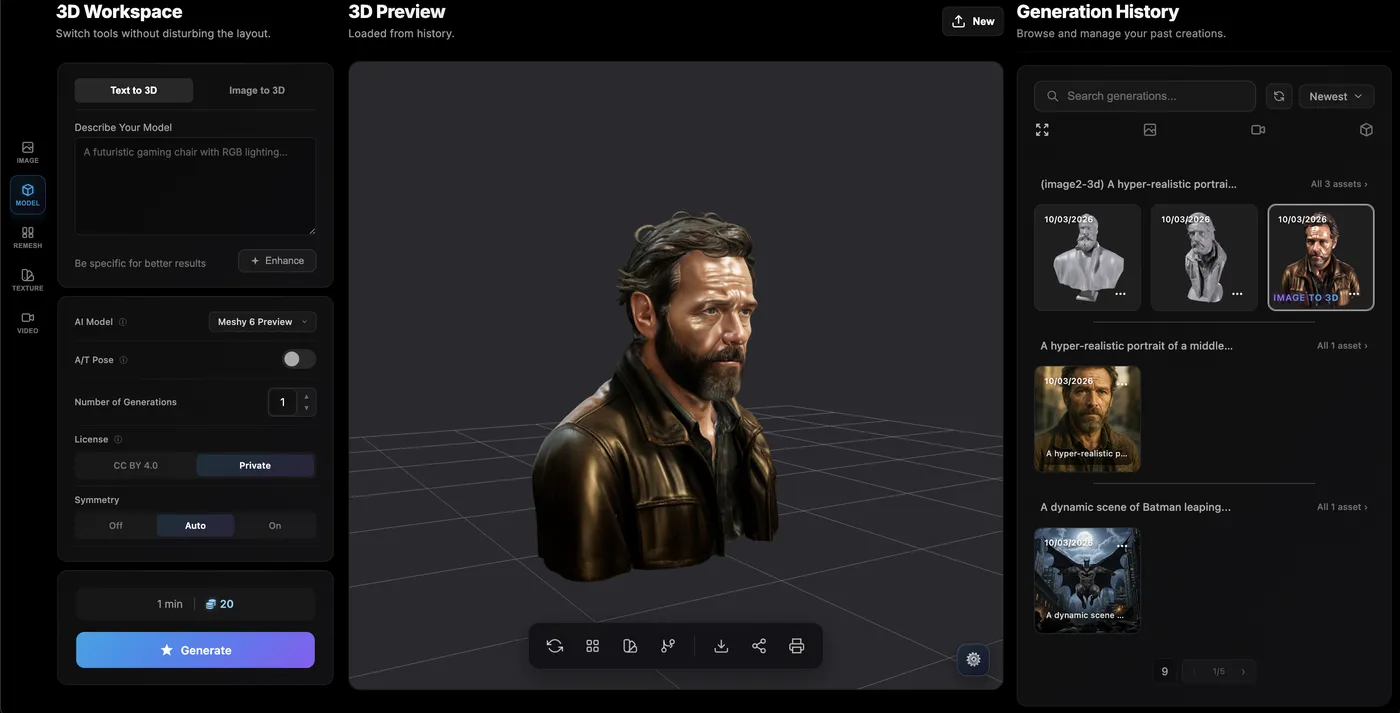
This is what makes the AI image to 3D generator so compelling—it's not just a novelty. These are assets you can actually use: for games, animation rigs, 3D printing via TimrX's 3D print tools, or product design. No more hunting for reference images or sculpting from scratch. Just generate, tweak, and deploy.
The 3D Workspace and Editing Tools
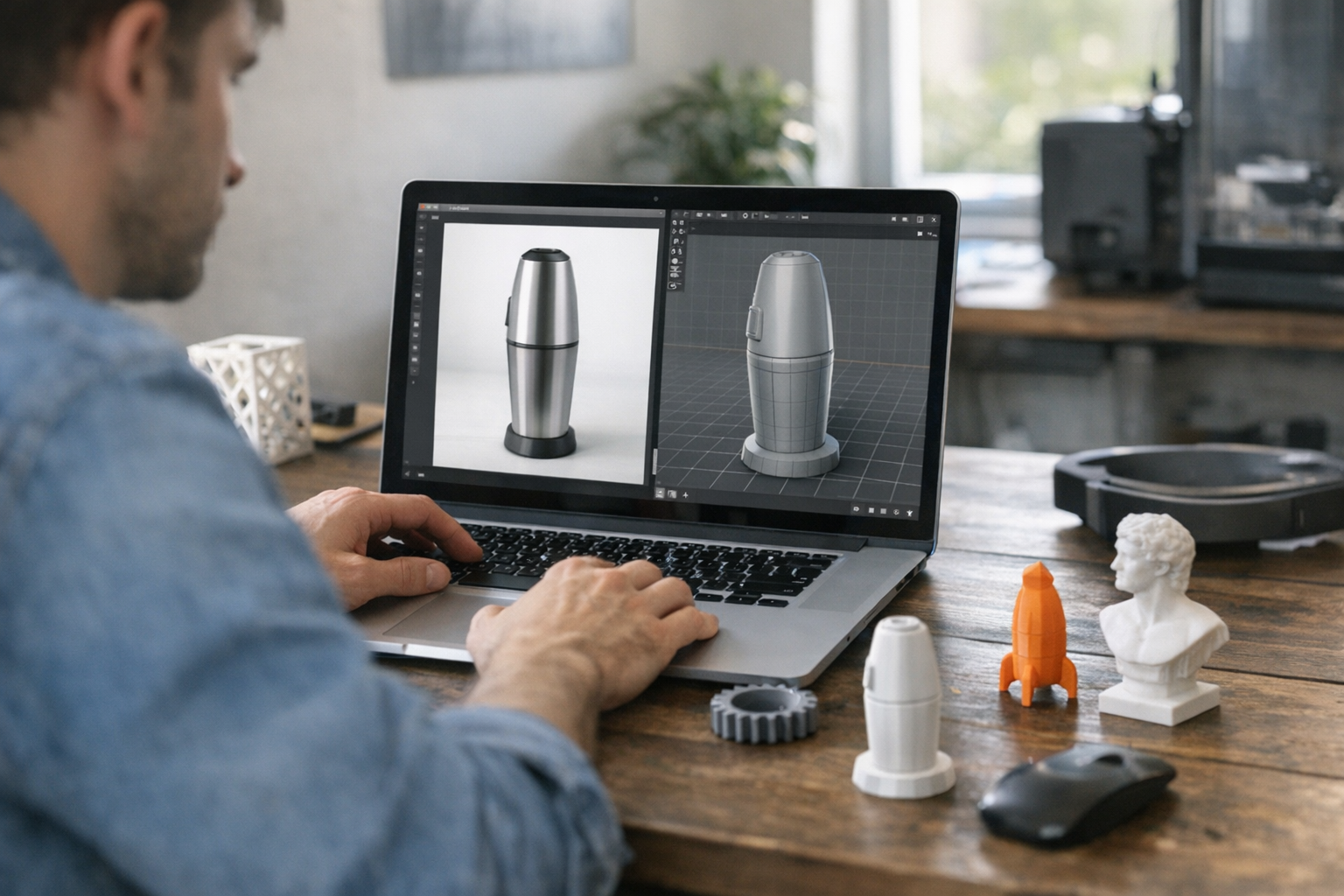
Once your 3D model is generated, TimrX hands you a workspace designed for refinement and iteration. The interface—pictured earlier—makes sense even if you're new to 3D. You get controls for remeshing (to optimize geometry), texture painting, and AI-powered enhancement tools that can, for example, sharpen features or fix symmetry issues. There are preview toggles for wireframe, shaded, and textured views, plus direct export to common file formats. What I like here is the balance: you have enough editing power to make real adjustments, but the complexity doesn't get in your way. If you want to push a model straight to print, the 3D print workflow is right there. If you want to use it in a game engine or animation, export is a click away.
The other killer feature? Version history. Every generation and tweak is saved, so you can branch, compare, or roll back as you experiment. That's a workflow boost you don't get with most standalone 3D tools.
Turning AI Scenes Into Video
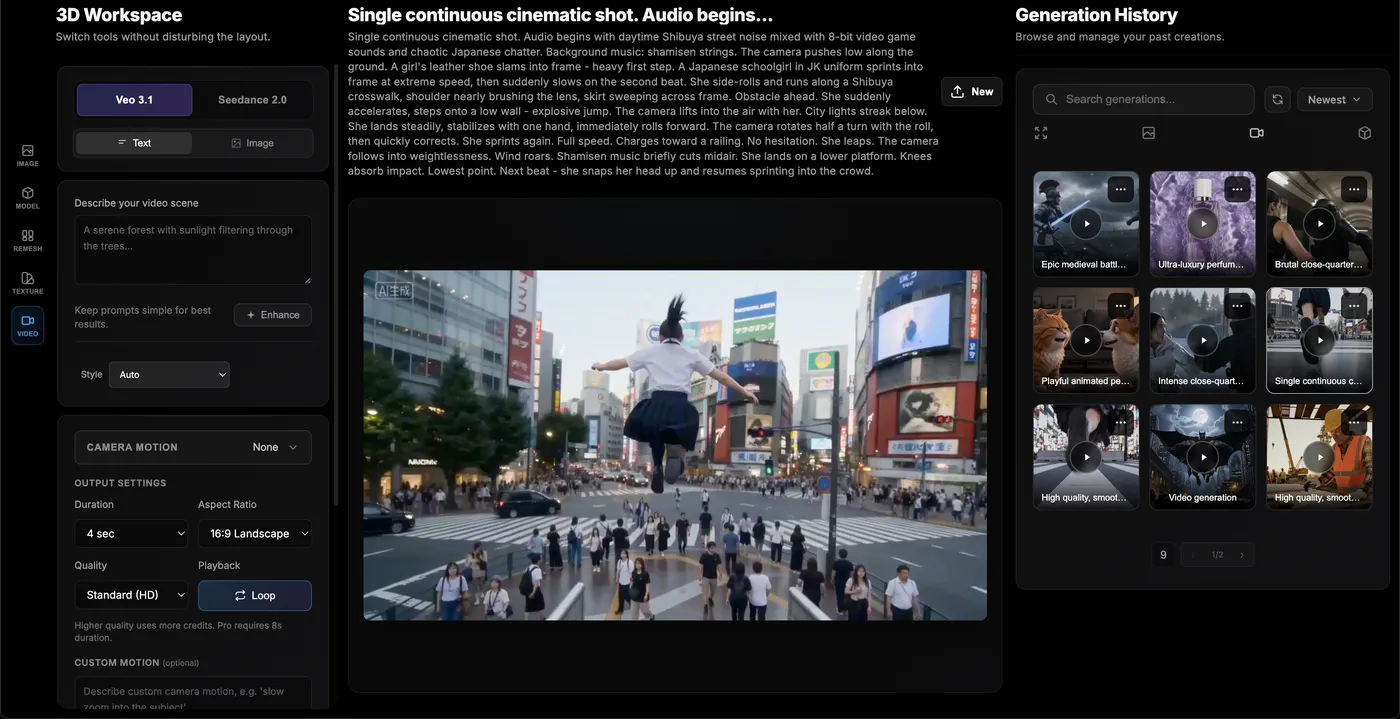
Let’s move to the final stage: AI video generation. TimrX lets you take your image or 3D scene and generate cinematic video clips using text or image prompts. The system interprets the scene, plans camera motion, and renders out a sequence with believable lighting, perspective shifts, and even depth of field transitions. In the screenshot below, you can see the video player running a generated clip: a stylized Shibuya street scene. The camera pans, the lighting shifts, and the continuity is strong enough to use for storyboards, animated shorts, or game cinematics.
This isn't just a slideshow. The AI considers scene geometry and object persistence, so you get consistent transitions and cinematic framing. That opens up a lot of creative potential—storytelling, advertising, and rapid prototyping for interactive media. For a technical breakdown, see AI Video Generation: How Modern Generative Models Are Changing Content Creation.
A Complete AI Creative Pipeline
Here's the thing: TimrX isn’t just a collection of AI tools. It's a full creative pipeline. You start with a prompt, generate an image, convert it to a 3D model, and spin it into a video—all in your browser, with assets flowing seamlessly between stages. This is what makes the AI image to 3D generator at the heart of TimrX so powerful. No more switching between Blender, Photoshop, and video editors, praying your file formats hold up. The workflow is linear, logical, and, honestly, a huge time-saver. If you want to explore the platform's capabilities, jump into the TimrX Hub or browse past projects in the TimrX archive.
I've built assets for VR demos, pitch decks, and even short films using nothing but TimrX. The speed and accessibility are game-changing for small studios or solo creators who can’t afford a full pipeline team. If you’re comparing workflows, check out Text-to-3D vs Image-to-3D: Which AI Workflow Delivers Better Results?.
Why AI-Generated Assets Are Becoming So Powerful
Speed. Accessibility. Iteration. Cost. That’s the equation AI is rewriting. A skilled artist using traditional tools might take days to deliver what TimrX can generate in minutes. But the real win is in iteration—if you don’t like the first result, tweak your prompt, or edit the mesh, and try again. No need to start from zero. This rapid feedback loop lets creators prototype, test, and refine ideas before committing to a final render or print. For more on the impact of AI creative workflows, see AI Creative Workflows: Combining Image, Video, and 3D Generation.
The bottom line: AI tools like TimrX are transforming how creative industries work. They’re lowering the barrier to entry, accelerating asset production, and making it possible for anyone to take an idea from prompt to production-ready asset in a single session.
If you want to dive deeper into the technical side of image generation, I recommend How AI Image Generation Works: A Step-by-Step Guide for Creators.
Conclusion
The AI image to 3D generator at the core of TimrX is more than just a neat demo—it’s the foundation for a new kind of creative pipeline. You start with a prompt. You get a realistic image. Then a textured 3D model. Then a cinematic video. All inside a browser, all connected by a consistent workflow. Traditional pipelines can’t compete with the speed, flexibility, or accessibility here. In my experience, this is the future of creative production: fast, iterative, and open to everyone, not just technical specialists. If you’re curious about the process or want to try it yourself, you can start exploring on the TimrX Hub or get inspired by past workflows in the archive.
FAQ
- What is image-to-3D AI?
Image-to-3D AI uses neural networks to analyze 2D images and reconstruct 3D geometry and textures, creating usable 3D models from a single input image. - Can AI convert images into 3D models?
Yes, platforms like TimrX use AI to generate accurate 3D models from static images, including mesh and texture mapping. - How realistic are AI generated images?
With advanced prompt engineering and diffusion models, AI generated images can reach photorealistic quality, suitable for professional use. - Can AI generate videos from prompts?
Absolutely. TimrX's AI video generator lets you create cinematic video clips directly from text or image prompts. - What tools allow image-to-3D workflows?
TimrX offers a complete browser-based pipeline for image-to-3D, but there are also early-stage tools in research and limited desktop apps.
Sources
- [1] How to Write Insightful Technical Articles | Towards Data Science
- [2] How to Write a Technical Blog That Gets Read | Simple Talk
Comments 0
Be the first to comment on this post.