
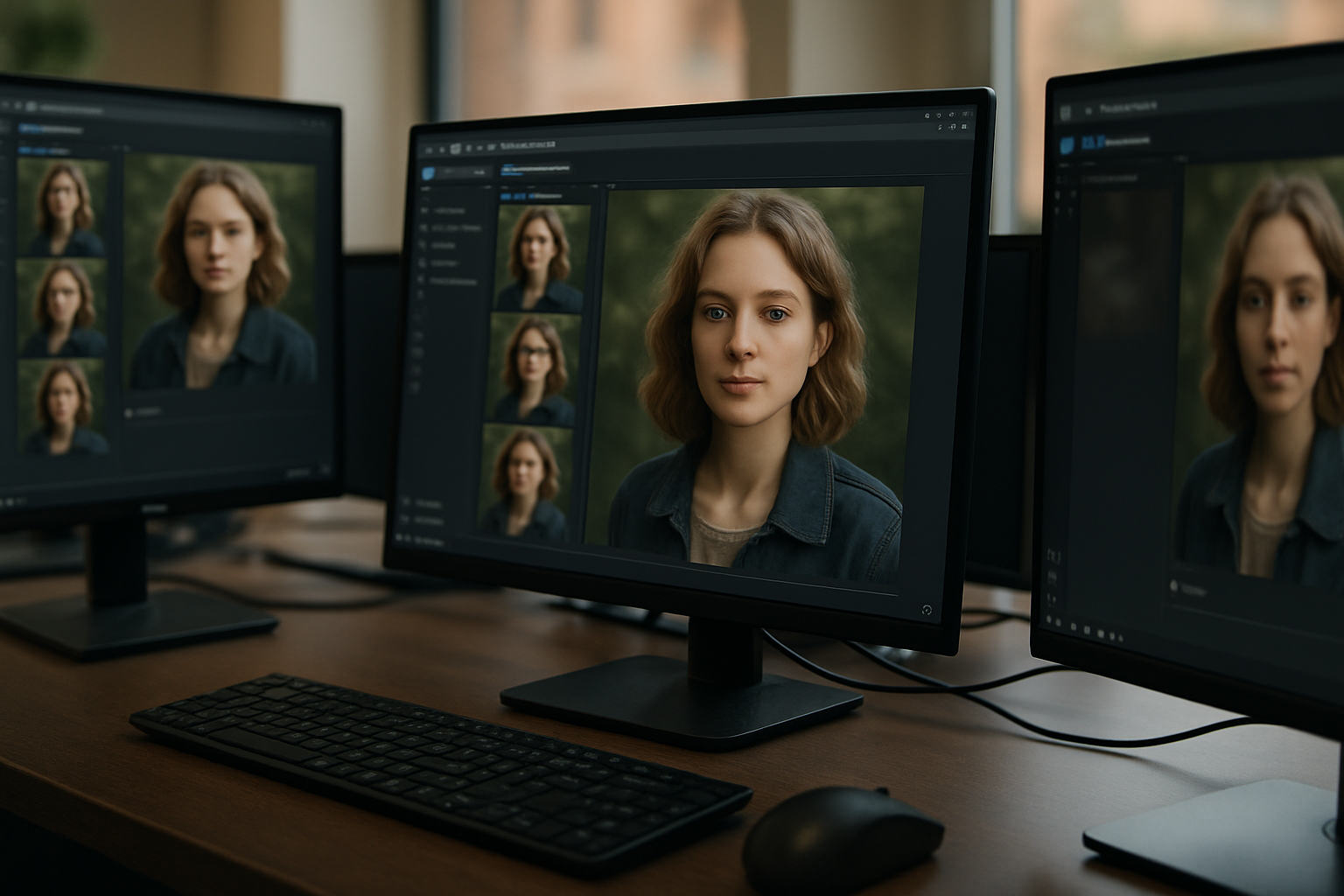

Let’s skip the hype: AI creative workflows aren’t just about flashy demos or “prompt engineering.” They’re about real, repeatable ways to produce images, videos, and 3D assets—faster, cheaper, with more creative control. If you’re a developer, digital artist, or content creator, you’ve probably seen the explosion of AI content creation tools. But what’s actually working in practice? How do creators thread together these tools to build something greater than the sum of its parts?
Why AI Creative Workflows Matter Now
Here’s the thing: creative output is bottlenecked by the slowest part of your pipeline. In traditional workflows, that’s usually asset creation. Sourcing, designing, and iterating on images, videos, and 3D models can eat up days—sometimes weeks—per project. The new breed of AI content creation tools changes this equation. Instead of waiting on drafts or hand-crafting every asset, you generate, refine, and remix content in hours. This isn’t just theory: according to multiple reports, AI-powered tools are already cutting down repetitive creative tasks, letting teams focus on high-value work [6].
But AI alone doesn’t make a workflow. The magic happens when you combine dedicated AI image generators, video tools, and 3D model creators—connecting outputs from one stage to inputs for the next. That’s the backbone of a true AI design pipeline.
Core Components of a Modern AI Design Pipeline
Let me break down what a typical AI creative workflow actually looks like, step by step. You’ll see a lot of overlap between AI image creation, video generation, and 3D modeling, but the best pipelines are modular. In my experience, this modularity is what makes scaling and experimenting possible without breaking everything when a single tool changes.
- AI Image Generation: Text-to-image models (like TimrX’s AI Image Generator) for concept art, storyboards, backgrounds.
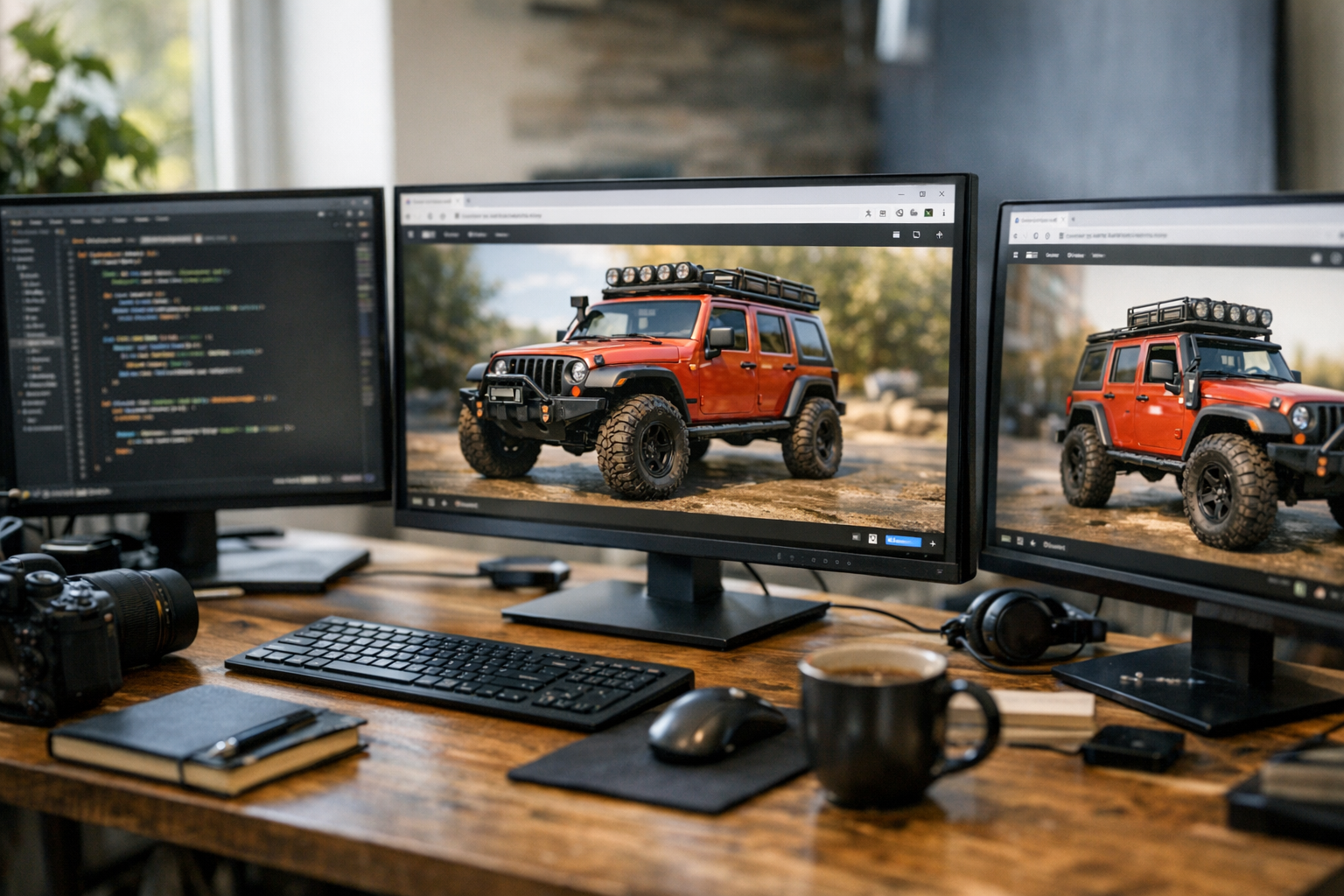
- AI Video Generation: Prompt-based or image-driven tools (see TimrX’s AI Video Generator) that animate scenes or synthesize explainer clips.
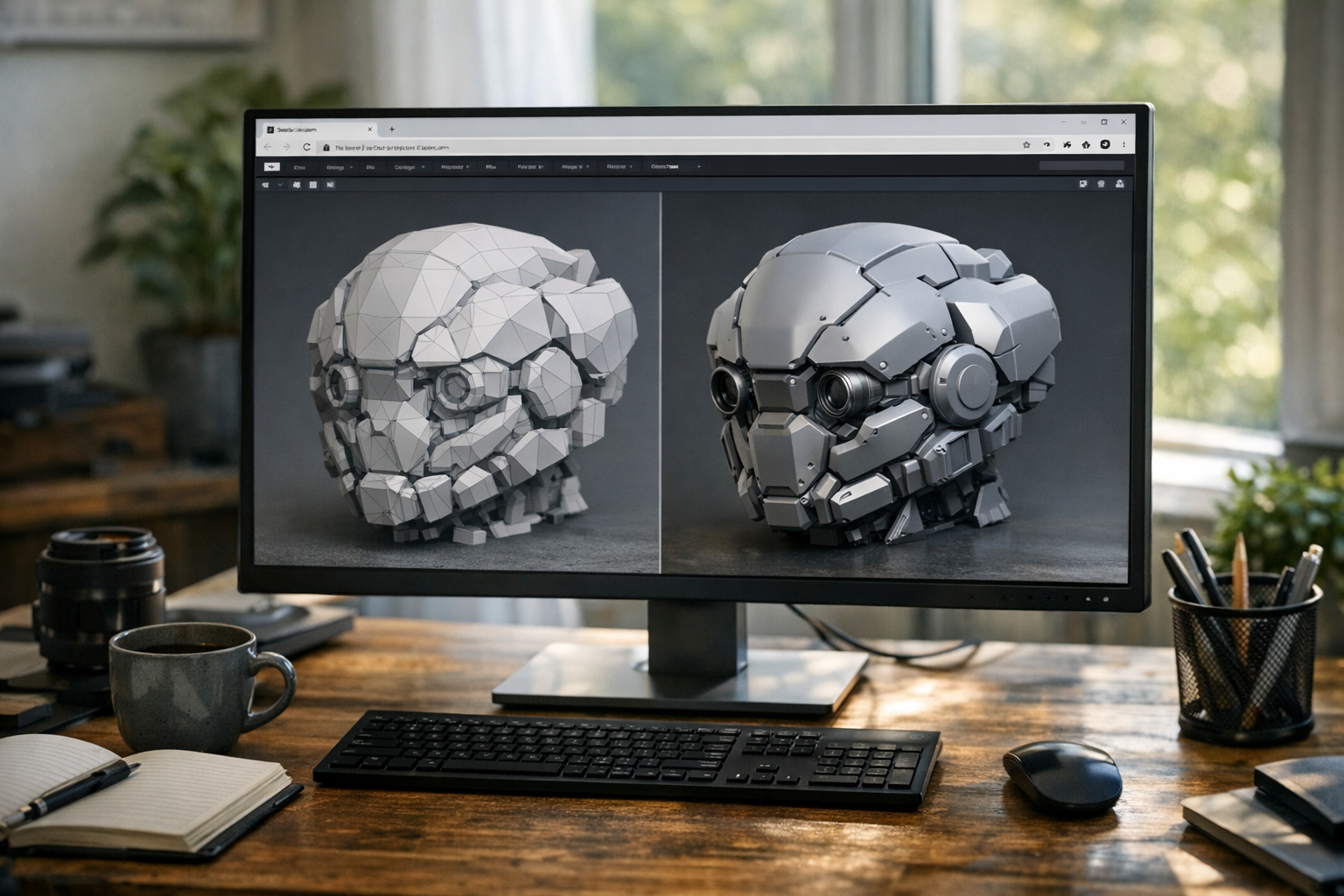
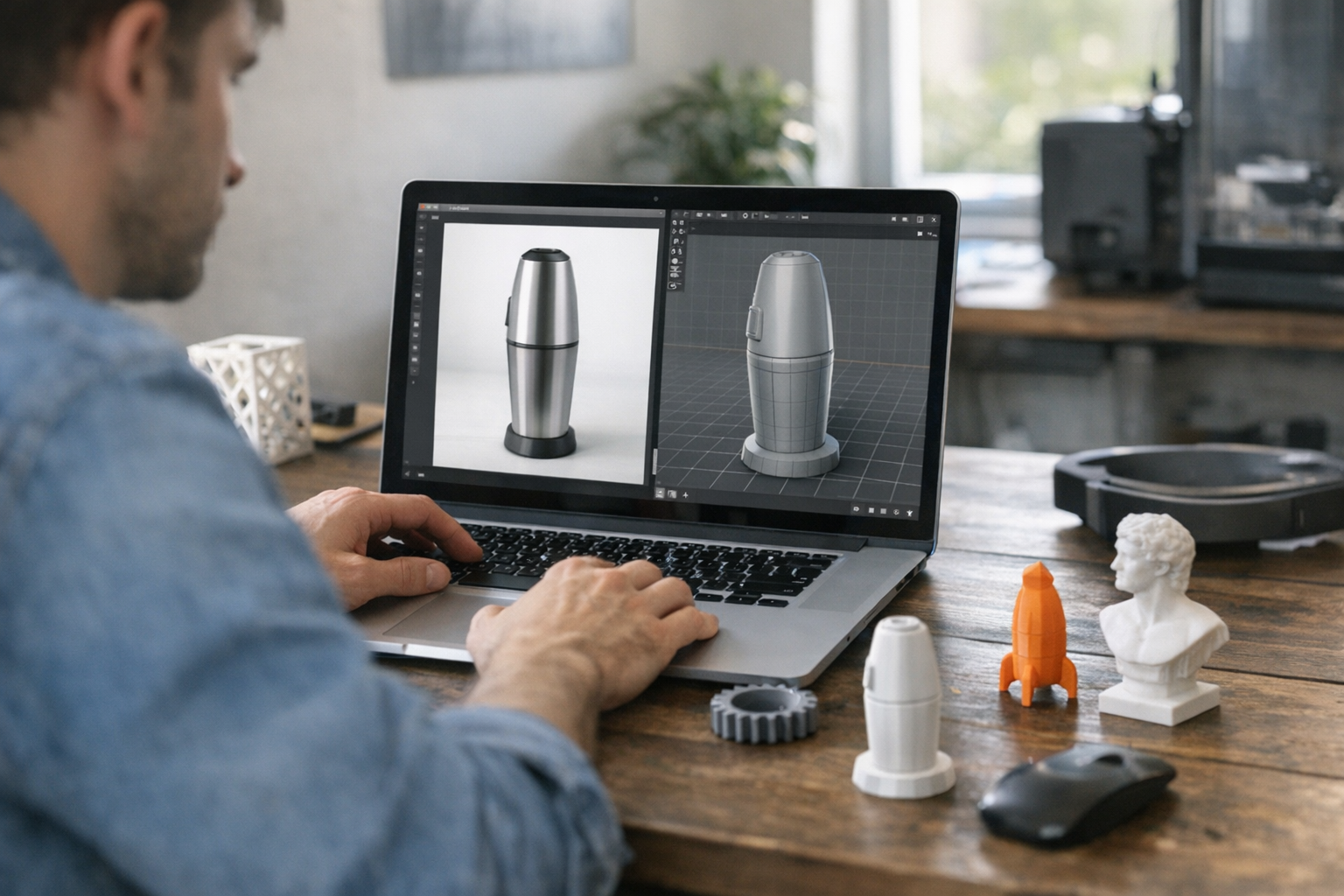
- AI 3D Generation: Direct text-to-3D or image-to-3D conversion (TimrX AI 3D Generator), turning visuals into models for rendering or 3D printing.
- Asset Refinement: Manual touch-ups in Photoshop, Blender, or similar tools—because AI isn’t perfect out of the box [5].
- Workflow Integration: Using browser-based hubs (like TimrX Hub) or automation glue (Figma plugins, Python scripts, Zapier) to push outputs between tools.
Each of these stages can stand alone, but the best creators combine them into a rapid-prototyping loop: generate, test, tweak, repeat. The point isn’t to replace human creativity—it’s to remove grunt work and accelerate iteration.
How Generative Models Accelerate Creative Production
Speed is obvious. But here’s what often gets missed: generative AI isn’t just about doing things faster. It’s about unlocking workflows that simply weren’t practical before. I’ve seen indie game devs go from napkin sketch to fully textured 3D prop in a single afternoon. Teams crank out dozens of animated social posts—each with unique visuals—without hiring a studio.
- Rapid Ideation: Prompt-based tools let you explore dozens of concepts in minutes, not days.
- Versioning: Need ten variants of a product shot? AI delivers, no manual masking or lighting tweaks.
- Asset Reuse: Generate a 3D model, render it as a 2D sprite, then animate it for video—all from the same base asset.
- Seamless Integration: Outputs from one tool (e.g., an AI-generated image) can feed directly into another (e.g., video generator), streamlining the pipeline [3].
According to industry leaders, this shift means less time on repetitive grunt work and more time on meaningful creative decisions [6]. But there’s a catch: quality can vary. Sometimes, AI assets need manual polish or blending to hit professional standards [5]. The real pros build in checkpoints for human review—no AI pipeline is truly “set and forget.”
Real-World Workflow: AI in a Digital Project
Let’s walk through an example. Say you’re creating an interactive product demo—think a web page with animated visuals, explainer videos, and a downloadable 3D model for printing. Here’s how a working AI creative workflow might look, using TimrX tools and a few classics.
- Concept Art: Use TimrX’s AI Image Generator to create quick moodboards and hero images. Iterate on prompts until you get the vibe.
- Storyboard Video: Pipe those images into TimrX’s AI Video Generator, animating transitions or overlaying callouts for a fast explainer sequence.
- 3D Asset Generation: Take your best image (or a text description) and use AI 3D Generator to produce a printable 3D model. Refine in Blender if needed.
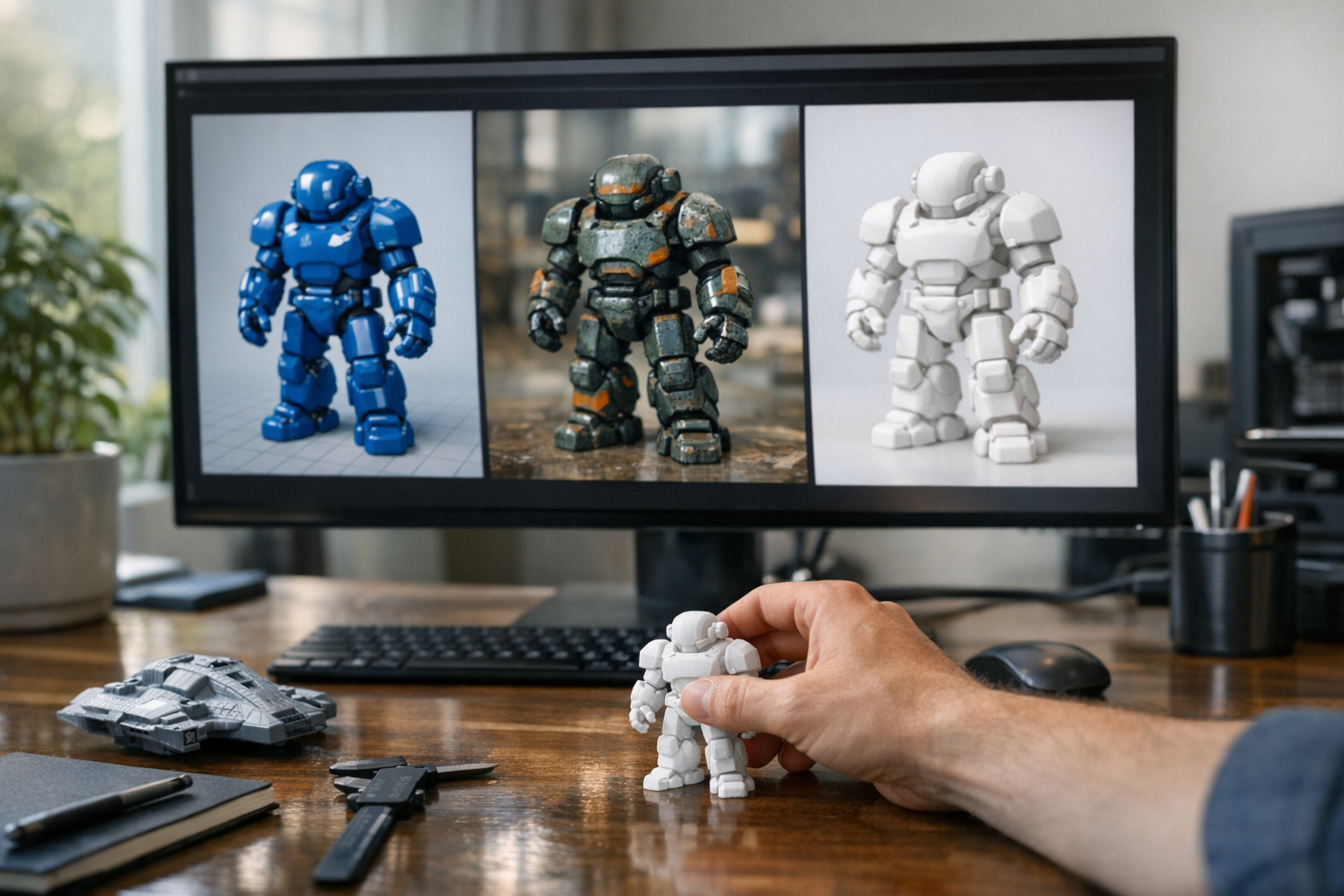
- 3D Print Pipeline: Send your model to TimrX 3D Print Model Generator to generate G-code, preview supports, and prep for physical prototyping.
- Integration: Drop assets into your web/app project, using custom scripts or browser-based hubs (TimrX Hub) to sync changes as you iterate.
This isn’t a hypothetical. I’ve seen teams pull off a complete demo—including all visuals, a working video, and a printable 3D file—in under two days using this approach. The real value? You can run multiple creative options in parallel—test, get feedback, swap assets, and rerun the pipeline without grinding to a halt. For more on the 3D side, check out AI and 3D Printing: How Generative Models Are Changing Digital Fabrication.
Tips for Building Robust AI Content Pipelines
A few hard-won lessons. First: make your pipeline modular. Don’t lock yourself into a single vendor or tool—AI moves fast, and what’s top tier this month might be obsolete next quarter. Second: always budget time for manual review and touch-up; even the best AI models can miss context or style cues. Third: automate the glue, not the creativity. Use scripts or browser-based hubs for file transfers and asset syncing, but keep the big creative decisions human-driven.
- Keep assets editable (PSD, SVG, OBJ, GLB formats).
- Version everything. AI generations can drift—track your changes.
- Review AI outputs for copyright and content quality.
- Document your workflow. Future team members (or your future self) will thank you.
Wrapping Up: The New Creative Standard
AI creative workflows aren’t a passing trend. They’re the new baseline for studios, indie creators, and anyone who needs to move fast without sacrificing quality. The best results come from blending AI’s brute speed with sharp editorial taste and technical discipline. If you’re not already experimenting with modular pipelines—combining image, video, and 3D generation—you’re leaving speed and creative flexibility on the table. For a deeper dive on scaling and production, see Designing a Production-Ready AI Pipeline: A Visual Guide.
FAQ: AI Creative Workflows
- What’s the best way to combine AI tools for images, video, and 3D? — Use modular browser-based tools and connect them with scripts or hubs. Don’t lock to one vendor.
- Can AI generators fully replace manual design? — No. AI accelerates asset creation but still needs human review for quality, context, and style [5].
- How do I keep my pipeline future-proof? — Favor open, editable formats and keep documentation. Swap tools as better models emerge.
- Are there risks with copyright or derivative content? — Yes. Always check AI-generated assets for originality and license compatibility before publishing.
Sources
- [1] AI Creative Workflows - Studio Arts
- [2] How AI Is Changing Creative Workflows - Imgix
- [3] How generative AI streamlined my creative process - Adobe Design
Comments 0
Be the first to comment on this post.