
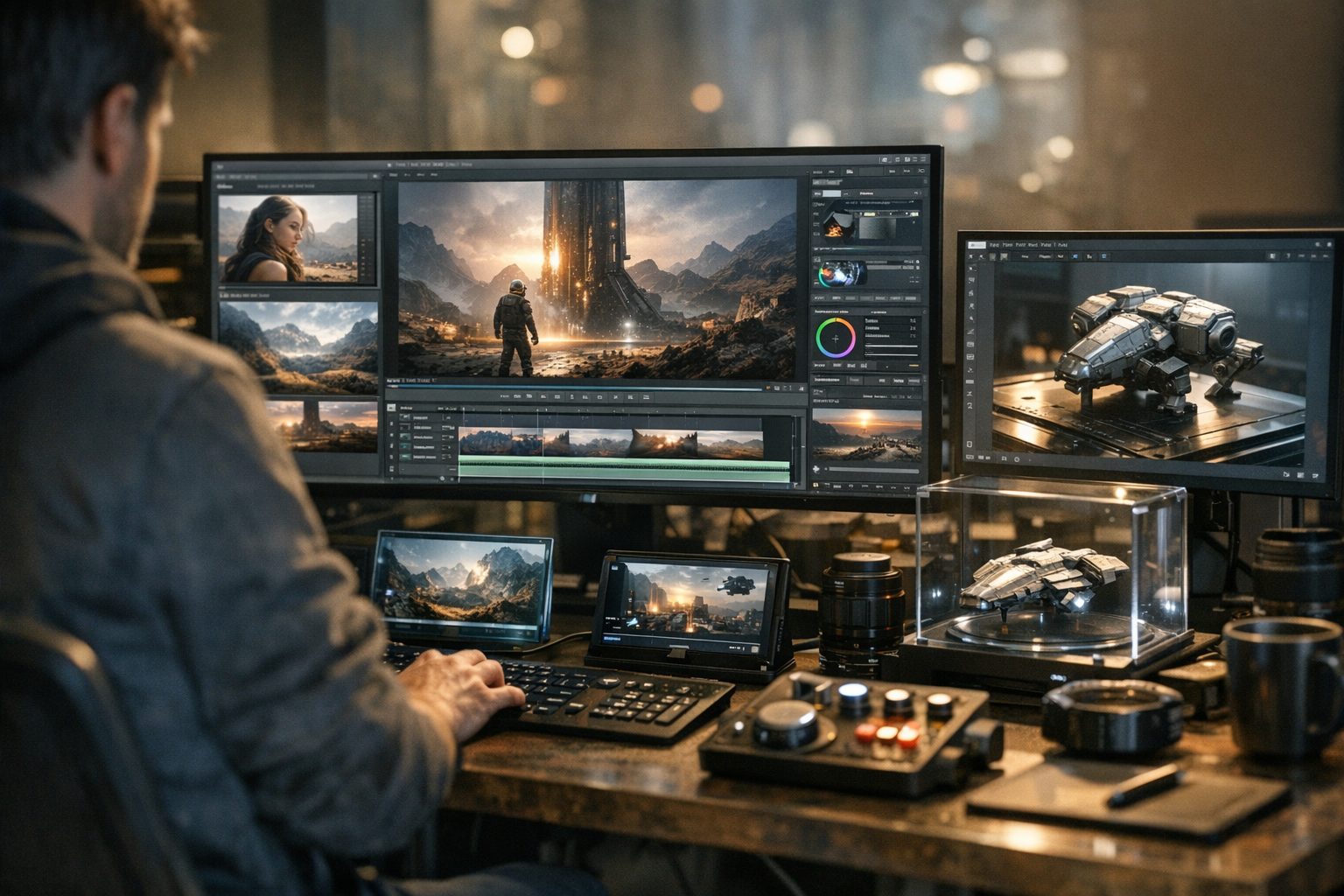

TimrX is making browser-based AI creation the new normal. If you work in images, video, or 3D, you’ve probably noticed the pace of updates. TimrX AI tools now let you generate, remix, and export media—all in your browser, no heavyweight installs. The latest TimrX updates bring new models like Veo 3 and Seedance, deeper creative pipelines, and a growing set of AI creative tools platform features that are reshaping how creators and developers build content online.

What Is TimrX?
TimrX is a unified AI creative tools platform for generating images, videos, and 3D models—all in your browser. No local CUDA, no Blender, no installs. The core philosophy is simple: anyone should be able to access advanced AI creative workflows without fighting with local dependencies or complex toolchains. The platform is built for developers, digital artists, 3D modelers, and any creator who wants to move fast from idea to asset. In practice, this means you log in to /hub, pick the workflow—text-to-image, text-to-video, image-to-3D—and get results in minutes, not hours.
I’ve used a lot of AI tools over the past few years. TimrX stands out because it doesn’t force you into a single modality or pipeline. You can start with a text prompt, generate an image, turn that into a video, or jump straight to a 3D mesh—all without leaving the browser. For teams distributed across different machines and OSes, this saves a ton of time and headaches.
Core AI Capabilities
AI Image Generation
Text-to-image on TimrX is fast, iterative, and designed for real creative production. The AI image generator supports detailed prompting, style transfer, upscaling, and batch output. Use cases? Concept art for games, product mockups, UI ideation, or procedural textures for 3D assets. If you want to see how prompt engineering can push image quality, check out this practical guide.
AI Video Generation
Here’s where things are moving quickly. TimrX integrates both Veo 3 and Seedance models for text-to-video and image-to-video. With the Veo 3 AI video generator, you can turn a single prompt into smooth, multi-second clips with high temporal coherence. Seedance pushes things further with motion-aware diffusion, letting you animate stills or composite assets. For a technical deep dive, see why video generation is exploding in 2026.
Motion generation pipelines on TimrX are built for both speed and control. You can start with a text prompt, tweak movement curves, or even use image-to-video for style-consistent animation. It’s not just about making flashy generative videos—people are using this for pre-viz, storyboarding, and rapid iteration in advertising. The browser-based tools let you preview, edit, and export without round-tripping through After Effects or DaVinci Resolve.
AI 3D Generation
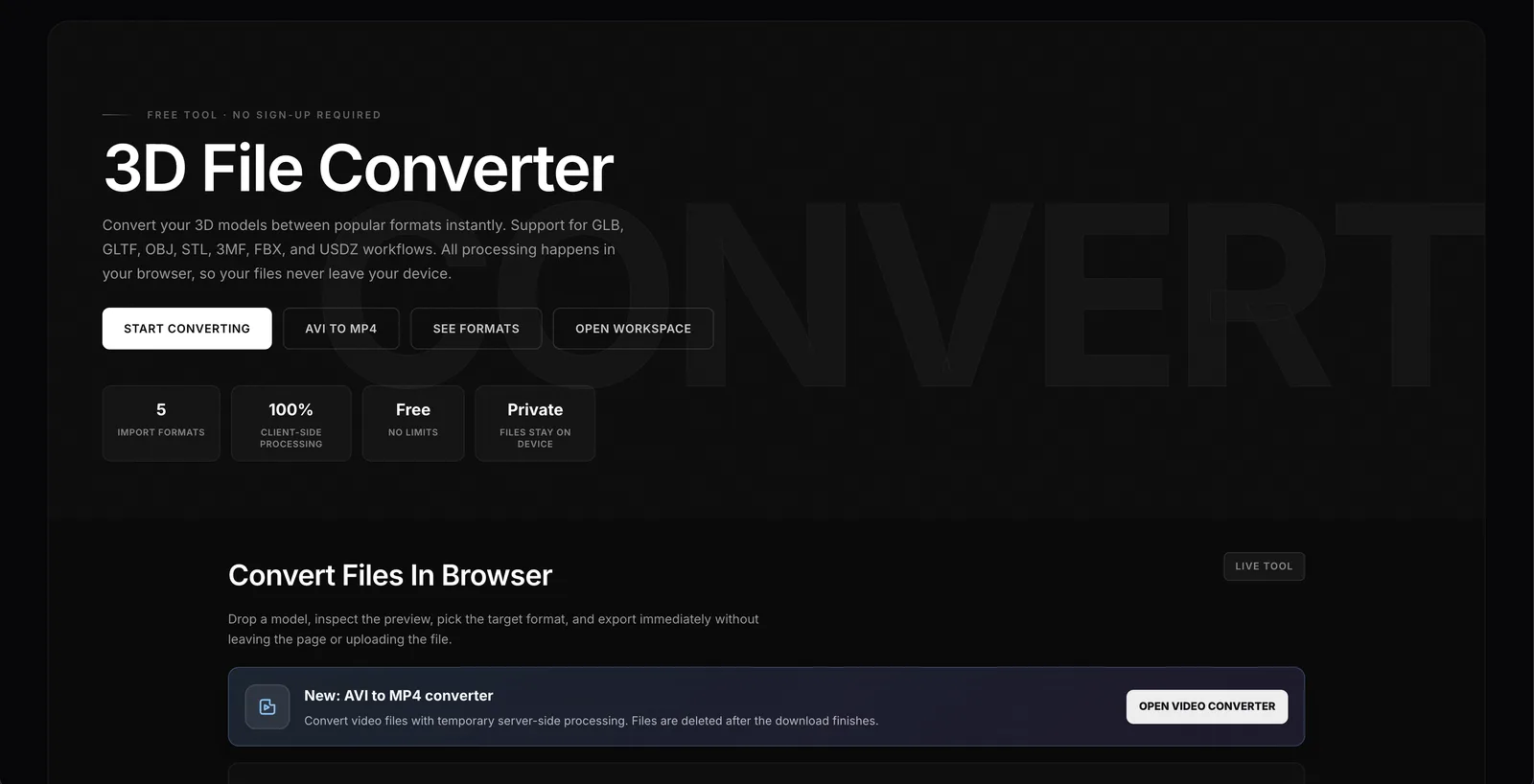
This is the most radical part, in my opinion. TimrX offers both text-to-3D and image-to-3D pipelines. That means you can describe a model in plain English—“a low-poly robot with blue eyes”—and get a usable mesh in GLB format. Or, upload a reference image and generate a mesh that matches the style and geometry. Remeshing, auto-UV, texture baking, and direct export for 3D printing are all built in. For more details, see how the creative pipeline works.
The connection to 3D printing is direct: you can generate a 3D model and push it to /3dprint for slicing, repairs, and G-code export. This isn’t speculative—it’s now standard workflow for a lot of hobbyists and even some pros who want rapid prototyping without spending hours in CAD.
New Features and Updates
TimrX updates have been landing fast, and not just minor bug fixes. Recent product updates include major performance boosts in the browser UI, new model integrations (like Veo 3 and Seedance), better mesh quality for 3D outputs, and more robust export pipelines. The user interface now supports batch processing and project-based asset management. Workflow automation—such as chaining image → 3D → print—is smoother, with more granular control over parameters at each stage.
You can browse the /archive for a log of past updates, or check the TimrX Blog for deeper dives on specific releases. For creators juggling multiple types of assets, these updates add real efficiency. You don’t have to context-switch between apps or fight with exports—TimrX handles the glue.
AI Models Available on TimrX
Let’s talk models. TimrX supports a curated set of state-of-the-art generative AI models for each medium:
- Veo 3: The most advanced Veo AI video generator for high-res, multi-second video from text or images.
- Seedance: Advanced video generation with control over motion vectors, temporal consistency, and style.
- Image Gen: Diffusion-based and transformer-based models for fast, diverse image outputs.
- 3D Pipelines: Text-to-3D and image-to-3D models, including mesh post-processing for print/export.
What’s the difference? Veo 3 is best for cinematic results—think short films, ads, or animated concepts. Seedance is more flexible, letting you blend video and image prompts for hybrid outputs (see Seedance workflows). The 3D models are tuned for clean topology, not just visual fidelity, so you can go straight from AI to 3D print or game engine.
Real-World Workflows
Here’s what people are actually doing on TimrX:
- Text → Image → Video: Start with a prompt, generate a hero image, animate it with Veo 3 or Seedance, then export a video clip. Great for pitch decks, social posts, or storyboarding.
- Image → 3D → 3D Print: Upload a sketch, generate a 3D mesh, remesh/repair in-browser, and send directly to /3dprint for slicing and export. This pipeline is covered in detail in this technical guide.
- Prompt → Animation → Export: Use detailed prompts to build scenes, animate with motion controls, and export to GLB, MP4, or USDZ—no external software needed.
If you want to see side-by-side results from text-to-3D vs image-to-3D, this comparison breaks it down.
Why TimrX Is Different
Look, there are plenty of AI creative tools out there. Most require heavy GPU hardware, local installs, or a patchwork of scripts and plugins. TimrX is all browser-based—no Blender, no CUDA, no fighting with drivers. The platform unifies image, video, and 3D workflows, so you can move from idea to export in one place. For remote teams or solo creators, it’s simply faster. And you don’t need to be a machine learning expert to get pro results.
The real difference? TimrX is built for iteration. You can tweak, resample, and chain outputs without losing context. I’ve found this is the best approach for creative work: you keep flow state, experiment more, and waste less time on file management.
TimrX for 3D Printing
TimrX isn’t just for digital output. The AI 3D printing workflow lets you generate a model (via text or image), automatically remesh for watertightness, and export to GLB or STL. The /3dprint page handles slicing, repair, and G-code export for most consumer printers. This closes the loop between generative AI and physical prototyping—no need for extra mesh cleanup in Meshmixer or Blender.
For a step-by-step breakdown, see this guide on AI and 3D printing. In practice, this means you can go from prompt to printed prototype in under an hour, assuming your printer is dialed in.
Future of TimrX
So what’s next? According to the TimrX Blog and recent roadmap teasers, we’ll see even deeper model integration, more real-time controls (especially for video/animation), and better support for collaborative workflows. Expect broader export options (USD, GLTF, FBX), richer asset management, and likely new AI models for both generative and editing tasks. If you’re betting on a single AI platform to cover the entire creative stack—image, video, 3D, print—TimrX is the one to watch.
Conclusion
TimrX AI platform isn’t just another collection of AI tools—it’s a foundational shift in how creators, developers, and artists generate content. With the latest TimrX updates, support for Veo 3, Seedance, and robust AI image video 3D generator pipelines, the ecosystem is only getting stronger. If you want to build, animate, or print creative work—without the usual friction—TimrX is the fastest way to get from prompt to product. Keep an eye on the TimrX Blog for more deep dives, and explore the /hub to try the newest workflows yourself.
FAQ
- What is TimrX used for? TimrX is a browser-based AI creative platform for generating images, videos, and 3D models using advanced AI models. It's used for content creation, prototyping, animation, and 3D printing.
- Can TimrX generate 3D models? Yes, TimrX has both text-to-3D and image-to-3D generators that produce export-ready meshes, including print-ready GLB and STL files.
- What AI models does TimrX support? TimrX supports Veo 3 and Seedance for AI video generation, multiple image generation models, and advanced text/image-to-3D pipelines.
- How does AI video generation work? You provide a prompt or image, select a model like Veo 3 or Seedance, and TimrX generates high-res, motion-consistent video clips in-browser.
- Is TimrX suitable for beginners? Yes, the browser-based interface and guided workflows make it accessible for beginners, while still offering advanced controls for pros.
Sources
- [1] TimrX Blog — AI, WebGL & Creative Development
- [2] Advances in artificial intelligence: a review for the creative industries


Comments 0
Be the first to comment on this post.