
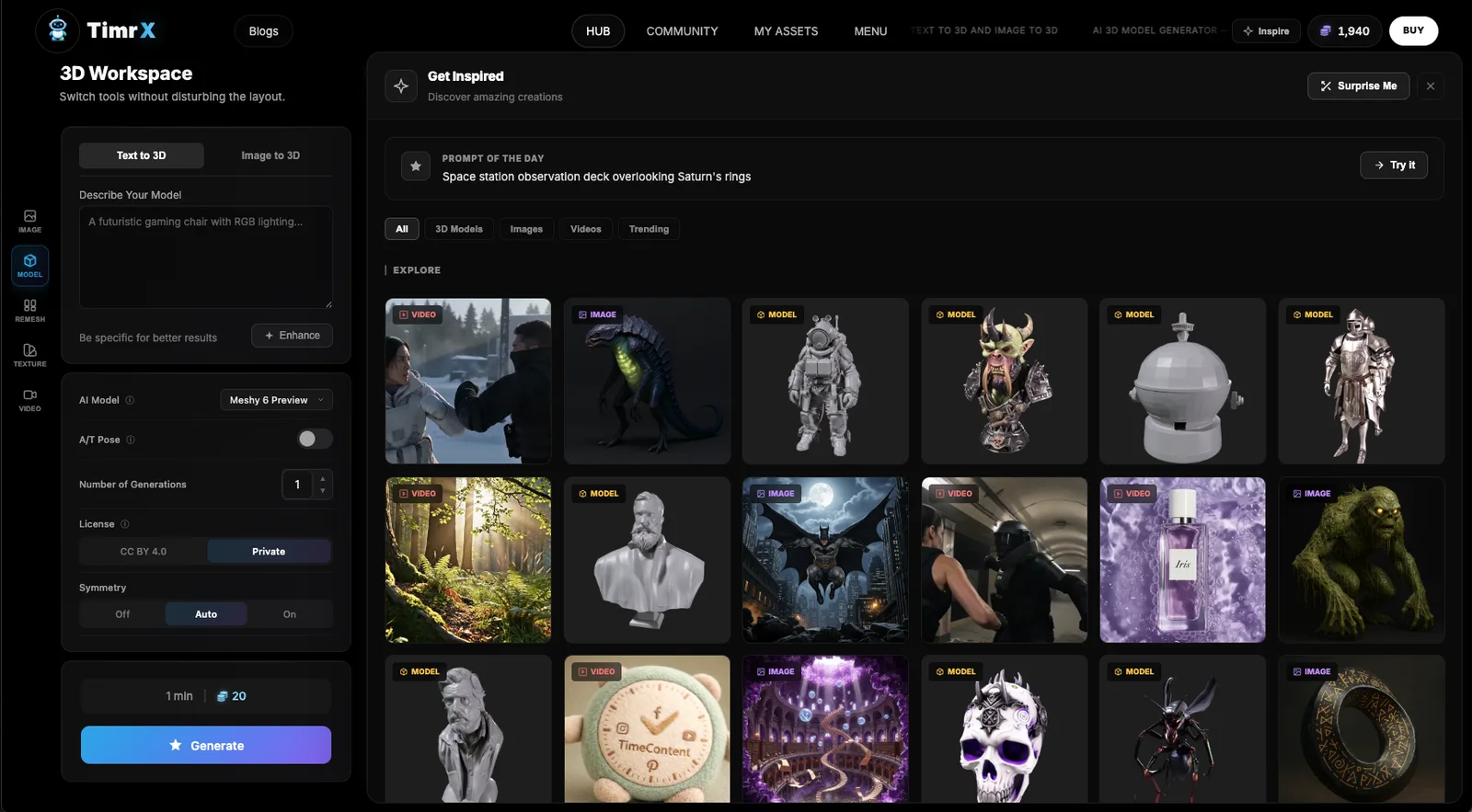

Creators and developers are no longer satisfied with single-purpose AI tools. They want platforms that let them generate videos, images, animations, and even 3D models—preferably from the same prompt, or at least within the same workspace. This is where TimrX comes in. TimrX is a generative AI platform that aims to bring all of these creative workflows into one browser-based environment. If you’re searching for the best AI video generator, an AI image generator, or a text to 3D model tool, TimrX is trying to be your one-stop shop. Let’s break down what it does, how it works, and whether it’s the right choice for serious creators.
What is TimrX?
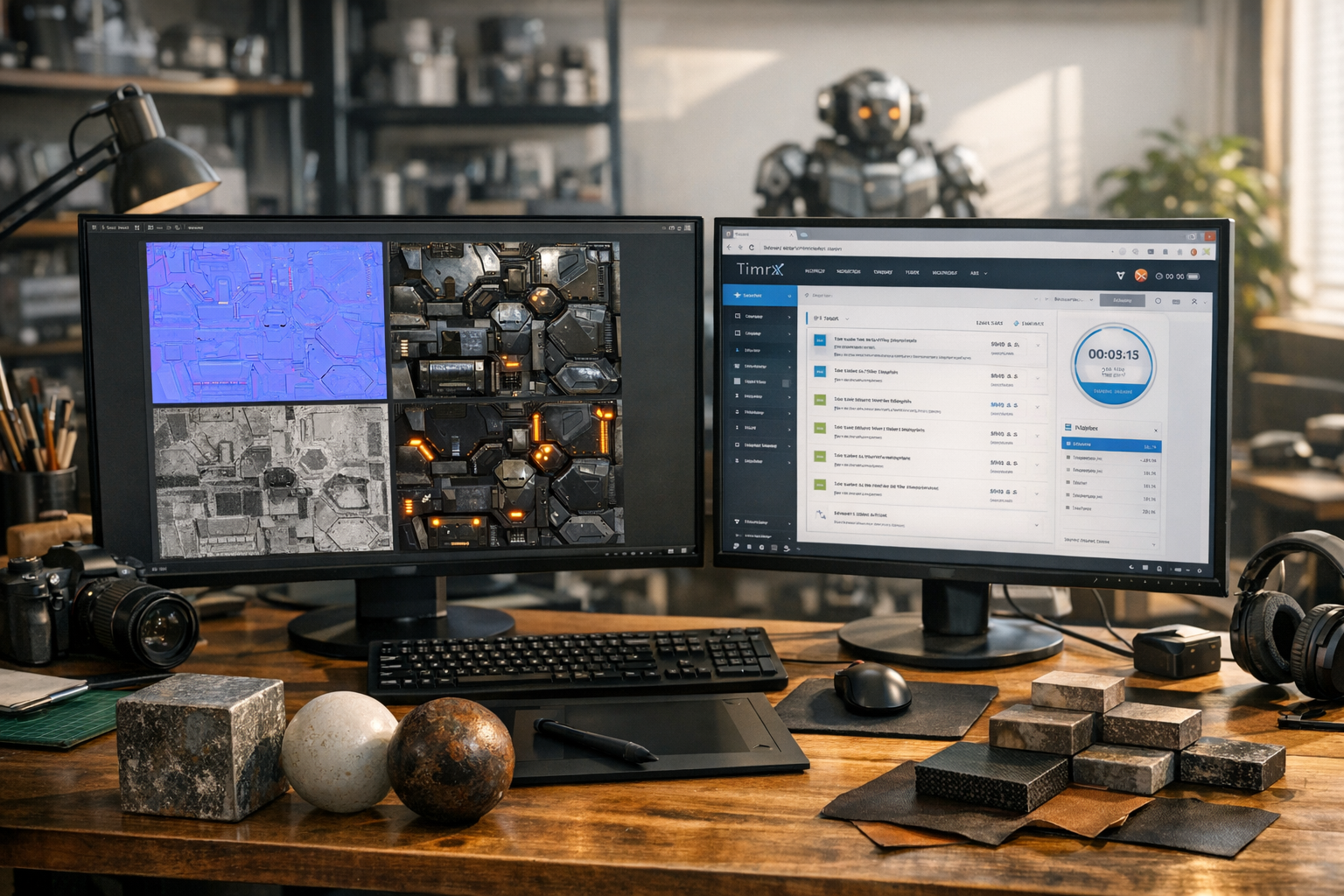
TimrX is more than just an AI image generator or a text to video AI tool. It's a full creative suite built for anyone who wants to generate content using AI—designers, developers, 3D artists, marketers, and hobbyists. The platform is web-based and doesn't require any downloads. It handles everything from text-to-image and prompt-to-video generation to 3D model creation and even 3D printing workflows. In my experience, most so-called 'AI creative tools' are either too basic or too scattered. TimrX tries to fix this by putting all the core generative AI tools in one place, with a unified workflow and interface.
Here’s what you can actually do inside TimrX right now:
- Generate images from text prompts (text to image AI)
- Create videos from text or image inputs (AI video generator, text to video AI, image to video AI)
- Convert images into 3D models (image to 3D AI, generate 3D models with AI)
- Generate 3D models from text prompts (text to 3D generator, AI 3D model generator)
- Export 3D models for 3D printing or game development
If you’ve ever tried to piece together a workflow with multiple AI tools, you know how frustrating it is to jump between websites, deal with file conversions, or lose project context. TimrX is designed to keep everything contained and connected. You can move from a prompt to an image, from an image to a 3D model, and then animate that model—all inside a single workspace.
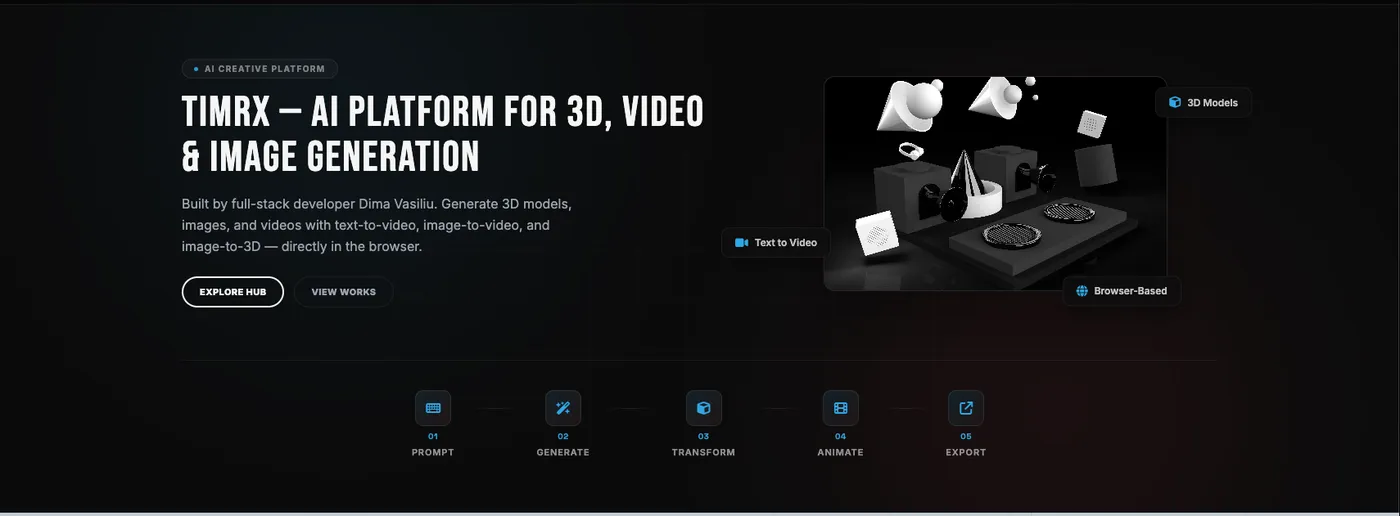
Generate Videos with AI
TimrX’s AI video generator tools are built for both speed and quality. You can start with a simple prompt—something like 'a futuristic city sunrise'—and get a short cinematic video in return. Or, if you want more control, upload an image and use it as a visual base for your video. This prompt to video generator approach is perfect for marketers, social media creators, and educators who need unique visuals fast.
I’ve tested dozens of AI video generation tools, and most of them struggle with motion coherence or realistic scene changes. TimrX integrates some of the latest models, giving you smoother animations and more believable results. The video generation isn’t just about stringing together frames—it understands motion, cinematic pacing, and story flow. For anyone searching for generate videos from prompts or create AI videos from images, this is a major upgrade over older tools.
Veo 3 Video Generation
One of the biggest features in TimrX is the integration of Google’s Veo 3 model. If you haven’t heard of Veo, it’s one of the most advanced text to video AI models available. It’s built for cinematic realism: think deep focus, physically accurate lighting, and natural scene motion. When you use the Veo 3 video generator inside TimrX, you’re getting AI-generated videos that actually look like they belong in a professional production.
Veo 3’s motion understanding is a big deal. It can handle subtle camera pans, smooth transitions, and even basic storytelling beats. This sets it apart from most prompt to video generators, which tend to produce jittery or static footage. For creators, this means you can use TimrX’s Veo 3 integration to generate B-roll, create marketing teasers, or build explainer videos with almost no manual editing.
Seedance: One of the Best AI Video Generators
TimrX also supports Seedance, which I consider one of the top AI animation generators for smooth, dynamic motion. Seedance is especially good at prompt-based video generation, where you want a character or scene to move naturally based on your description. If you’ve struggled with AI tools that generate stilted or robotic animations, Seedance is worth a try. It’s ideal for short animations, explainer clips, or even storyboarding for longer projects.
The Seedance AI video generator is particularly useful if you’re aiming for visually engaging content on platforms like TikTok, Instagram Reels, or YouTube Shorts. You can literally turn a prompt—like 'a robot dancing under neon lights'—into a video clip ready to post.
Generate Images with AI
Image generation isn’t just for concept artists anymore. Marketers, bloggers, and indie developers are using AI image generators to quickly create visuals for campaigns, app mockups, or blog posts. TimrX’s text to image AI tool lets you turn a short description into a high-res image in seconds. Need a hero image for your landing page? Want a unique illustration for your next email blast? Just drop a prompt and let the AI do the rest.
The quality is strong enough for professional use, and you can iterate on your prompts until you get the exact style you need. For more on how these models work and how to write effective prompts, see Prompt Engineering for AI Generation: A Practical Tutorial.
Text-to-3D Generation
3D model generation is where things get really interesting. With TimrX, you can type a prompt like 'a low-poly sci-fi drone' and get a downloadable 3D model in minutes. The text to 3D generator is trained to understand not just objects, but shapes, proportions, and styles. This is a huge boost for anyone in rapid prototyping, game development, or 3D printing.
In my own workflow, I’ve used TimrX to generate base meshes for game assets. Instead of spending hours modeling from scratch, I start with a prompt, tweak the result, and export to Blender or Unity. For the 3D printing crowd, this means you can go from concept to print-ready model in a single session. If you’re comparing tools, check out Text-to-3D vs Image-to-3D: Which AI Workflow Delivers Better Results? for a deeper dive.
Image-to-3D Generation
Sometimes you don’t need to start from scratch—you’ve already got an image, a sketch, or a photo, and you want to turn that into a 3D model. TimrX’s image to 3D AI tools let you upload an image and automatically generate a 3D object that matches its shape and style. This is perfect for prototyping, product design, or reverse-engineering assets for AR/VR.
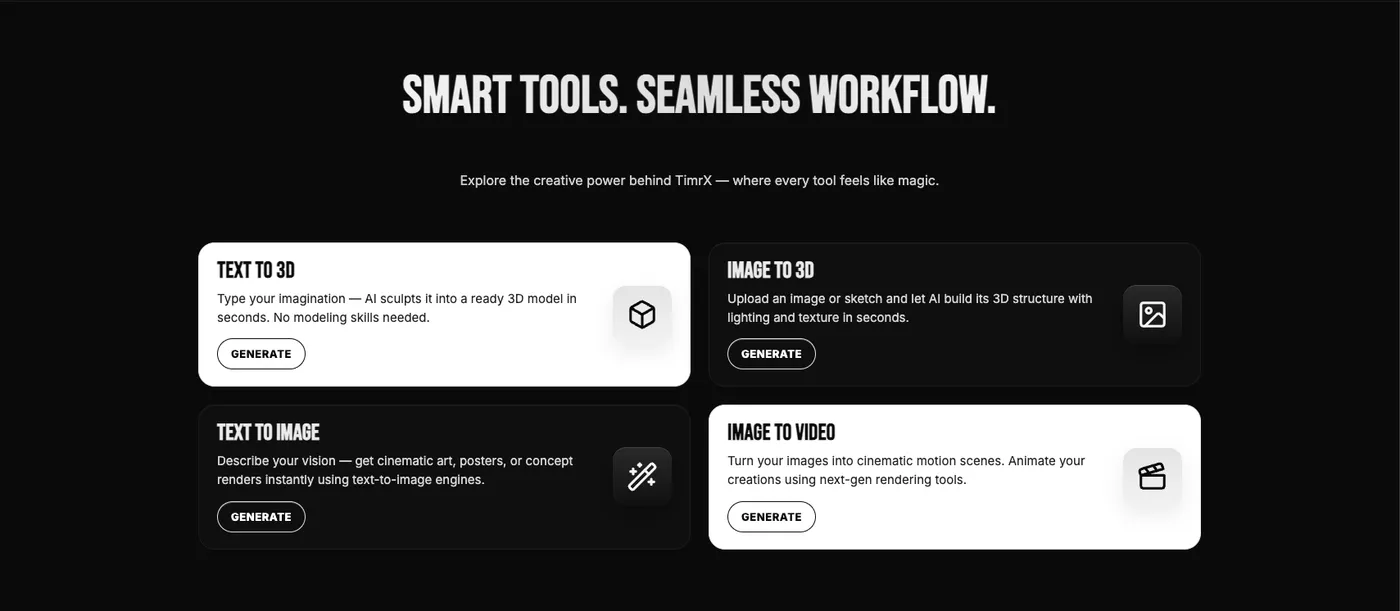
I’ve found this super useful for creating quick 3D logos or for generating base models from client sketches. You upload, tweak, and export—all in the browser. This is a workflow that used to require three separate tools and a bunch of manual fixes. Now it’s just a matter of uploading and adjusting parameters.
Why TimrX Is Different from Other AI Tools
Most generative AI tools focus on a single type of content. You’ve got AI image generators like Midjourney or DALL-E, AI video generators like Runway or Pika, and standalone 3D generators. But almost none of them let you move seamlessly between all three. TimrX was built with integrated creative workflows in mind. You can start with a prompt, generate an image, turn that image into a 3D model, and then animate the model for video output—all inside one project.
This kind of end-to-end workflow is what sets TimrX apart. You don’t have to deal with weird file formats, manual downloads, or broken mesh exports. The platform is designed to keep your creative flow uninterrupted, which is a big deal for anyone working on tight deadlines.
Who Should Use TimrX?
- Content creators: Generate unique video clips, blog images, or social media posts.
- YouTubers: Quickly produce video B-roll, intros, or motion backgrounds.
- Developers: Prototype game assets, AR filters, or product concepts.
- Designers: Visualize concepts, create moodboards, or iterate on brand ideas.
- 3D printing enthusiasts: Generate printable models from text or image prompts.
I’ve seen indie studios use TimrX to generate thousands of concept assets for a game jam weekend. Marketing teams use it for ad creatives that would have cost thousands with traditional agencies. And the 3D printing community is using it to create custom figurines, cosplay props, and more—often in a fraction of the time it used to take.
The Future of AI Creation
Here’s the thing: creative workflows are changing fast. AI platforms like TimrX aren’t just about saving time—they’re about unlocking new creative possibilities. The ability to move from prompt to video, image, or 3D model inside a single platform means faster iteration, richer experimentation, and less friction for creators. As AI models continue to improve, I think we’ll see even more integrated platforms like TimrX—where the boundaries between images, videos, and 3D content blur completely.
If you want a deeper technical breakdown of how these multimodal workflows come together, check out AI Creative Workflows: Combining Image, Video, and 3D Generation.
Pros, Cons, and Verdict
- Pros:
- • Unified workspace for video, image, and 3D generation
- • State-of-the-art models (Veo 3, Seedance)
- • Easy prompt-based workflows
- • Integrated 3D printing support
- • No local hardware requirements—everything runs in the browser
- Cons:
- • High-end video outputs (4K, long duration) are still in beta
- • Advanced model editing requires some learning curve
- • Some niche 3D file formats not yet supported
My verdict? If you’re looking for a creative AI platform that covers prompt to video, image to 3D, and everything in between, TimrX is easily one of the top options right now. The all-in-one approach saves you endless time and lets you experiment across formats without breaking your workflow. For most creators, that’s a massive win.
Conclusion: Why TimrX Matters for Creators and Developers
TimrX is more than just another AI content generation platform. It’s a unified, browser-based workspace for anyone who wants to generate videos, create images, convert images to 3D models, or build 3D models with text prompts. With integrations like Veo 3 and Seedance, plus powerful 3D workflows, it’s one of the few platforms that actually delivers on the promise of multimodal creative AI. If you’re serious about AI-powered creation—whether for social content, prototyping, or 3D printing—TimrX is worth a try.
FAQ
- What makes TimrX different from other AI generation tools?
- TimrX integrates AI video, image, and 3D model generation in one workspace, enabling seamless creative workflows across formats.
- Can I generate 3D printable models with TimrX?
- Yes. You can generate 3D models from text or images and export them for 3D printing directly from the platform.
- Does TimrX support advanced video models like Veo 3 and Seedance?
- Absolutely. TimrX offers built-in support for both Veo 3 and Seedance for prompt to video and animation generation.
- Is TimrX browser-based, or do I need to install software?
- TimrX is fully browser-based. No downloads or local hardware requirements.
Comments 0
Be the first to comment on this post.