
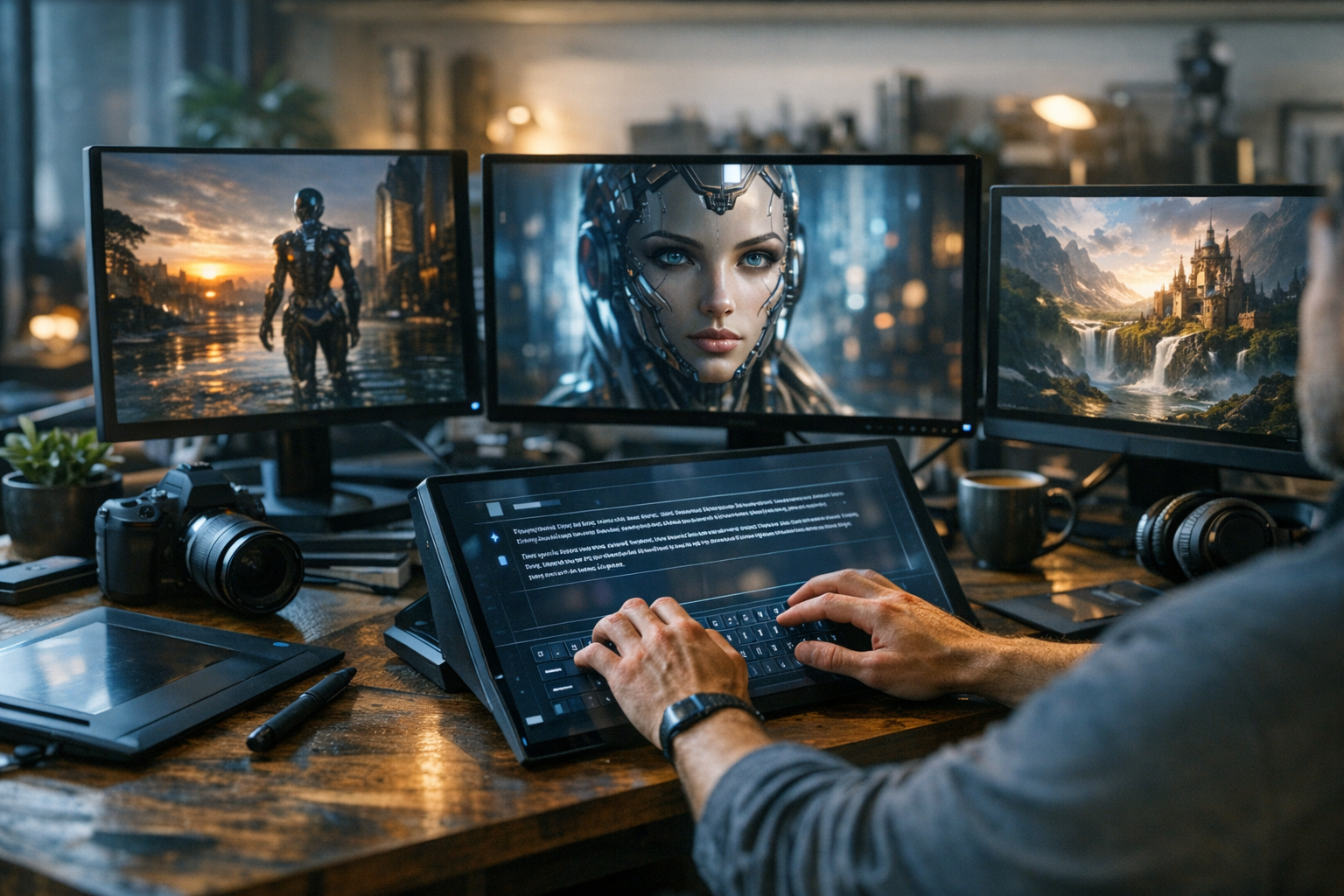

AI image generation is all about the prompt. If you’ve ever been frustrated by bland, off-target, or just plain weird AI art, here’s why: your prompt is the blueprint. The words you type become a set of instructions that models like Stable Diffusion, Midjourney, or TimrX’s AI Image Generator use to build your vision. Writing effective AI image prompts isn’t just about piling on keywords or tossing in trendy styles. It’s about precision, clarity, and knowing how the model interprets your request. In this guide, I’ll break down exactly how to write AI image prompts for better, more predictable results—whether you’re an artist, developer, or experimenting with creative workflows inside platforms like TimrX Hub.
What Is an AI Image Prompt?
An AI image prompt is a text description that tells a generative model what you want to see. Behind the scenes, your prompt is split into tokens—the smallest pieces of meaning, like words or punctuation—so the model can calculate how each part influences the output. Think of tokens as dials: some turn up the weight on 'cyberpunk', others on 'portrait', or 'oil painting'. The best prompts balance subject, style, and intent using clear language the model can parse. Weighting lets you emphasize or de-emphasize ideas (for example, using parentheses or custom syntax in certain tools).

Core Structure of a Good Prompt
Let’s get into anatomy. The best AI image prompts follow a clear structure. I break it down like this: subject, style, composition, lighting, and details. Each part has a job to do. Let’s look at each one.
Subject
This is your anchor—what’s the main focus? Is it a person, a cityscape, an animal, a product? Be specific: 'a red vintage sports car' is stronger than 'car'.
Style
Are you after a photo, a pencil sketch, pixel art, or a Baroque oil painting? Citing artists ("in the style of H.R. Giger") or media ("watercolor", "digital painting") gives models a strong stylistic anchor. This is how you get those 'best AI prompts for images' you see in showcase galleries.
Composition
Describe the camera angle, framing, or arrangement of elements. Words like 'close-up', 'wide shot', 'top-down', or 'rule of thirds' influence the layout. Want a portrait or a landscape orientation? Spell it out.
Lighting
Lighting sets the mood. Terms like 'golden hour', 'soft diffused light', 'dramatic shadows', or 'cinematic lighting' radically change the feel. If you want realism, call out the light source or time of day.
Details & Modifiers
This is where you fine-tune: 'high detail', 'grainy texture', 'hyperrealistic', 'shallow depth of field'. Use quality tags ('8k', 'unreal engine', 'photorealistic') if your model supports them. But don’t overload—clarity beats clutter every time.
Prompt Formula (Reusable Template)
Here’s my go-to formula, useful for everything from TimrX to Stable Diffusion prompt engineering:
[subject], [style], [composition], [lighting], [details], [quality modifiers]Practical example: "an astronaut riding a horse, digital art, wide-angle cinematic shot, glowing nebula background, dramatic lighting, intricate textures, ultra detailed, 8k resolution". You can build your own patterns and tweak each part as needed. This structure works across nearly every AI image generator.
Examples of Good vs Bad Prompts
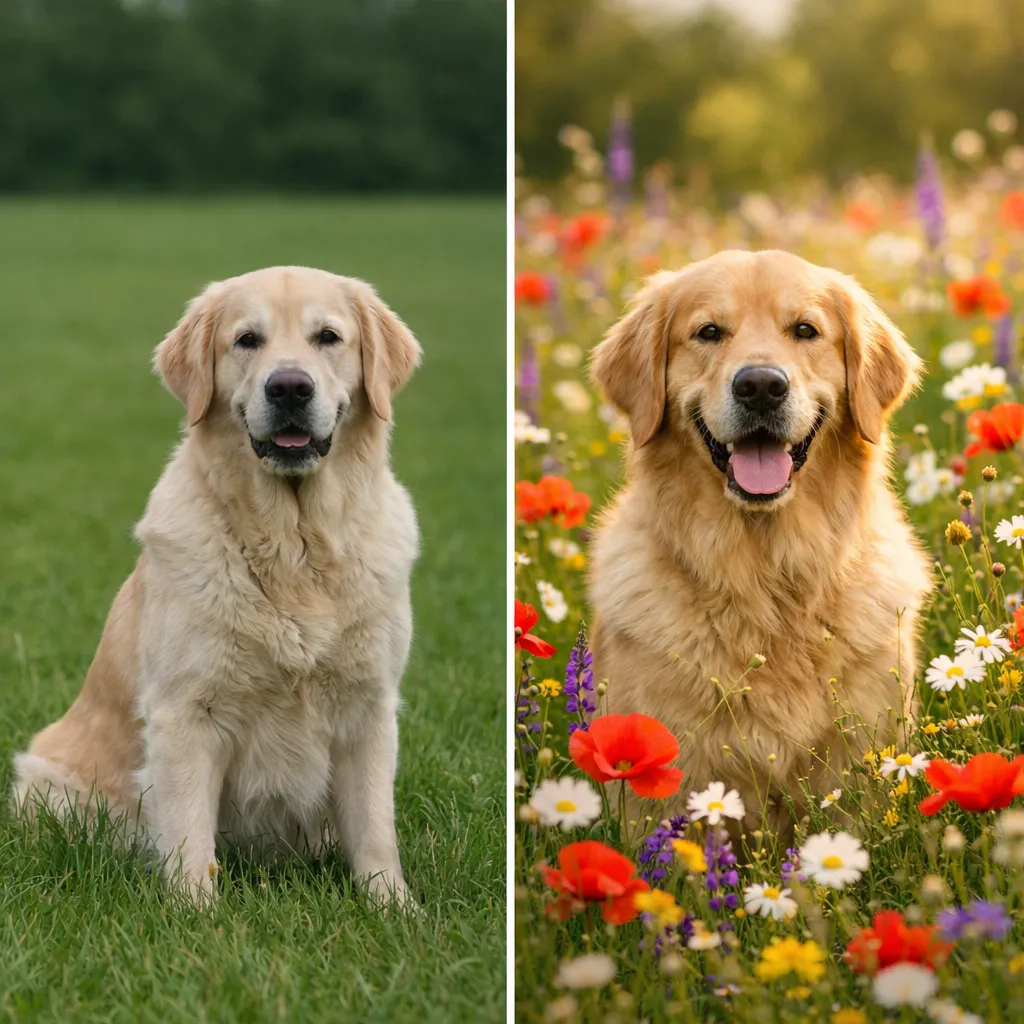
Let’s look at a real side-by-side. Here’s a weak prompt:
dog in a fieldCompare with a strong prompt (using our formula):
golden retriever running through a wildflower meadow, natural light, high-speed photography style, shallow depth of field, vibrant colors, hyperrealistic, 50mm lensThe second prompt nails subject, style, composition, lighting, and detail. Small changes can mean the difference between generic and gallery-worthy. Want more prompt engineering examples? See our practical tutorial on prompt engineering.
Advanced Prompt Techniques
Once you’ve mastered the basics, you can push further with these AI image generation techniques:
- Style blending: Mix multiple artists or genres ("van Gogh meets cyberpunk").
- Artist references: Add names for signature looks ('in the style of Greg Rutkowski').
- Camera simulation: Specify lens type, aperture, depth of field, or film stock.
- Negative prompts: Tell the model what to avoid ("no text", "no blurry elements").
- Prompt chaining: Iterate by feeding outputs back into new prompts for refinement.
Platforms like TimrX and Midjourney let you get granular with these features. If you’re coming from Stable Diffusion, check out our Stable Diffusion prompts guide for more advanced syntax and workflow ideas.
Common Mistakes to Avoid
I’ve seen the same mistakes over and over. Here’s what to watch out for:
- Being too vague ('cat', 'city skyline').
- Overloading with too many styles or modifiers (confuses the model).
- Conflicting instructions ('day and night', 'oil painting and photo').
- Ignoring composition—if you don’t specify, you’ll get random framing.
- Neglecting to test and iterate, or giving up after one bad result.
Clarity beats clutter. If a prompt isn't working, simplify or break it into steps. For deep dives into prompt troubleshooting, the TimrX blog archive has more workflows and real-world fixes.
Practical Workflows
Here’s what a real creator workflow looks like with prompt engineering for image generation:
- Write initial prompt using the formula.
- Generate image in your tool (like TimrX).
- Review: Is the subject, style, or composition off?
- Refine prompt: Add or remove details, clarify intent.
- Repeat. Save effective prompt patterns for reuse.
- Export assets for web, video, or 3D projects.
Iterative prompt refinement is how you get from "okay" to "outstanding". I always keep a prompt log—successful prompts become templates for the next project. For more on asset workflows, see our AI creative workflows guide.
Using AI Image Prompts in TimrX
Inside TimrX Hub, prompt engineering is central. You write prompts in the browser, and TimrX’s AI Image Generator interprets your structure—subject, style, lighting, and more. The workflow is frictionless: type, generate, refine. You can instantly slot generated images into video, 3D, or print pipelines. The same formula applies if you’re creating concept art, thumbnails, or 3D texture maps using the AI 3D Generator.
From Image to 3D Workflows
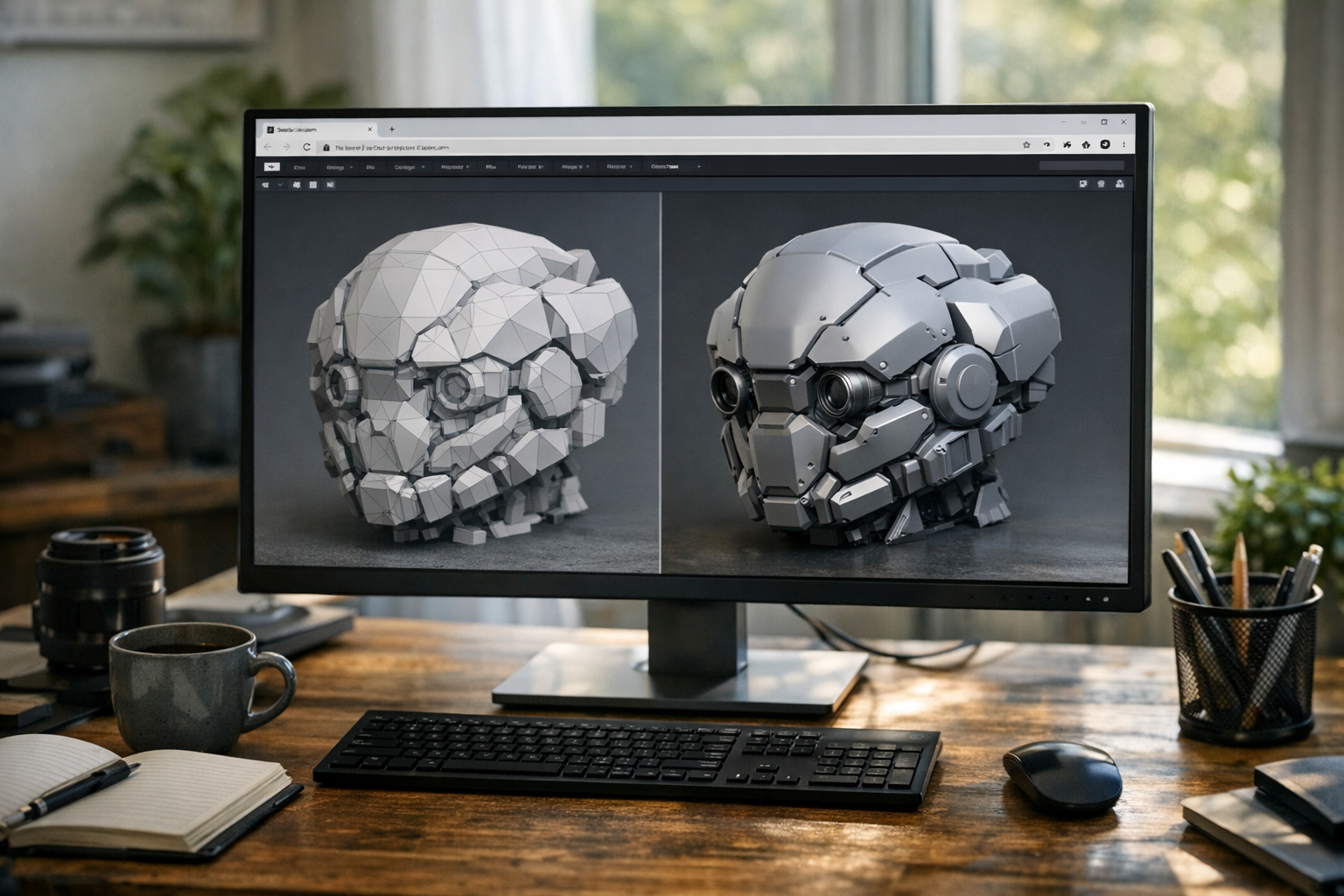
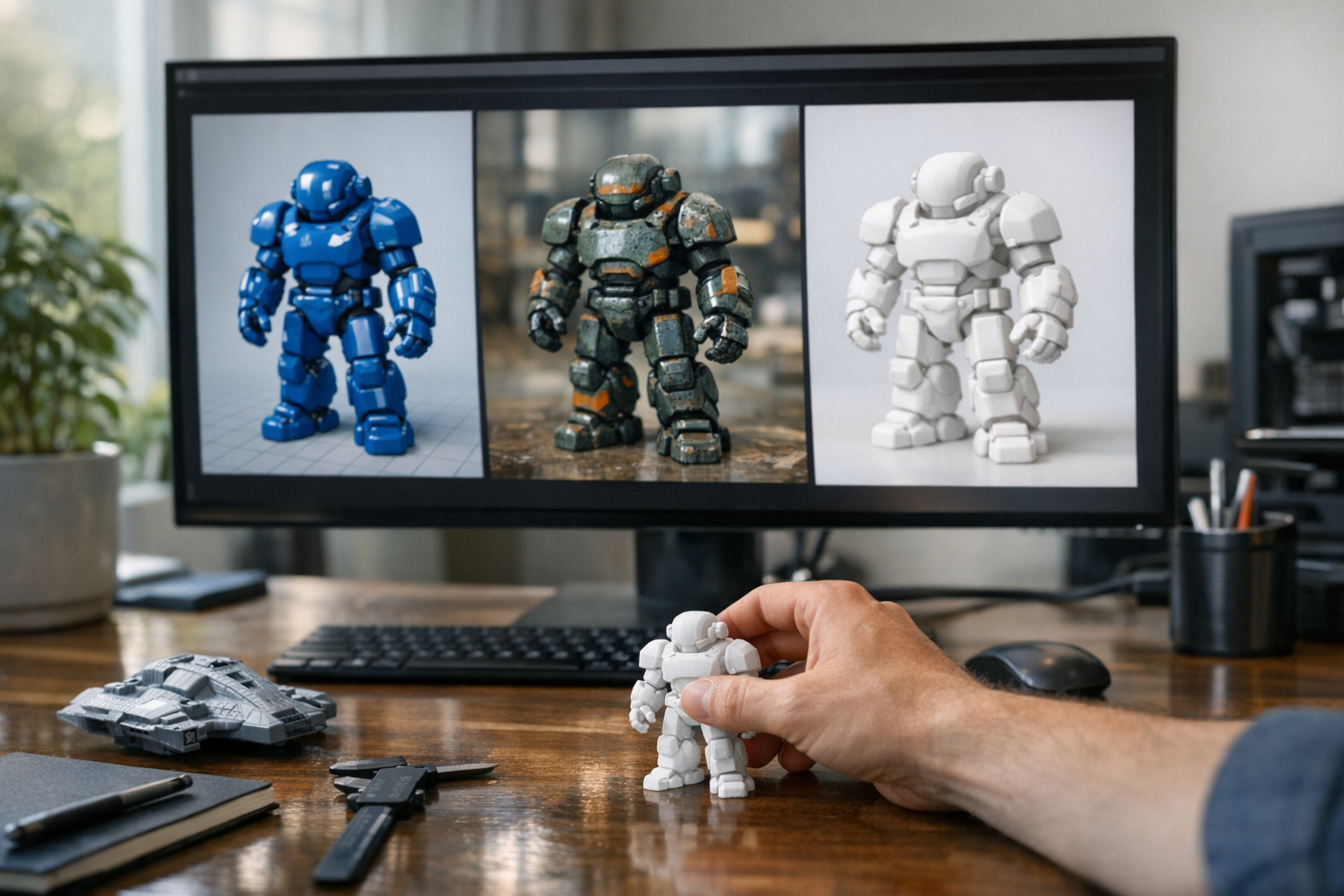
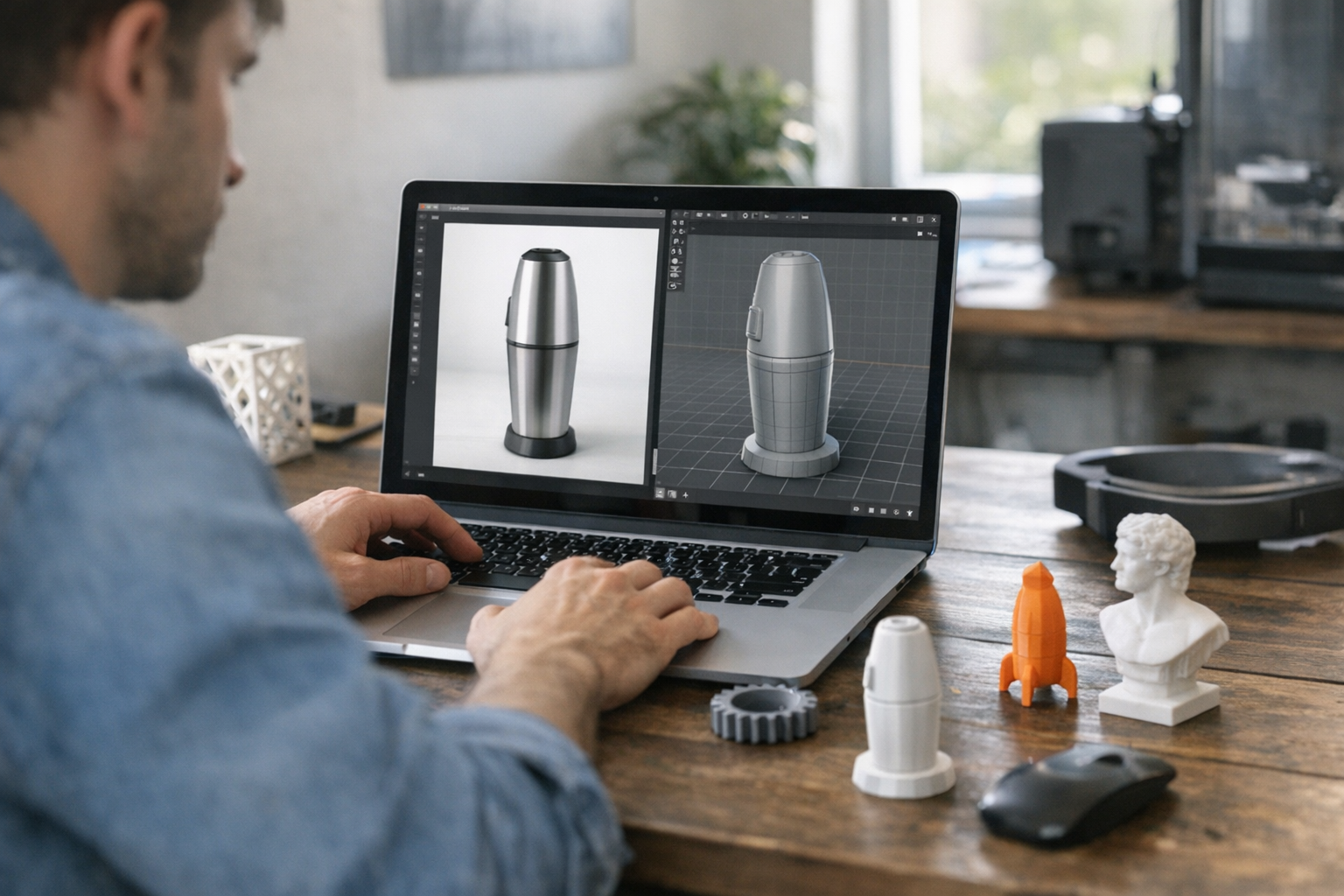
High-quality images aren’t the end—they’re the launchpad. With tools like TimrX’s image-to-3D pipeline, you can turn generated art into 3D models for rendering, VR, or even 3D printing (3D print workflows). The more specific and well-structured your image prompt, the better the downstream 3D output. For a full breakdown, check our guide on moving from AI image to 3D model.
Why Prompt Engineering Matters
Here’s the thing: prompt engineering for image generation is not an optional skill. It’s the difference between generic outputs and unique, production-ready assets. With well-structured prompts, you get better images, iterate faster, and keep creative control. In my experience, the best creators treat prompts as code—debug, refactor, and build patterns you can trust.
Conclusion
Mastering how to write AI image prompts is the key to unlocking the full power of tools like TimrX, Stable Diffusion, and Midjourney. A structured approach—subject, style, composition, lighting, details—consistently delivers high-quality results. Don’t settle for generic. Experiment, iterate, and treat prompt engineering as a core part of your creative workflow. For more resources, browse the TimrX archive or jump into the TimrX Hub and start building your own prompt library. This is where the best AI art begins.
FAQ
What is an AI image prompt?
An AI image prompt is a text description that guides a generative model in creating a specific visual output.
How long should a prompt be?
Usually 1–2 sentences, balancing clarity and detail. Too short is vague, too long adds noise.
Do AI models understand natural language?
They understand common language, but clear, descriptive phrases work best. Avoid ambiguous or idiomatic wording.
What are negative prompts?
Negative prompts tell the model what to exclude (like 'no text', 'no blur'), improving control over the output.
How can I improve AI-generated images?
Use structured prompts, refine iteratively, and save successful patterns for future projects.
Sources
- [1] Comprehensive Technical Writing Guide: Be a Pro on your own style ...
- [2] A Beginner's Guide to Understanding Technical Writing
No validation references for this post.
Comments 0
Be the first to comment on this post.