
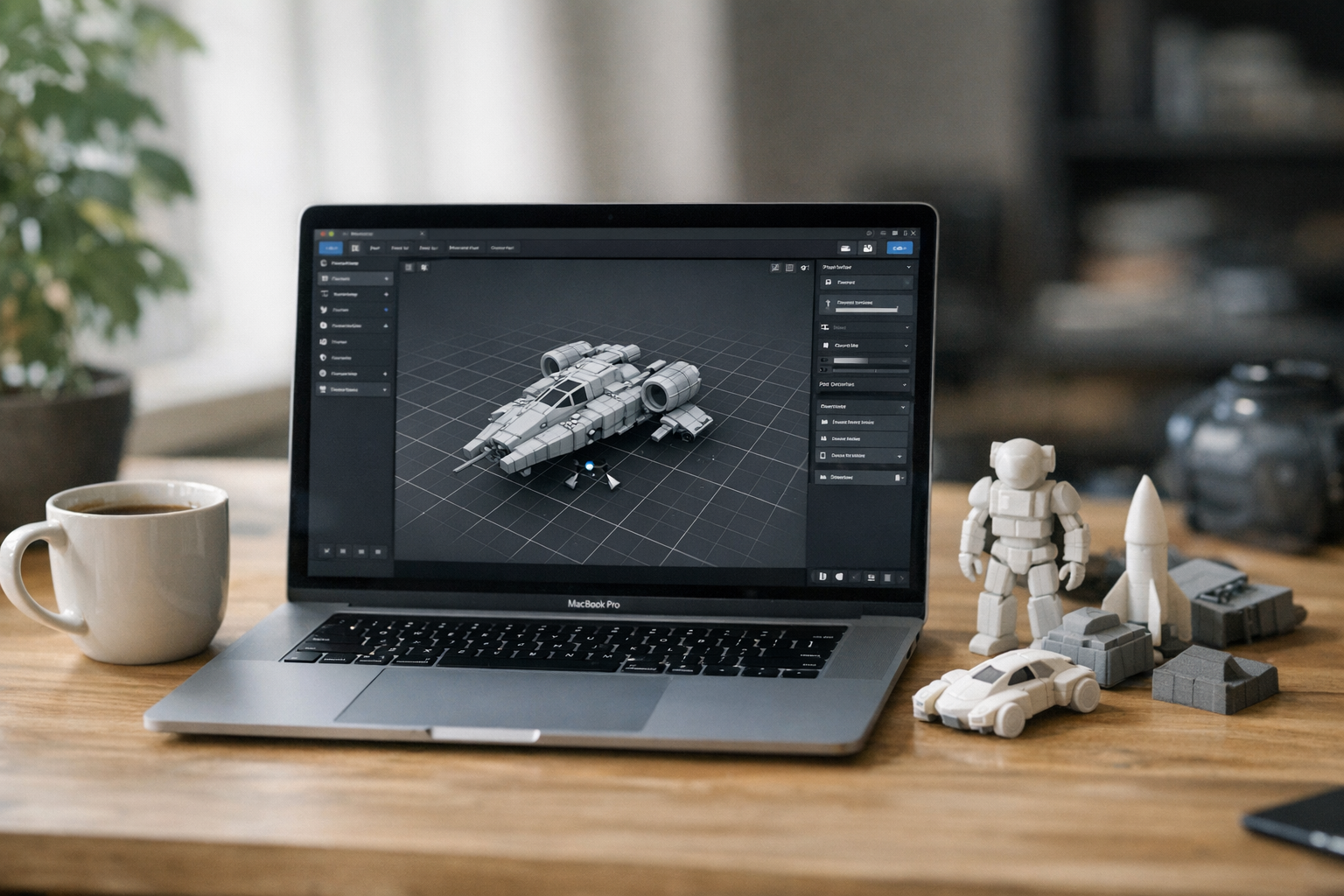

How to Create Print-Ready 3D Models Without Blender: A Modern Browser-Based Workflow
Let’s be blunt: for most creators, traditional 3D modeling workflows are a headache. I’ve been there—installing Blender, wrestling with mouse navigation, fixing non-manifold geometry, then spending an afternoon debugging export settings just to get a print-ready file. If you’re a designer, artist, or product tinkerer, you likely want to get ideas out fast—not become a full-time mesh surgeon. That’s exactly why browser-native 3D creation is catching on. Today’s browser-based 3D workflows let creators generate, refine, and export print-ready 3D models—all without Blender, heavy desktop installs, or arcane topology tricks. Let’s dive into how these modern online tools actually work for real creator pipelines.
Why Traditional 3D Printing Workflows Are Difficult
Here’s the thing: traditional 3D modeling has always had a steep learning curve. Blender, Maya, ZBrush—these are amazing tools for pros, but most creators run into the same brick walls:
- Complex interfaces that punish beginners for minor misclicks
- Topology and mesh cleanup—fixing holes, non-manifold edges, intersecting geometry
- UV unwrapping and texture workflows that feel like a dark art
- Manual mesh repair before exporting—often requiring add-ons or separate tools
- Exporting to the right format (STL, OBJ, GLB) and validating for print-readiness
- Installing and maintaining software that needs powerful hardware
I’ve watched talented illustrators and product designers give up on 3D printing simply because the pipeline felt designed for engineers, not creators. And honestly, even as someone who knows my way around mesh tools, I dread manual model repair before every print. This is a huge barrier—and it’s why so many creative projects stall before they ever reach the printer.
Browser-Based 3D Workflows Are Changing Creator Pipelines
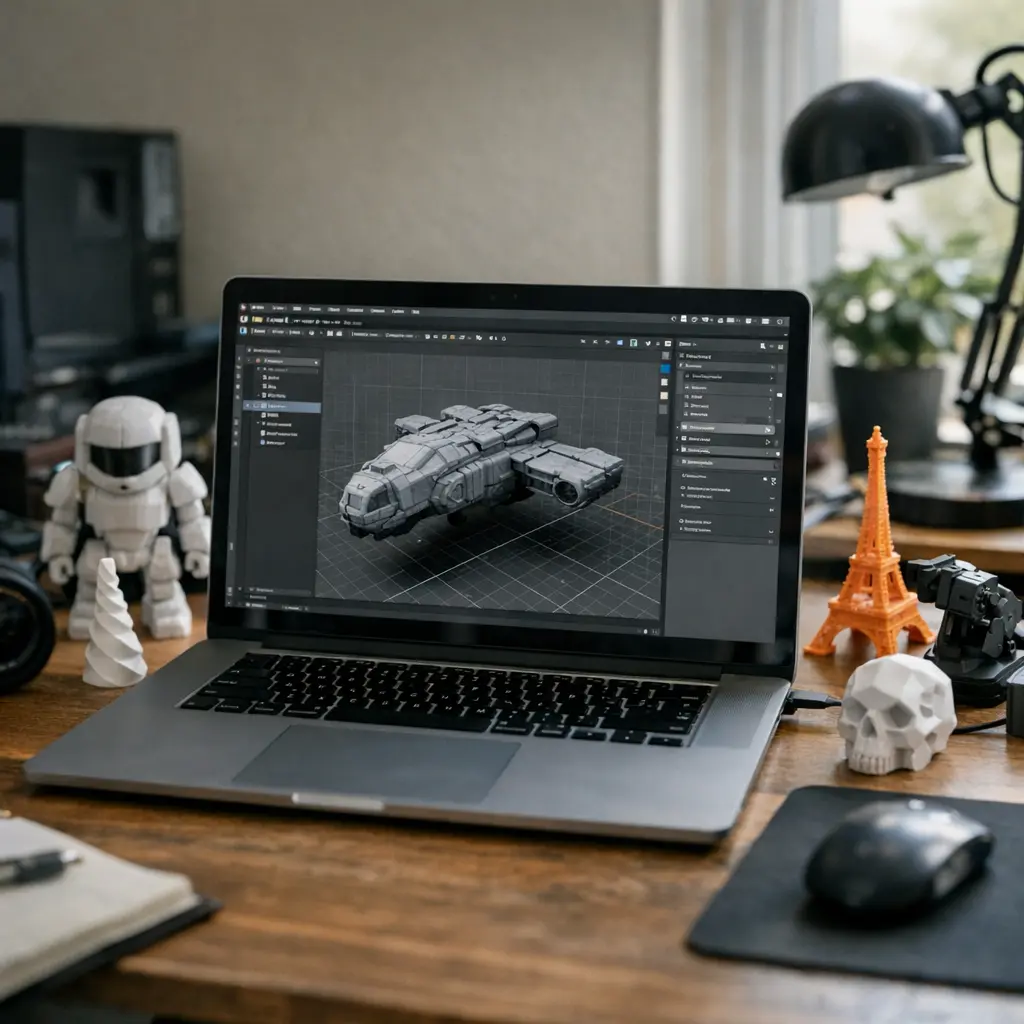
Now, creators have a real alternative: browser-native 3D tools. Instead of heavy software, you get a fast, responsive, WebGL-powered 3D workspace directly in your browser. Here’s what actually changes for the pipeline:
- No installs, no updates—just open your browser and start building
- Real-time 3D previews and instant feedback on geometry
- Integrated asset generation (text to 3D, image to 3D) and editing
- Unified export systems for GLB, STL, OBJ, and more
- Collaborative features and cloud asset management
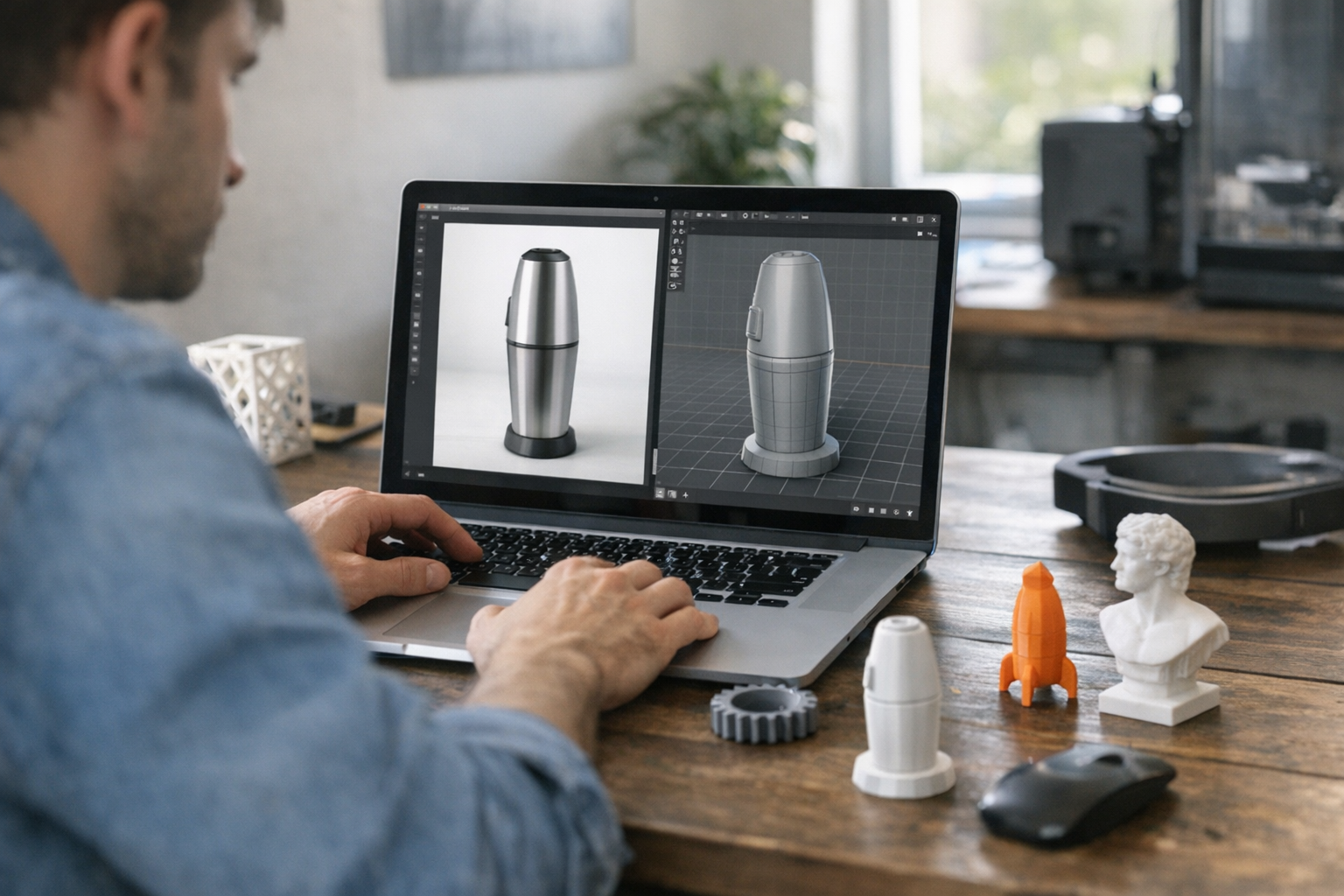
Platforms like TimrX Hub and TimrX 3D Print make this possible. You can start with a prompt, sketch, or photo, build and refine your model in a browser-native 3D workspace, and export for print—all without ever touching Blender. The result? Creators iterate faster, workflows are simplified, and the only hardware you need is a laptop and a browser.
Creating 3D Models from Text Descriptions
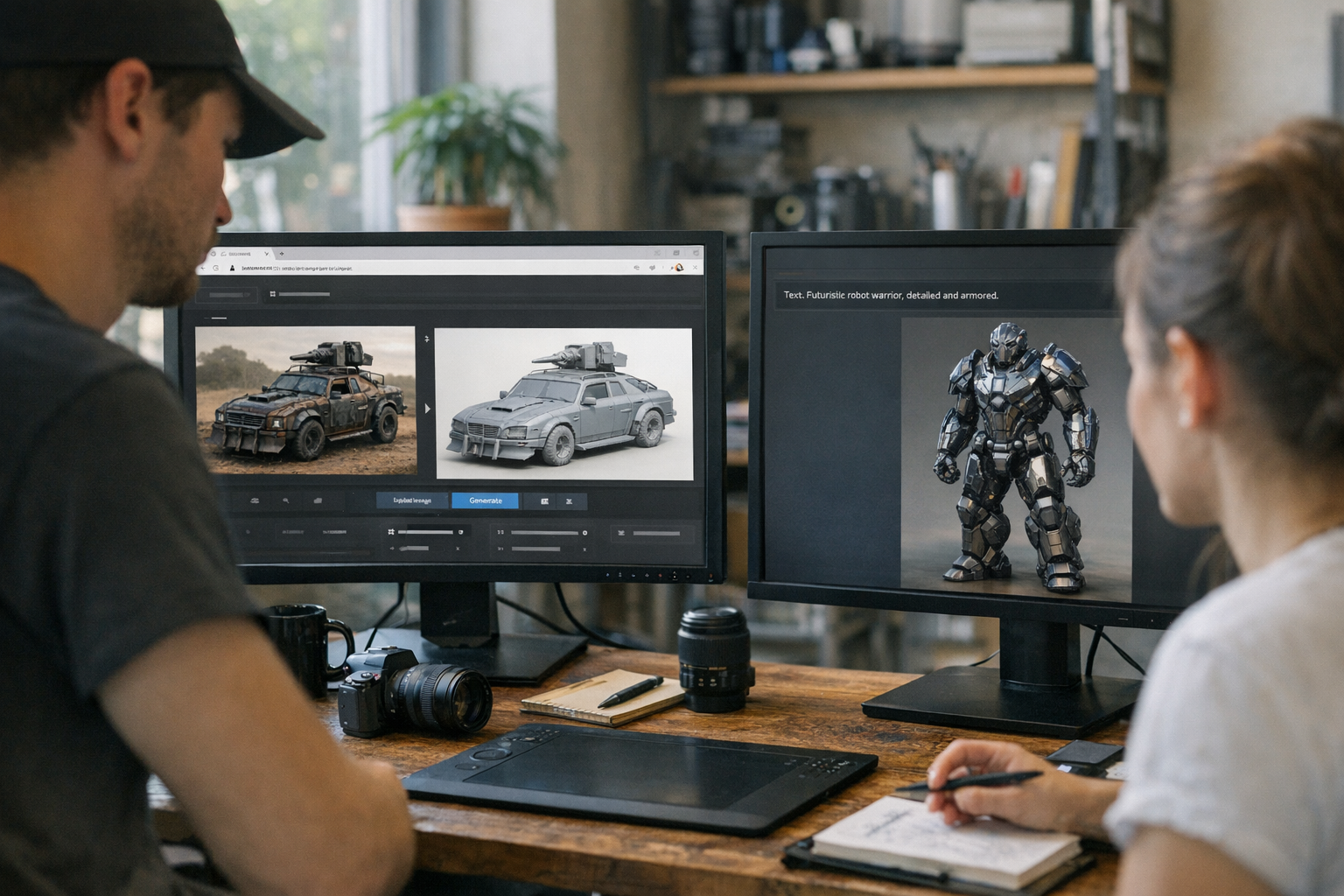
Text-to-3D workflows are probably the biggest shift for designers who want to create 3D models without Blender. On TimrX Text-to-3D, you enter a descriptive prompt—say, “stylized dragon figurine” or “ergonomic phone stand”—and the platform generates a 3D asset in seconds. This is more than a toy: it’s a legitimate way to prototype collectibles, figurines, prototypes, and game assets without modeling from scratch. The mesh you get can be instantly previewed, remeshed, and prepared for printing.
- Rapid ideation: explore dozens of concepts without manual modeling
- Kickstart asset production: get a usable base mesh for further refinement
- Reduce skill barriers: text prompts instead of complex polygon workflows
I’ve found this especially useful for prototyping product ideas—generate, tweak, and get a printable version in minutes. For more on this workflow, see Text to 3D for STL Files: Prompting Workflow for 3D Printing.

Converting Images Into 3D Models
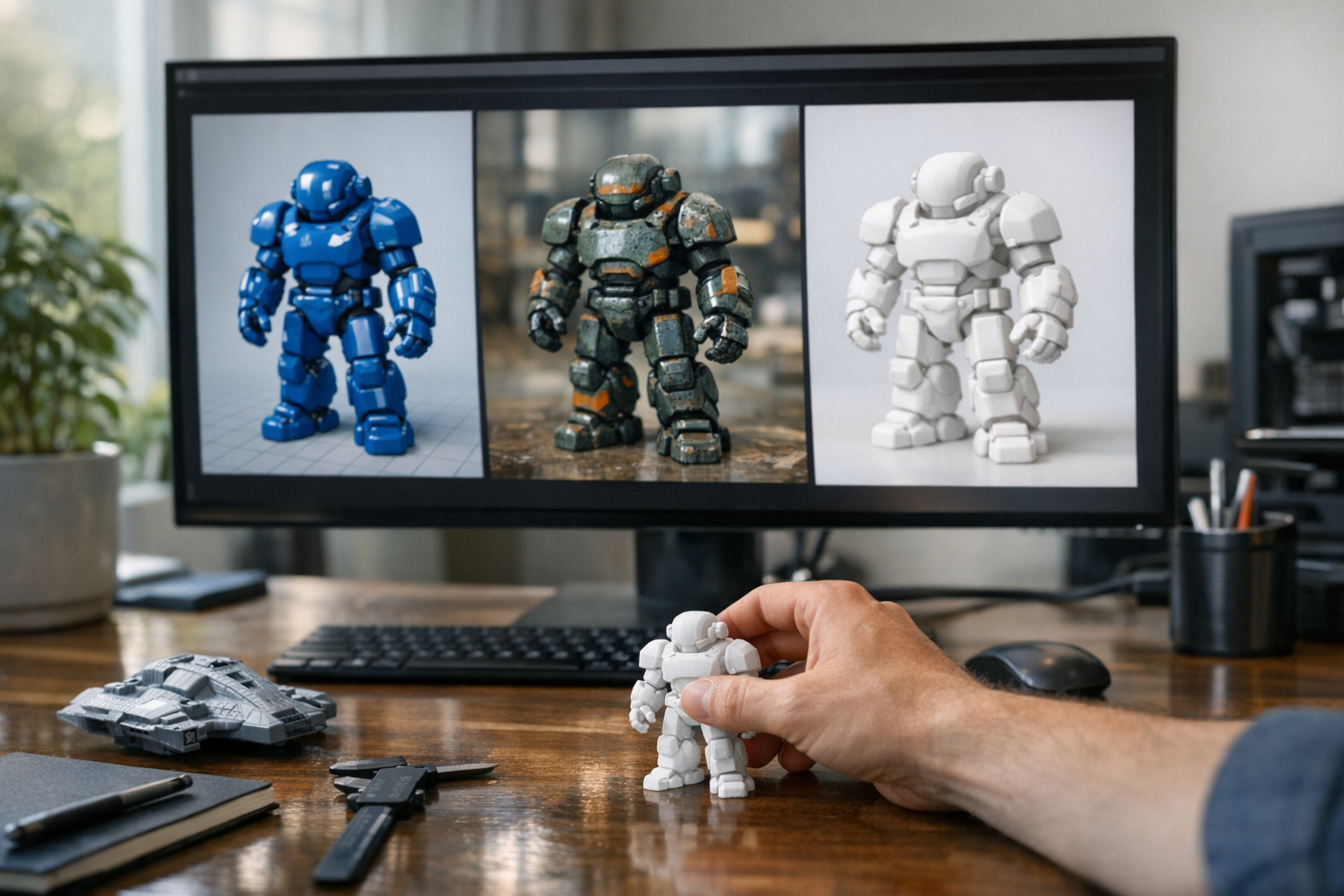
Not every creator starts with a blank slate. Sometimes you have concept art, product photos, or even napkin sketches. The TimrX Image-to-3D pipeline lets you upload an image and generate a 3D model that captures both shape and (optionally) texture. Whether you’re turning a product render into a printable prototype or converting a hand-drawn character into a game-ready asset, the workflow is direct:
- Upload reference art, product shots, or sketches
- Generate a 3D mesh that mirrors the input
- Preview and refine the 3D asset in the browser
- Add or enhance textures automatically
For designers, this means you can skip hours of box modeling. I’ve used this for everything from product mockups to stylized collectibles. For in-depth tips, check How to Turn an Image into a 3D Printable Model: A Practical Guide.
Preparing Models for 3D Printing
Here’s where browser-native workflows really pull ahead: print-ready mesh preparation. Back with desktop tools, prepping a model for 3D printing meant several rounds of mesh cleanup, remeshing, and error fixing. On TimrX 3D Print and the 3D Print Model Generator, this workflow is mostly automated but offers hands-on control for pros who want it.
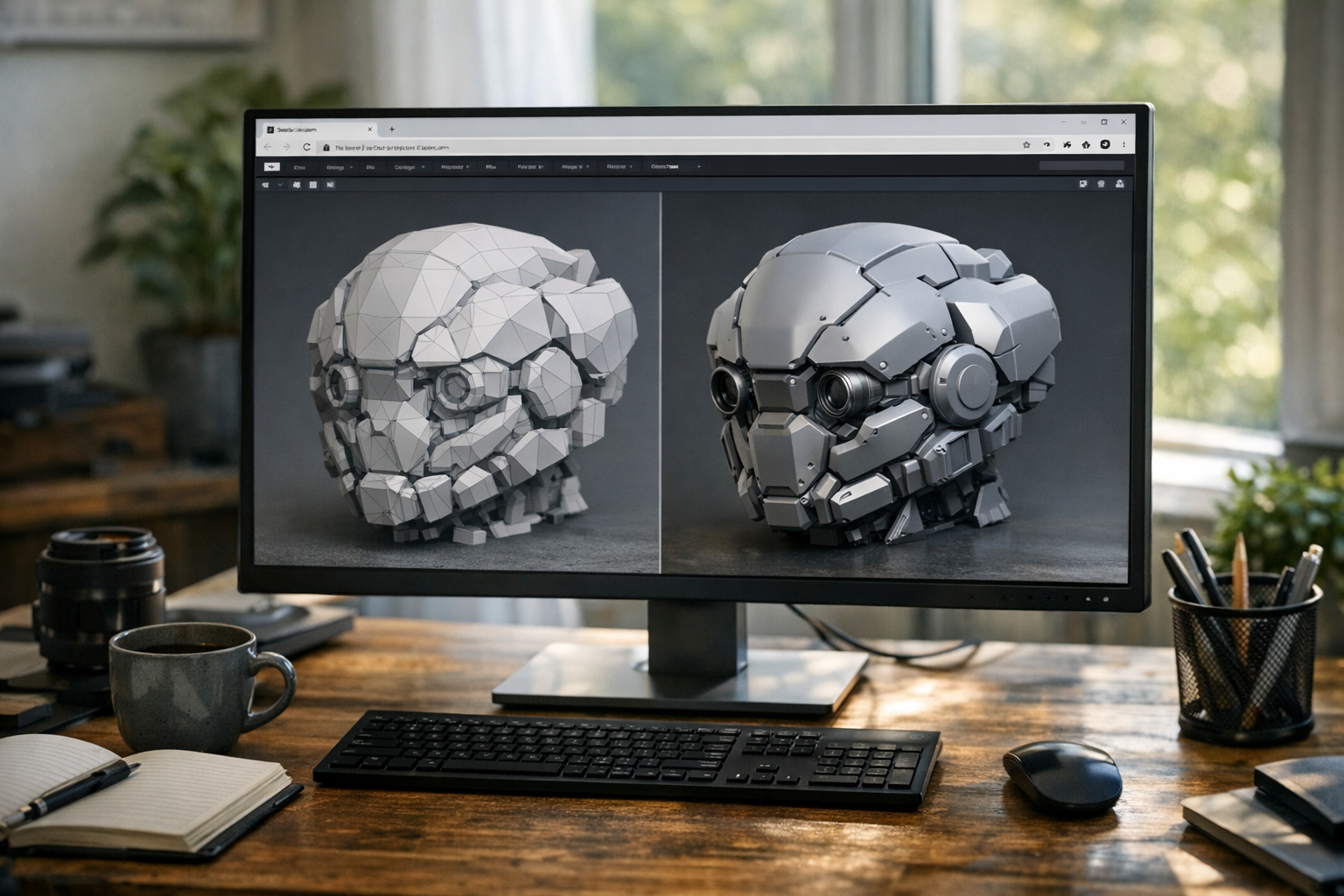
- Automatic remeshing to fix non-manifold geometry, fill holes, and ensure watertight surfaces
- Topology cleanup and decimation for smoother prints and smaller files
- Texture-aware workflows: include or strip textures before export
- Real-time browser preview of printability, wall thickness, and overhangs
- Export options for GLB, STL, and OBJ formats—optimized for print-readiness
I’ve seen the failure rate on prints drop dramatically when using these automated prep workflows. No more spending hours in Blender running mesh repair add-ons. You simply preview your model, let the system handle the cleanup, and export. For a deep dive on how formats affect printing, see GLB vs STL vs OBJ: Which 3D File Format Should You Use for Your Workflow?. According to industry reports, browser-native remeshing and cleanup is now on par with desktop software for all but the most complex technical use cases [1][2][3].
Real Creator Workflows
Let’s make this practical. Here are a few real-world workflows I’ve used (or watched creators use) with browser-based 3D tools:
Workflow 1: Concept Art to Print
- Upload a sketch or concept art to Image-to-3D.
- Preview and refine the mesh.
- Run remesh and cleanup tools for print-readiness.
- Export as GLB or STL.
- Send to your 3D printer.
Workflow 2: Text Prompt to Game Asset
- Describe your asset on Text-to-3D.
- Preview and tweak the result in the browser.
- Apply baked or procedural textures.
- Export as GLB for game engines or STL for printing.
Workflow 3: Product Concept to Print-Ready Prototype
- Upload product photos to Image-to-3D.
- Preview and adjust geometry in-browser.
- Auto-remesh, check printability, and optimize.
- Export the final print-ready model from 3D Print.
These aren’t hypothetical. They’re how creators are actually switching from Blender-centric pipelines to browser-native workflows for faster, more accessible 3D asset creation. If you want more workflow ideas, check out Unified Creator Workflows: Building Images, Videos, and 3D Assets in the Browser.
Why Browser-Native Creation Matters
The old way of 3D production was fragmented: concept in Photoshop, model in Blender, repair in Netfabb, slice in Cura, print. Every step meant file exports, version mismatches, and a growing pile of dependencies. Browser-based 3D workflows flip this on its head. You have a unified workspace, accessible from anywhere, with instant feedback and fewer moving parts. For creators, this means:
- Lower hardware requirements—just a browser and internet connection
- No more installation hell or plugin mismatches
- Faster prototyping, iteration, and feedback cycles
- Greater accessibility for new creators, educators, and small studios
I’m convinced this isn’t just a trend. As browser-native 3D tools get more powerful, we’ll see more creators skip traditional desktop tools entirely. For more on why this matters, see No-Blender 3D Modeling: Create 3D Models with AI Only.
The Future of Print-Ready Asset Creation
Looking ahead, browser-based asset creation will only get stronger. We’re seeing rapid improvement in multimodal generation (text + image + sketch), real-time geometry editing, and integrated production pipelines. The friction that used to keep creators out of 3D printing—complex tools, manual cleanup, export headaches—is being systematically removed. Expect to see more creators running entire production pipelines from concept to print in the browser, with platforms like TimrX Hub offering new integrations and collaborative features. If you want to keep up with this shift, check out the latest articles on TimrX Blogs and the platform Archive for workflow deep-dives.
Conclusion
The bottom line: you can now create print-ready 3D models without Blender or heavy desktop tools. Browser-native workflows offer real-time 3D previews, one-click mesh cleanup, automated print preparation, and seamless export systems. For creators, this means less time wrestling with software and more time turning ideas into physical objects. If you’re ready to try a new pipeline, explore TimrX Hub, experiment with 3D Print, and catch up on creator-focused techniques in the Blogs and Archive. The future of accessible, production-grade 3D creation is already here—and it runs in your browser.
FAQ
- Can you create 3D models without Blender? Absolutely. Modern browser-based tools let you generate, edit, and export 3D models directly from text or images, no Blender required.
- What makes a 3D model print-ready? A print-ready 3D model has watertight (manifold) geometry, no holes or intersecting faces, proper wall thickness, and is exported in a 3D-printable format like STL or GLB.
- How does image-to-3D generation work? Image-to-3D tools use uploaded images (photos, sketches, or art) to generate a 3D mesh, often inferring depth and texture information automatically.
- What file formats are best for 3D printing? STL is the most common for 3D printing, but GLB and OBJ are increasingly used for models that need textures or compatibility with other platforms.
- Can browser-based tools create production-ready assets? Yes, browser-native tools now offer mesh cleanup, remeshing, and export workflows that rival desktop tools for most creator and production needs.
Sources
- [1] From Prompt to Print: How AI 3D Tools & 3D Printing Work Together
- [2] How to Make 3D Printer Models or Files Easily? [Step by Step] - Blog
- [3] How to Create STL Files from Text Prompts: Quick & Easy AI Guide
Comments 0
Be the first to comment on this post.