
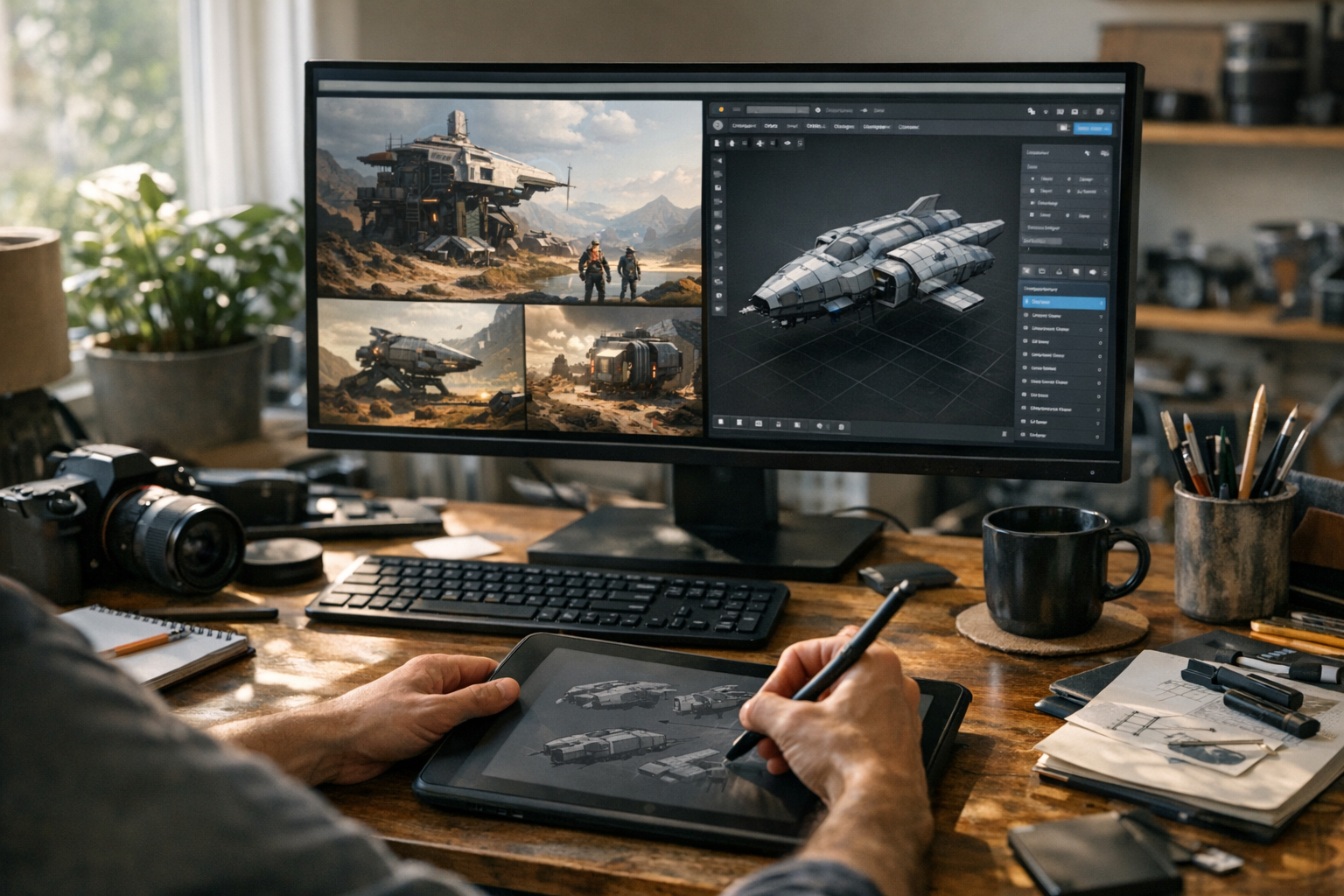

From Concept Art to 3D Model: A Complete Browser-Based Workflow
Creator workflows have changed. Not long ago, turning concept art into a production-ready 3D model meant bouncing between half a dozen desktop apps, wrangling file formats, and spending hours just getting a mesh ready for export. Now? A new wave of browser-native creator workflows is making those headaches optional. Modern tools let creators go from concept to usable asset in a single, integrated, browser-based production pipeline—no installs, no file-juggling, no Blender learning curve. This isn’t just about convenience. It’s about dramatically accelerating the way we generate, iterate, and export 3D assets—from the first spark of concept art to the final GLB file.
Here’s the thing: creators increasingly want speed, simplicity, and full-stack workflows that just work. They want to iterate on ideas, produce real assets, and export for games, print, or visualization without getting bogged down in technical busywork. Browser-native creation lowers the barrier to entry and lets anyone—artist, designer, developer—run full production pipelines from concept to 3D model, all inside their browser.
Why Traditional Asset Pipelines Slow Creators Down
Ask any indie 3D artist or developer: the classic workflow is a slog. Sketch in Photoshop or Procreate. Switch to Blender or Maya. Fumble with topology, UVs, and mesh cleanup. Maybe—if you’ve got the patience—set up textures in Substance or Quixel. Then finally, after a dozen exports, you get the asset into your game engine or slicer for 3D printing. Each step means a context switch, a new file format, and often a crash course in a whole new tool. Small studios and solo creators feel this pain most. You’re not just fighting technical friction; you’re burning creative time. Topology cleanup alone can kill momentum, especially for those who just want to see their ideas come alive. Even routine tasks like GLB or STL export can become bottlenecks. Texture workflows? More file juggling. Rendering setup? More time lost. Every extra step slows production, raises the skill floor, and limits who can participate in 3D asset creation. That’s why so many creators are looking for something better.
Browser-Native Creative Workflows Are Changing Asset Production
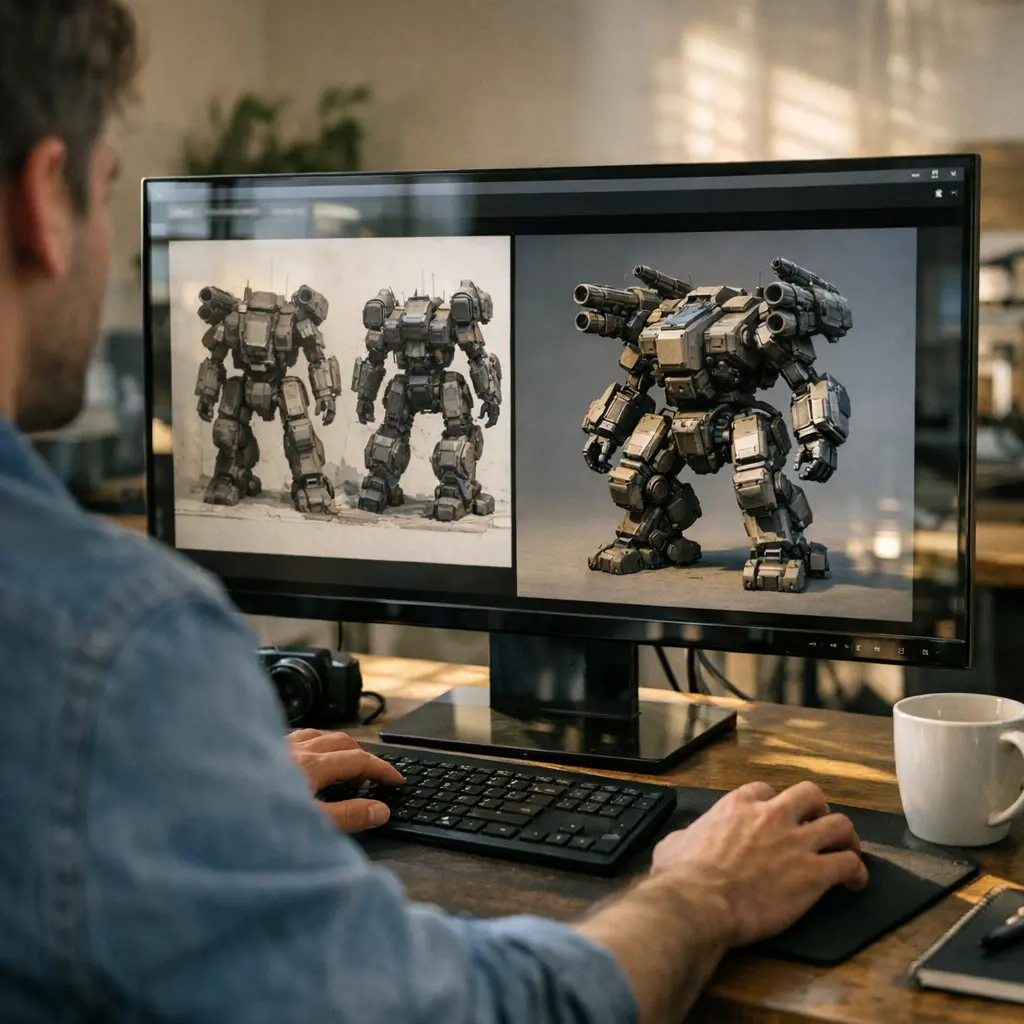
Open a browser, log in, and you’re inside an entire production pipeline. That’s the reality of modern browser-native creator ecosystems like TimrX Hub. Instead of cobbling together workflows from disconnected apps, you get a unified, creator-focused production environment. Real-time generation, multimodal tools, and instant asset previews are built right in. You’re not just generating files—you’re moving fluidly from concept to image to 3D asset to export, all in one place. The TimrX Hub is more than a dashboard. It’s the connective tissue for every stage of asset creation: ideation, prototyping, asset generation, and export. Integrated tools like AI Tools let you mix and match modalities—text, image, 3D, and even video—without ever leaving your browser tab. The result: a genuinely browser-native creator workflow that’s both accessible and production-ready.
Creating Concept Art and Visual References
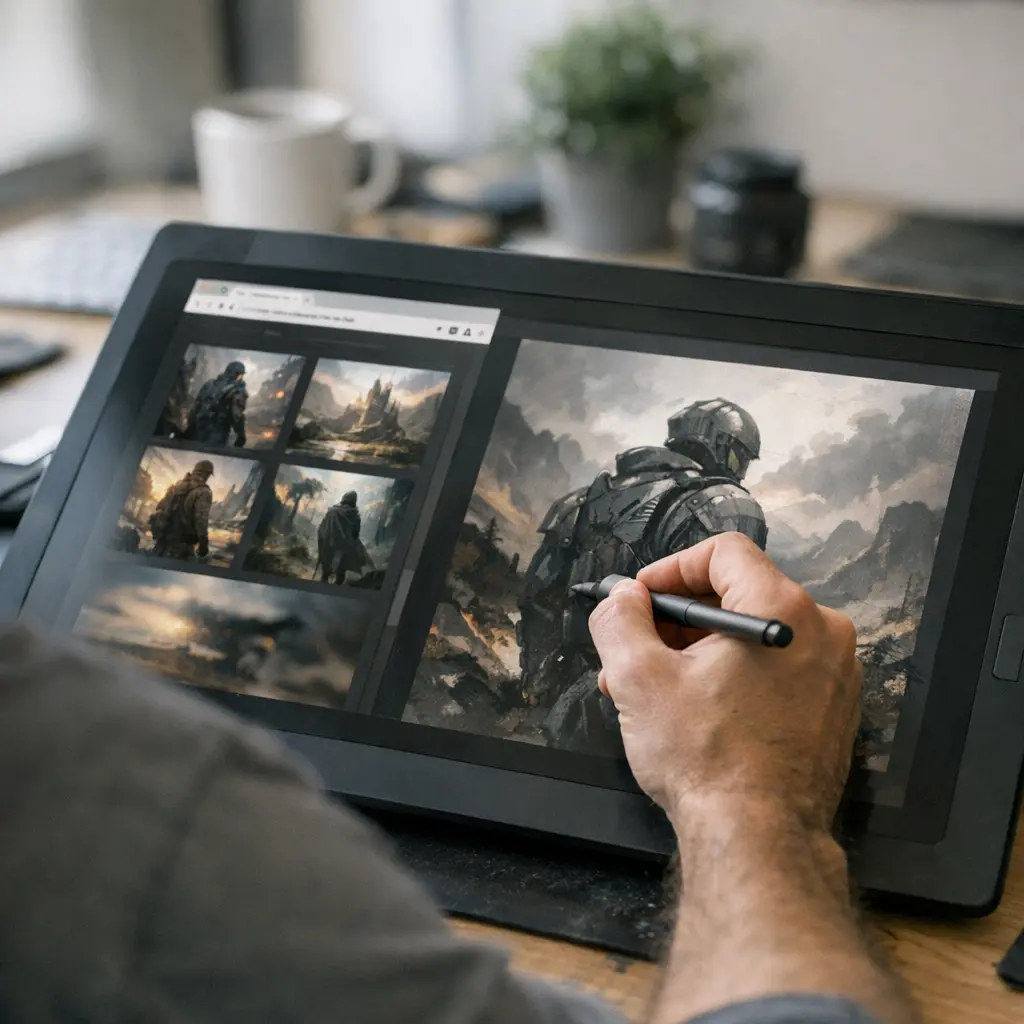
Every 3D asset starts with a spark—an idea, a sketch, or a moodboard. With browser-native tools like AI Image Generator, creators can generate concept art directly from prompts, mood keywords, or photo references without leaving their browser. The workflow is fast: enter a prompt, tweak a style, and you get a batch of visual references in seconds. This isn’t just for character artists. Game asset creators use it to prototype props. Product designers spin up quick visualizations for client review. Collectible and figurine designers block out ideas before modeling. Even environment artists build entire moodboards for level design. The browser-based approach means you can generate, curate, and iterate on concept art as fast as you can think—feeding rapid visual prototyping back into the asset pipeline. And because everything’s in the browser, sharing and remixing references is one click away.
Turning Images Into 3D Models
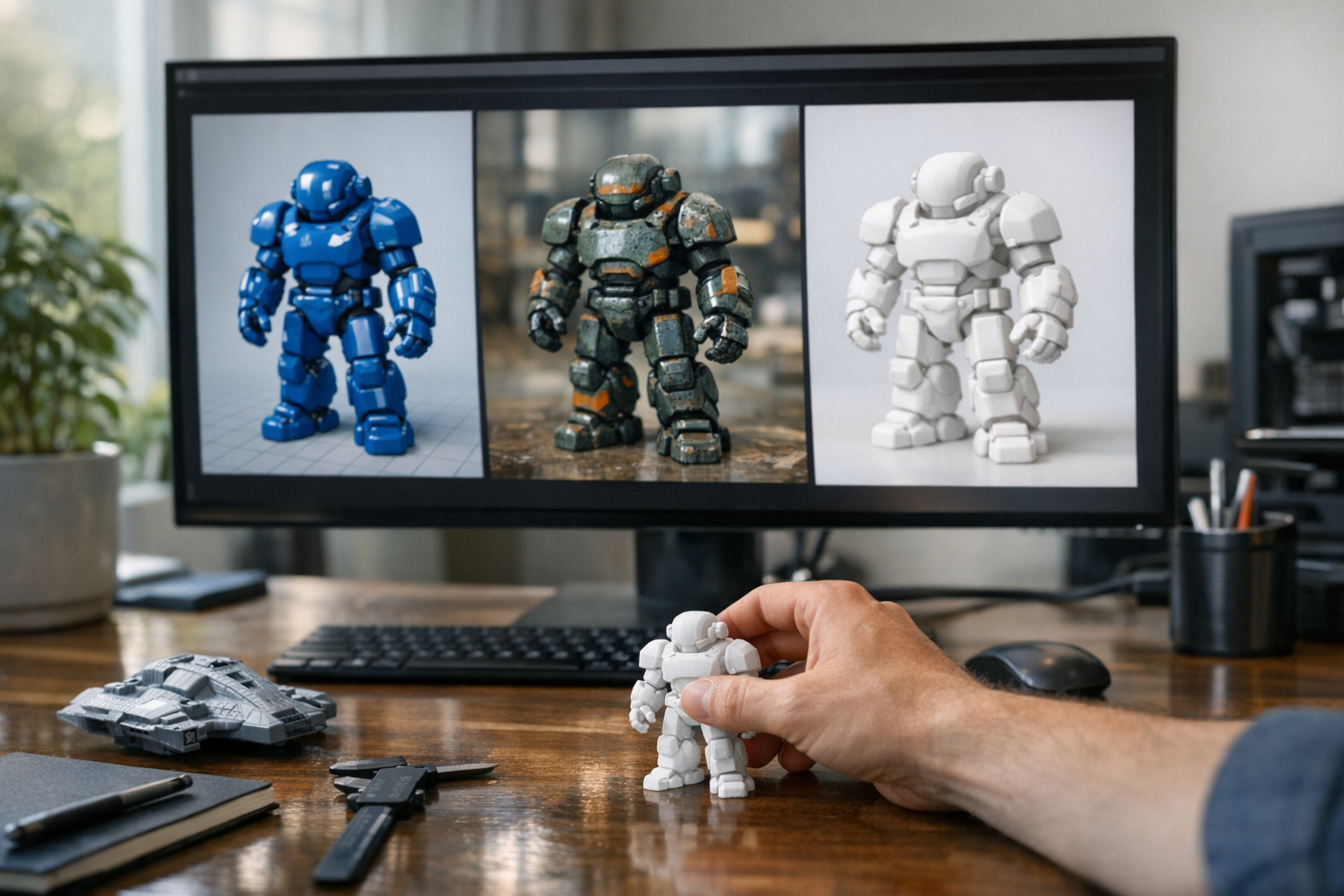
This is where things get interesting. Historically, converting 2D concept art into a production-ready 3D model has been the domain of specialists—and even then, it’s a time sink. With modern image to 3D workflows like TimrX Image-to-3D, creators can now upload illustrations, sketches, or renders and receive a full 3D mesh—often textured, always browser-ready. The geometry generation pipeline analyzes the source image, infers depth and structure, and outputs a usable mesh. In my experience, this saves hours compared to manual modeling. You can feed the system anything: stylized art, product references, concept paintings, even hand-drawn sketches. The result is a browser-native 3D asset you can preview, tweak, or send straight into the next stage of your pipeline. For stylized game props, collectible figurines, or even one-off product visualizations, this image to 3D workflow is a game changer for the browser-based production pipeline. No more “start over in Blender.” You iterate in the browser, and you get results in minutes.
Generating 3D Assets from Text Descriptions
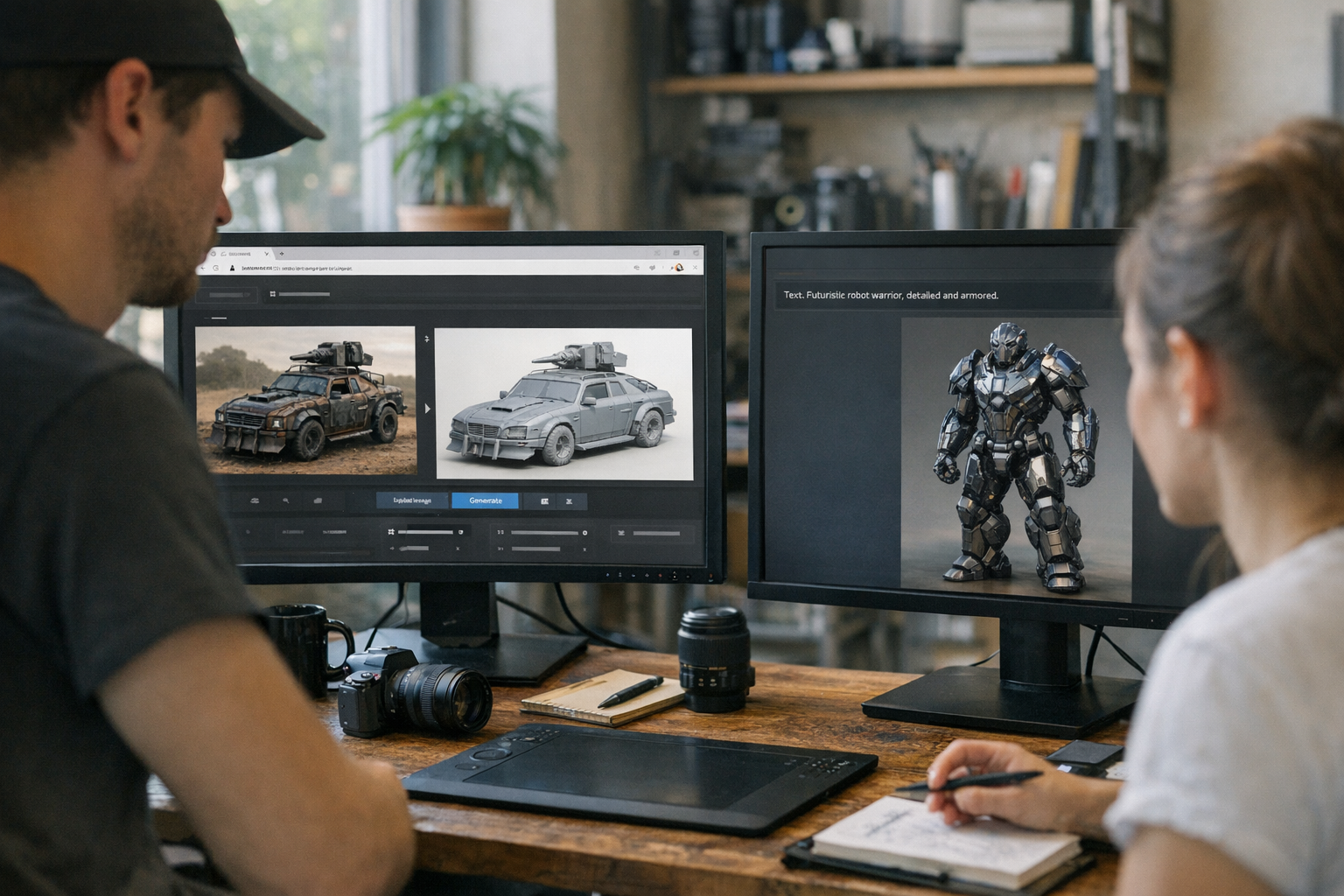
Not every creator starts with a sketch. Sometimes, all you have is an idea—a sentence, a description, or a product spec. That’s where prompt-based 3D generation comes in. Tools like Text-to-3D and AI 3D Generator let you input a natural language prompt and get a 3D model out the other side. This is rapid prototyping at its purest. Describe a stylized prop, a collectible toy, or an experimental product, and the browser-native pipeline generates a mesh in seconds. For creators working on fast-moving projects—game jams, pitch decks, client-first drafts—this workflow is unbeatable for speed and iteration. You can iterate on prompts, refine outputs, and branch ideas without ever touching a desktop modeling tool. The browser-native text to 3D workflow isn’t just for beginners. Experienced creators use it to generate basemeshes, explore design variants, or quickly populate scenes with props. It’s a key part of the modern multimodal asset generation toolkit.
Refining Models for Production and Printing
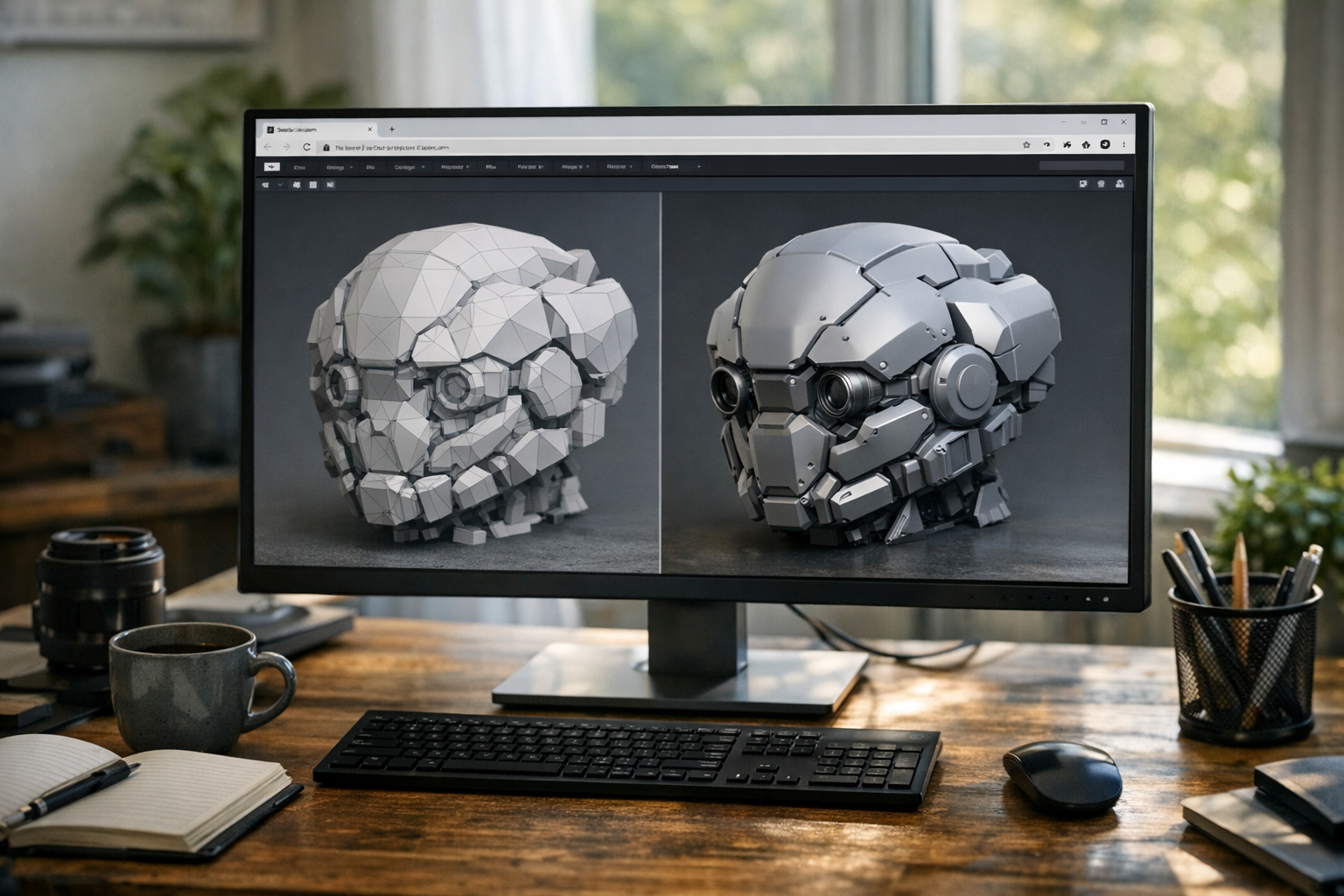
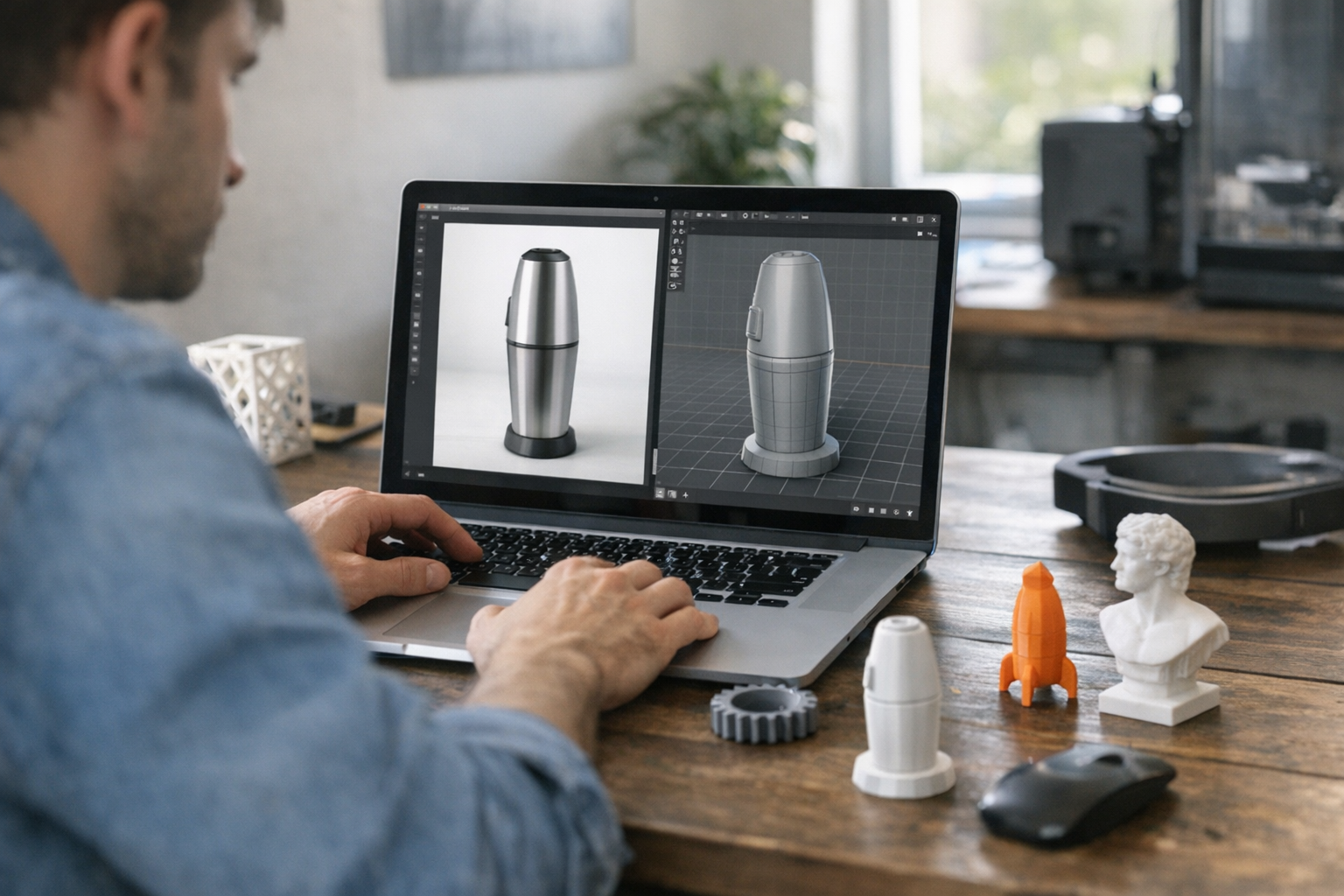
Here’s where a lot of browser-based tools used to fall short: mesh cleanup and production prep. But that’s changed. With TimrX 3D Print and the 3D Print Model Generator, creators can now refine, remesh, and prep assets for export and printing—right in the browser. The remesh workflow handles topology issues, smoothing, and geometry errors that would otherwise cause headaches (or failed prints) down the line. Texture workflows let you preview and bake materials for game-ready or print-ready use. The browser preview system gives you a live look at your asset in GLB or GLTF format before you ever hit export. And when it’s time to deliver, you export straight to GLB, GLTF, or STL—no desktop intermediaries required. This dramatically reduces failed prints, accelerates production, and puts professional asset prep tools in reach for anyone, not just technical modelers. For a deep dive on print-ready workflows, see How to Create Print-Ready 3D Models Without Blender: A Modern Browser-Based Workflow.
Real Creator Workflow Examples
Let’s get concrete. Here are four real-world browser-based creator workflows:
Workflow 1: Concept Art → Image-to-3D → Remesh → GLB Export
Start by generating concept art in AI Image Generator. Import the best sketch into Image-to-3D for mesh generation. Refine geometry in 3D Print (remesh, fix holes, check normals). Preview and export as GLB for immediate use in engines or online portfolios.
Workflow 2: Text Prompt → 3D Asset → Texture Refinement → Print-Ready Preparation
Enter a prompt in Text-to-3D. Refine base mesh and apply textures using built-in browser tools. Use 3D Print Model Generator to check for printability, fix geometry, and export as STL or GLB. This is my go-to for quick collectibles and figures.
Workflow 3: Product Visualization → Geometry Cleanup → Browser Preview → Export
Generate a product concept in AI Image Generator or Text-to-3D. Edit and clean up geometry in 3D Print. Use the browser preview system to check lighting and materials, then export for web, AR, or print use. No desktop roundtrips needed.
Workflow 4: Game Asset Ideation → Concept Generation → Textured 3D Model
Start with a moodboard or prompt in AI Image Generator. Move to Image-to-3D for mesh generation. Refine textures and geometry in the browser, then export as a GLB for use in Unity or Unreal. For more on unified pipelines, see Unified Creator Workflows: Building Images, Videos, and 3D Assets in the Browser.
Browser-Based Pipelines vs Traditional Desktop Workflows
Look, Blender is powerful. Maya is an industry standard. But for most creators, browser-based pipelines are simply faster and more accessible. No installs. No hardware requirements. No hours spent learning arcane hotkeys. Browser-native workflows mean you can go from an idea to a GLB export in minutes, not days. Integrated pipelines eliminate file-juggling and context switching. Real-time previews mean less guesswork and more iteration. For solo creators, small studios, and anyone focused on asset production—not feature film VFX—browser-based 3D workflows are the best approach for speed, usability, and creator empowerment.
The Future of Multimodal Asset Creation
Industry trends are clear: browser-native production is here to stay. Integrated creation systems, real-time multimodal workflows, and shared creator ecosystems are replacing the patchwork of desktop apps. As pipelines become more unified, creators can mix and match text, image, and 3D tools without learning a new tool for every stage. Lightweight, browser-based production systems are opening asset creation to a far wider community—game devs, product designers, hobbyists, students, and more. The browser isn’t just a delivery vehicle; it’s the new creator workspace. Expect even more real-time, multimodal workflows in the years ahead—and more ways to go from concept art to 3D model with a single click.
Conclusion
The old days of juggling five desktop apps just to make a single 3D asset are over. Browser-native creator pipelines let you turn concept art into 3D models, refine geometry, generate textures, and export production-ready assets—all inside a single, integrated browser workspace. Whether you’re a solo game dev, product designer, or 3D printing enthusiast, these workflows save time, reduce friction, and open up new creative possibilities. Want to see it in action? Dive into the TimrX Hub, explore 3D Print workflows, or browse the latest techniques in TimrX Blogs and the archive. Browser-based production isn’t the future—it’s already the best way to go from concept art to 3D model, export-ready and ready to use.
FAQ
- How do you turn concept art into a 3D model? — Use browser-based workflows: generate concept art, convert with image-to-3D tools, refine geometry, and export your asset, all online.
- Can browser-based tools create production-ready 3D assets? — Yes. Modern browser-native pipelines support remeshing, texture workflows, and export to GLB/GLTF/STL for games or 3D printing.
- What is image-to-3D generation? — It’s a workflow where you upload 2D images or concept art, and a browser-native system generates a full 3D mesh with textures and structure.
- What file formats are best for creator workflows? — GLB and GLTF are preferred for browser-native and real-time pipelines. STL is standard for 3D printing. See GLB vs STL vs OBJ: Which 3D File Format Should You Use for Your Workflow?.
- Can creators generate print-ready assets without Blender? — Absolutely. Browser-based tools handle geometry cleanup, remeshing, and STL/GLB export—no Blender required.
Sources
- [1] From Concept Art to 3D Model - Sloyd.ai
- [2] Creating 3D models based on AI "concept art" is awfull... : r/vfx - Reddit
Comments 0
Be the first to comment on this post.