
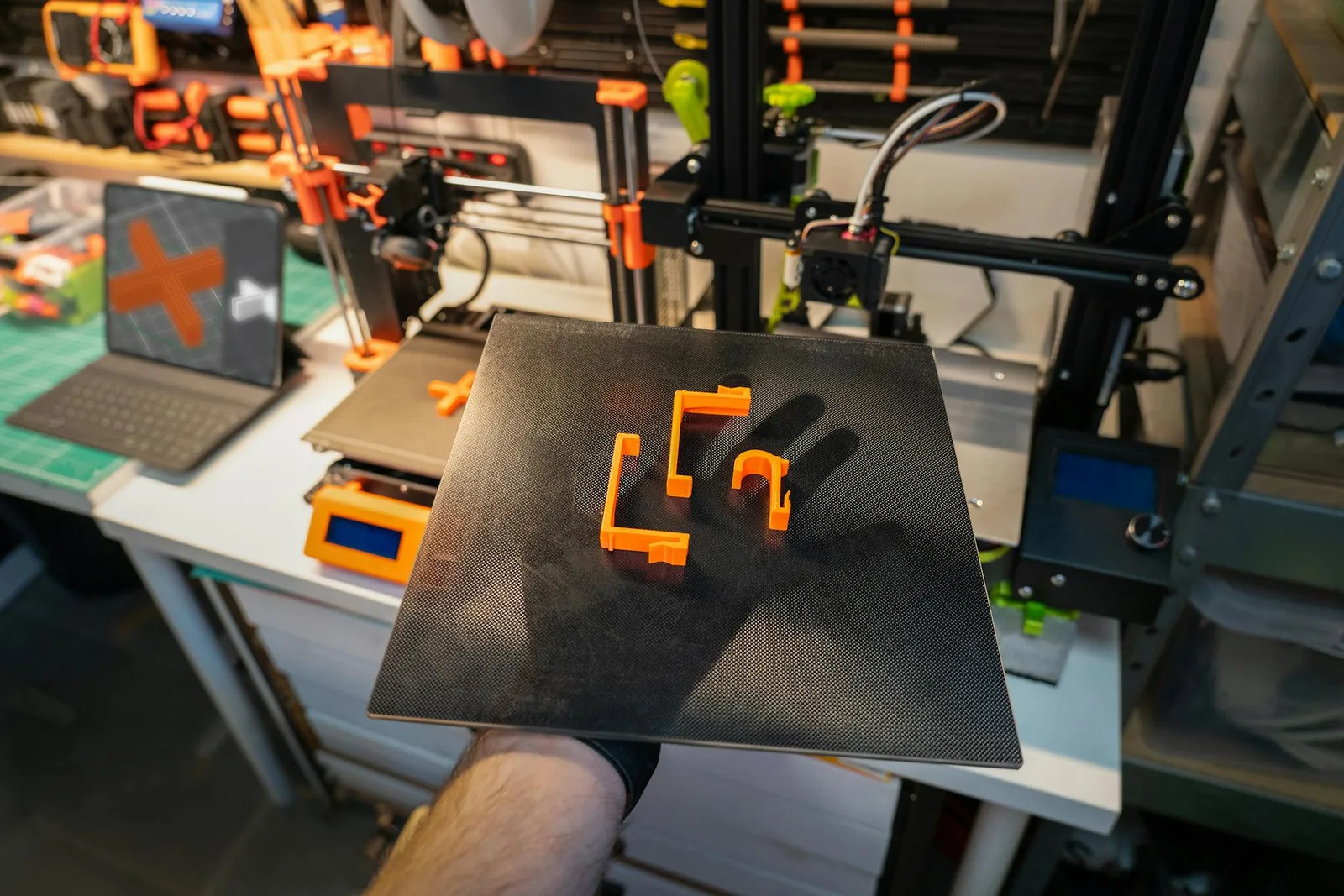

Here’s the thing: the old way of making 3D printable models was slow, fiddly, and—let’s be honest—out of reach for most people. You needed specialized CAD chops, patience for endless iterations, and plenty of trial and error when it came time to print. But now, with generative AI in the mix, the process feels less like engineering and more like creative dialogue. You describe what you want, the model proposes solutions, and suddenly you’re holding a physical object born from your words. That’s not science fiction. That’s what’s happening right now with AI 3D printing workflows.
AI-Generated 3D Models: From Prompt to Printable Asset
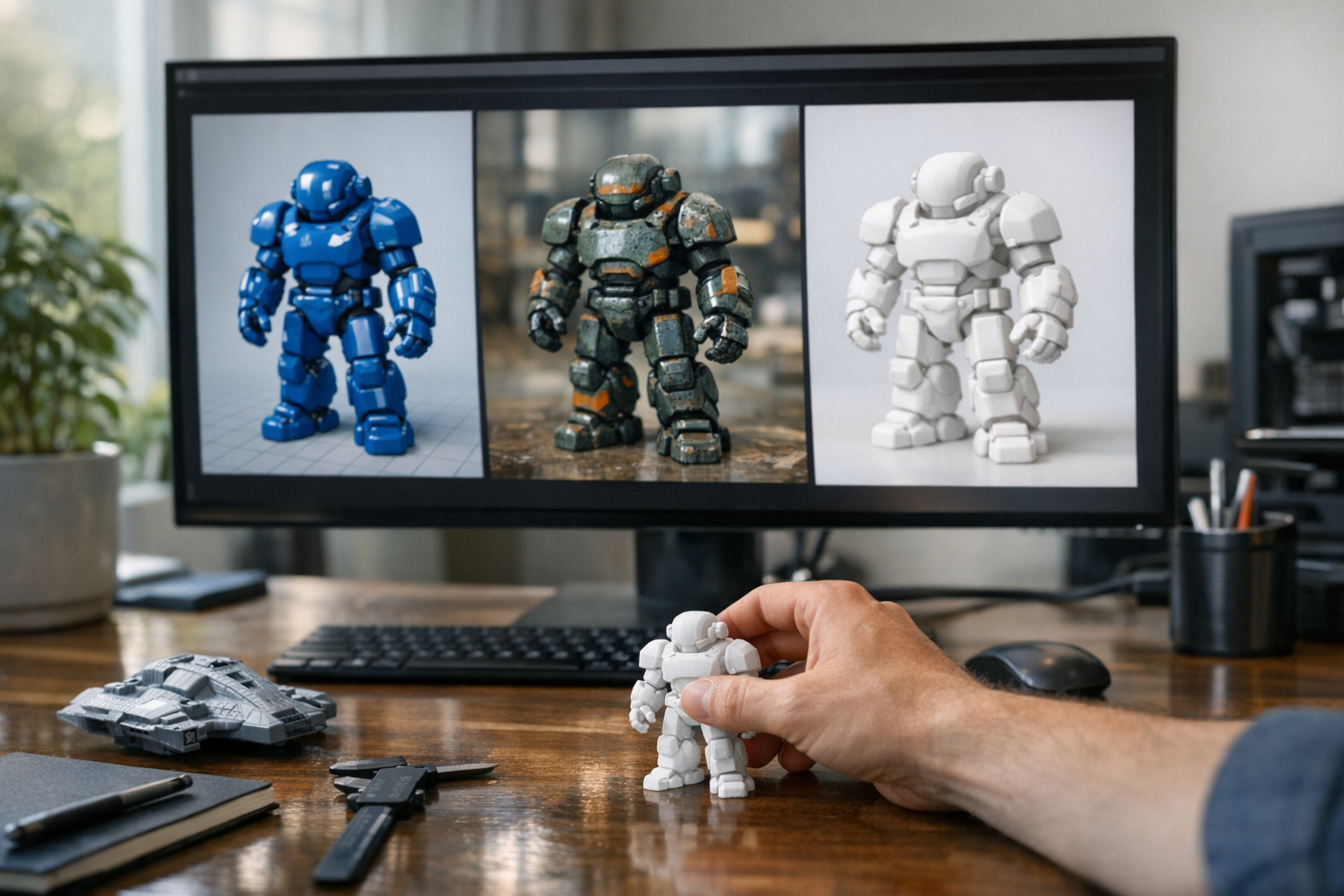
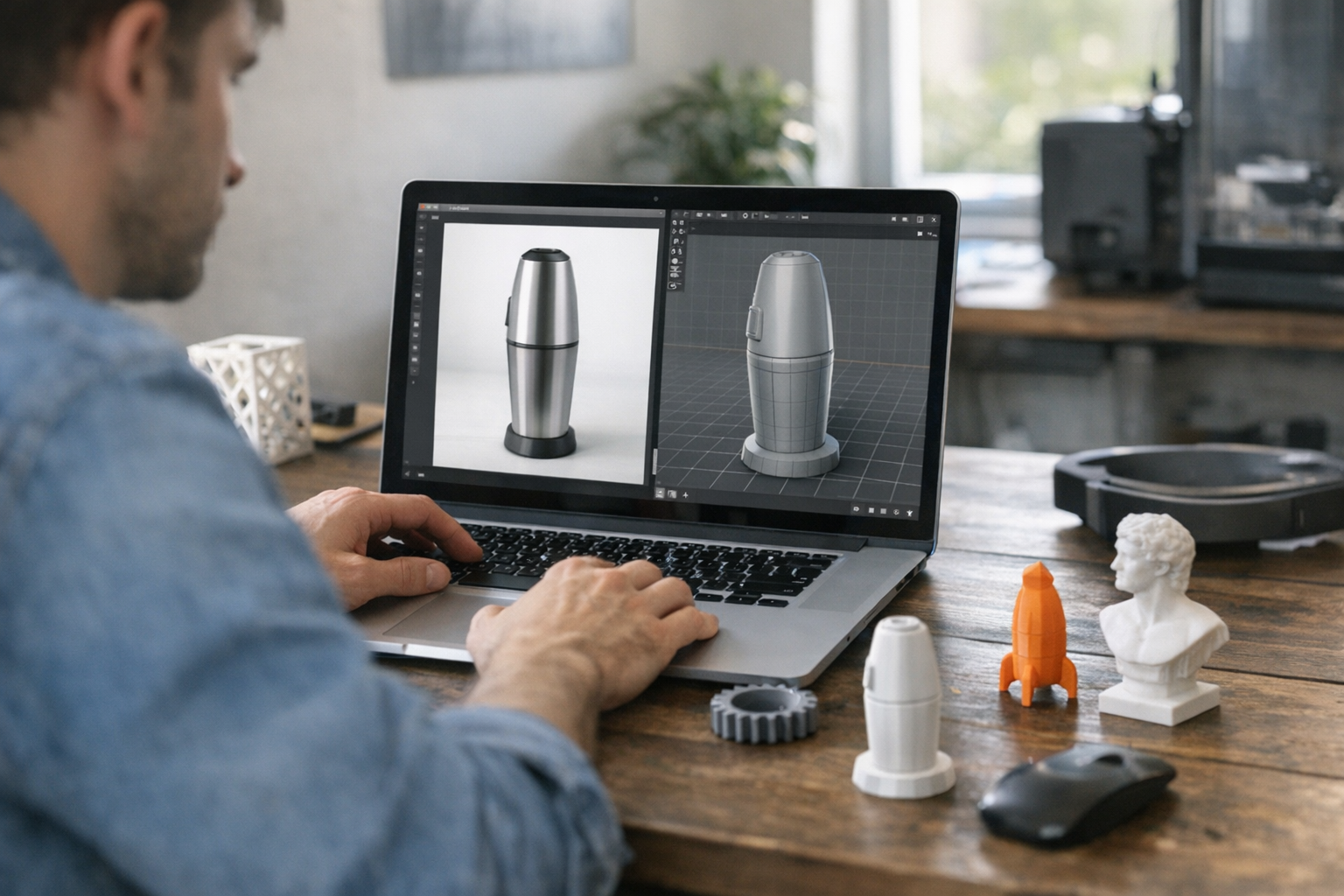
Let’s talk specifics. At its core, AI 3D printing starts with generative models that turn natural language prompts—or sometimes reference images—into printable 3D assets. Tools like TimrX’s AI 3D Model Generator have made this process browser-based and accessible. No more wrangling with Blender or SolidWorks unless you want ultimate control. Now, you type something like “a hexagonal cable organizer with a snap-fit lid” and get back a watertight STL ready for slicing. This isn’t just a neat trick; it’s a fundamental shift in how we approach digital fabrication.
This is possible because generative models—trained on millions of mesh samples—have learned the rules and quirks of printable geometry. They know, for instance, that overhangs above 45 degrees need support, and that thin walls won’t survive on a consumer FDM printer [1][5]. Instead of just sketching a pretty shape, AI models can output functional, physically plausible designs. That means you’re not stuck fixing manifold errors or repairing meshes before every print. In my experience, the time savings are real: what used to take a full afternoon tweaking a CAD file now takes five minutes and a bit of prompt engineering.
Generative Models Accelerate and Democratize Design

Here’s where I take a stance: generative AI isn’t just an efficiency boost, it’s finally democratizing 3D design. In the past, rapid prototyping was only rapid if you already had deep CAD experience. AI-generated 3D models flip that equation. You describe intent, not geometry. The model handles the math. That’s a game-changer for indie inventors, students, and anyone outside the traditional product design pipeline [2][3].
And it’s not just about speed. Generative tools let you explore more ideas—fast. Where a human might try three variants before running out of time or patience, AI can spit out dozens of printable concepts in an afternoon. Want a parametric lamp holder that fits any bulb? A custom phone stand that works with your case? It’s all possible with a tweak to your prompt and a few clicks. This rapid iteration is why AI 3D printing is already reshaping how professionals and hobbyists prototype new products [2].
- Text-to-3D workflows (describe what you want, get a model)
- Image-to-3D workflows (upload a sketch, get a mesh)
- Automated repair and printability checks (no more broken STL files)
- Quick export to slicer-friendly formats (STL, OBJ, 3MF)
Look, there’s still a place for traditional CAD—and sometimes you’ll need to do manual tweaks. But for 80% of everyday design needs, AI tools like TimrX’s Text-to-3D Generator get you shockingly close to print-ready much of the time.
From Prompt to Print: Real-World AI 3D Printing Workflows
Let’s walk through what this actually looks like for a creator. Say you’re a game designer who needs a batch of custom dice. Or a teacher with a last-minute STEM lesson, and you want to print molecular models. Here’s a typical workflow using TimrX:
- Open the TimrX AI 3D Model Generator in your browser.
- Enter a prompt: “20-sided die with engraved numbers and chamfered edges.”
- Review the preview model. If needed, edit the prompt (e.g., add “larger numbers” or “rounded corners”).
- Download the STL. TimrX checks for printability issues—thin walls, non-manifolds, etc.—before export.
- Import into your slicer (Cura, PrusaSlicer, etc.), set print parameters, and send it to your 3D printer.
- Optionally, iterate: adjust the prompt or use TimrX’s repair tools if the print fails or needs tweaks.
The upshot: you move from idea to physical object in under an hour, without ever opening a conventional CAD app. For teams, this means faster prototyping. For solo makers, it means less time fighting software and more time experimenting. According to industry reports, even seasoned design pros are using AI tools to break creative blocks and jumpstart new projects [4].
Another concrete example: MIT researchers used generative AI to design and print custom assistive devices—like tailored grips and holders—for people with disabilities, all in a fraction of the time traditional methods required [1]. These aren’t just one-off novelties; they’re practical, daily-use objects that benefit from AI’s ability to optimize geometry for strength and material efficiency.
The Road Ahead: Smarter, More Accessible Fabrication
So what does this actually mean for the future of digital fabrication? AI 3D printing is already making the process smarter—automatic repair, real-time monitoring, and print optimization are becoming standard [5]. But the bigger story is accessibility. When anybody can turn a napkin sketch or a quick prompt into a printable object, the gates to innovation swing wide open. I’ve seen kids, retirees, and non-technical creators go from idea to prototype in a single afternoon. And with platforms like TimrX offering browser-based tools, you don’t even need to install software or own a high-end machine.
There are limits, of course. Not every AI-generated model will be production-ready, and for mission-critical parts, human oversight is still non-negotiable. But for the vast majority of personal, educational, and prototyping needs? This is the best approach we’ve ever had. The old barriers—cost, skill, time—are dissolving. AI-generated 3D models aren’t just a novelty anymore. They’re the new normal for creators who want to move fast and make things real.
FAQ
- Can AI-generated 3D models be printed on any 3D printer? — Most AI tools, including TimrX, output standard STL or OBJ files compatible with major printers. Always check for printability warnings before proceeding.
- How accurate are AI-generated models for engineering use? — For basic prototyping and everyday use, accuracy is high. For critical engineering applications, models may need post-processing or expert review.
- Do I need CAD experience to use AI 3D model generators? — No. The main advantage is that you can start from prompts or sketches, skipping traditional CAD entirely.
- Can I customize or repair AI-generated models? — Yes. Many platforms offer built-in repair tools or let you export to edit in Blender, Fusion360, or Meshmixer if needed.
If you’re serious about bringing your ideas to life—whether you’re designing practical tools, custom art, or rapid prototypes—you owe it to yourself to try a prompt-driven AI 3D printing workflow. In my experience, you’ll never look at digital fabrication the same way again.
Sources
- [1] Generative AI tool helps 3D print personal items that sustain daily use
- [2] How Generative AI Is Revolutionizing Rapid Prototyping in 3D Printing
- [3] From Words to Worlds: Exploring Generative 3D Models in Design ...
- [4] 5 Ways AI is Impacting 3D Printing | Fictiv
- [5] AI in 3D printing: smarter design, automation & quality control - Sinterit
Comments 0
Be the first to comment on this post.