
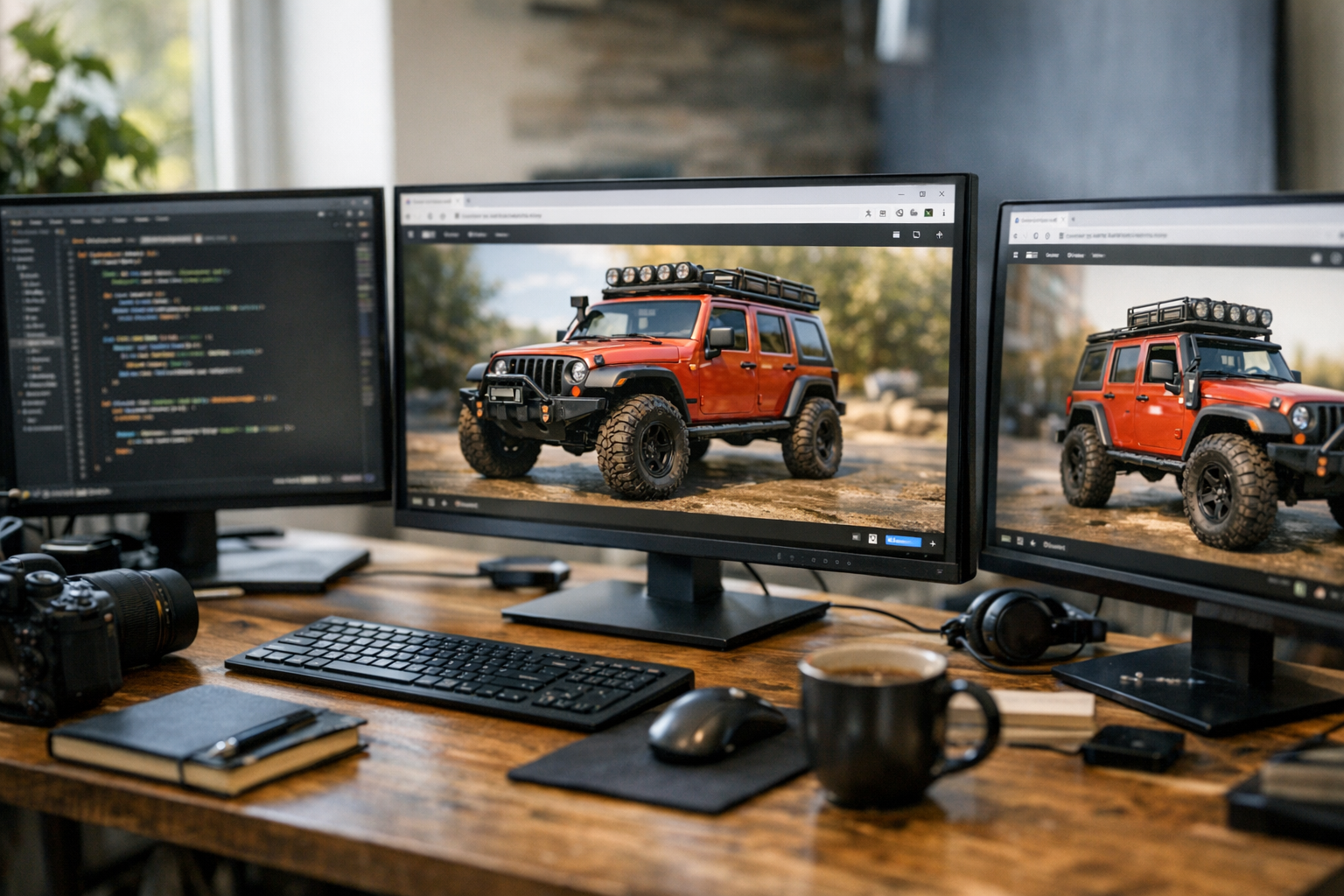

No one wants to wait for Blender to open just to preview a 3D model, tweak a mesh, or prep a file for print. That’s why TimrX is obsessed with making 3D rendering lightning-fast and browser-native. Here’s the thing: actually making that seamless takes some serious engineering, especially when you’re dealing with massive GLB and OBJ files, real-time materials, and the need for creative tools that just work. Let me walk you through how we built our browser-based 3D workspace—and why it’s the best approach for creators who want speed without compromise.
Why Render 3D in the Browser?
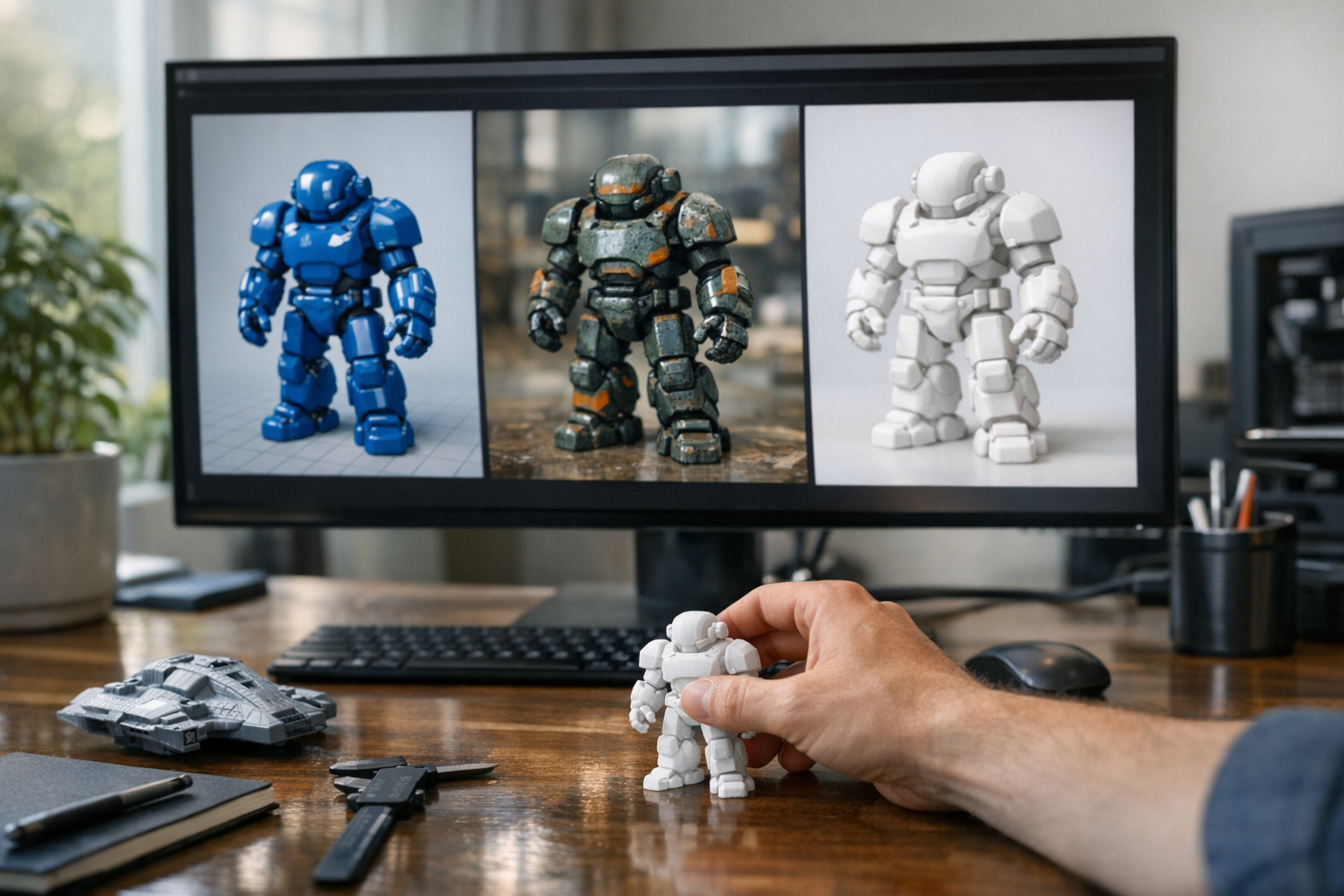
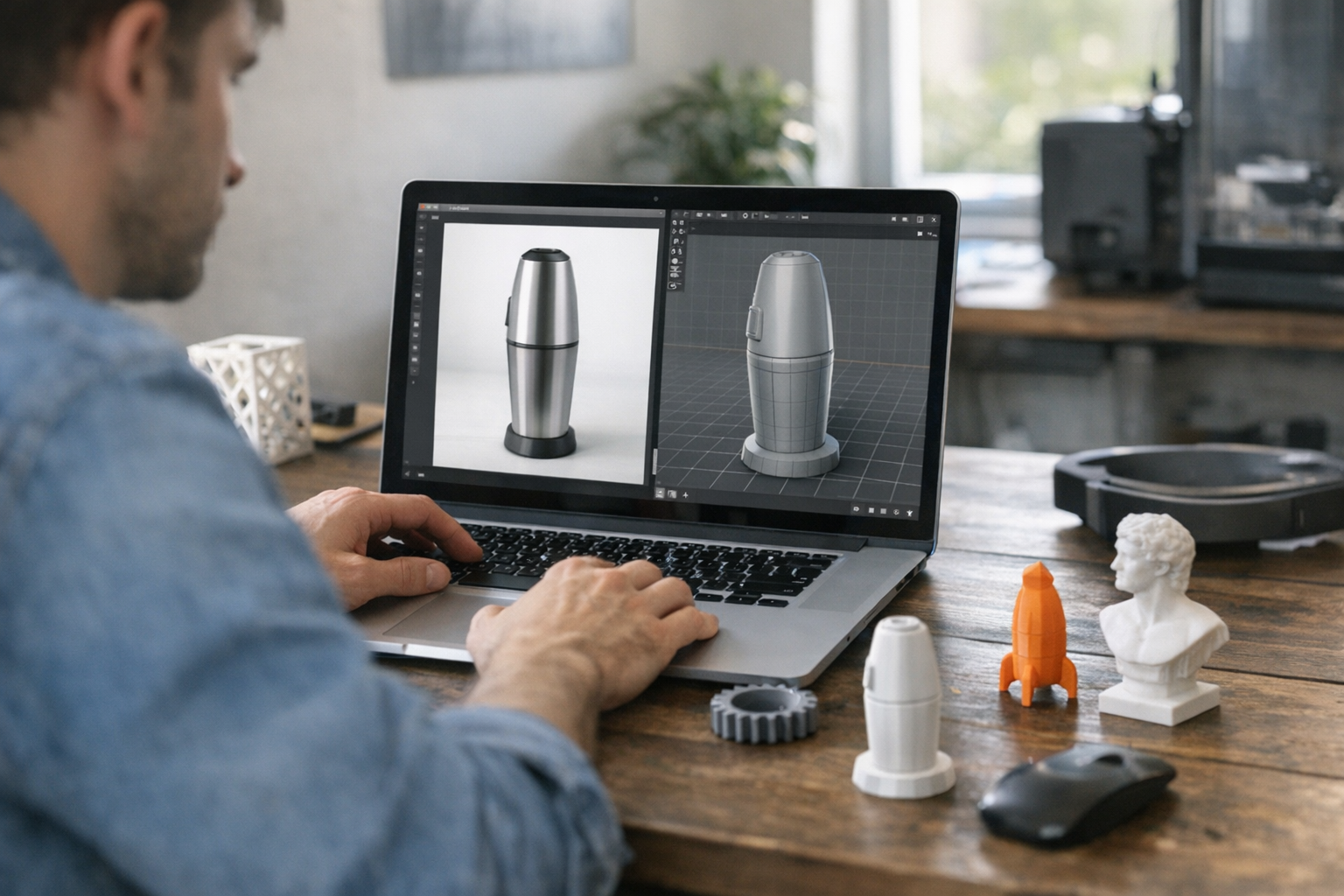
Look, most 3D creators are used to heavy desktop software. But the reality is, the creative industry is shifting: we demand tools that work anywhere, instantly, and don’t tie us to a single machine [1]. I’ve seen students and professionals alike frustrated by file compatibility, hardware requirements, and the slow feedback loop of exporting, uploading, and reloading assets. Web-native 3D eliminates those pain points. With a platform like TimrX, you can drag and drop a GLB or OBJ file, see it in full PBR glory, and jump straight to editing or printing—all in your browser tab.
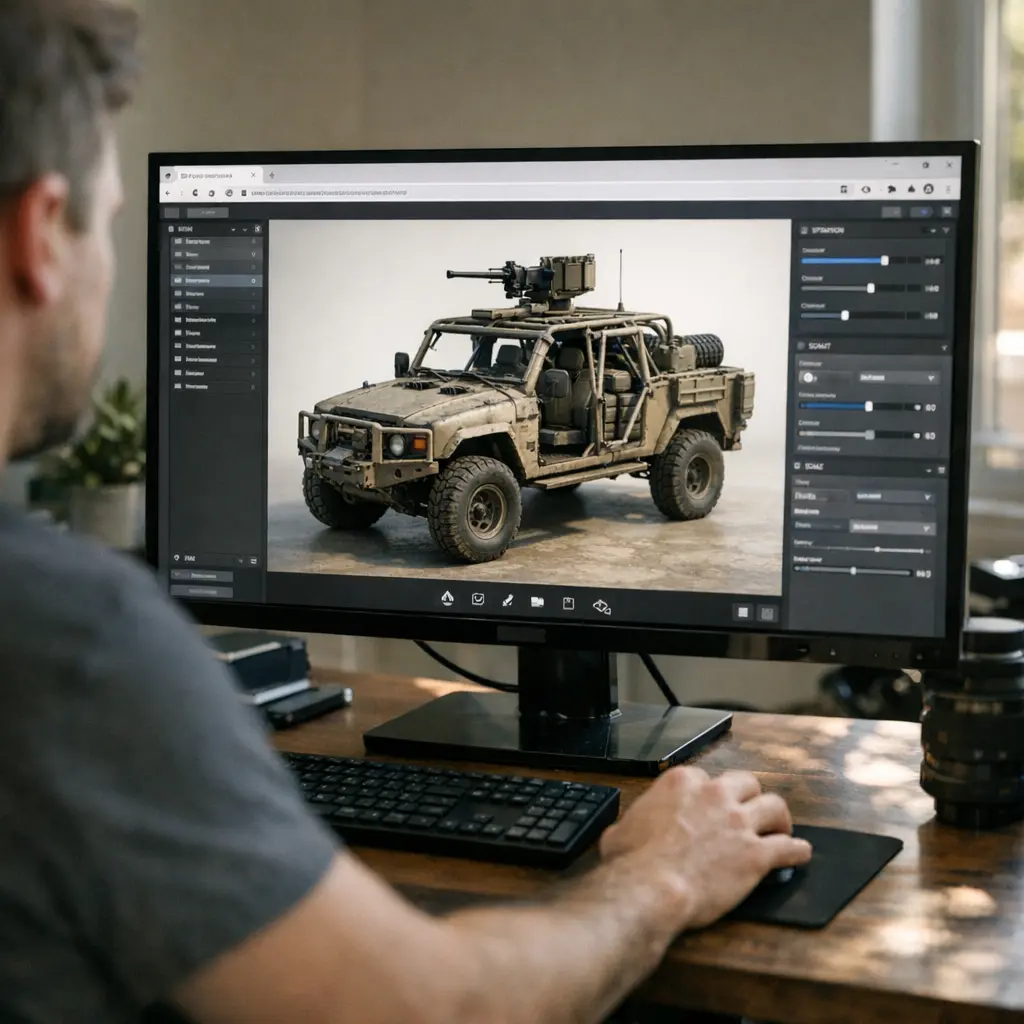
The browser is the new creative workspace. Real-time feedback, zero install, and—if you’re using the right tech stack—no performance compromises. But making GLB and OBJ rendering feel as fluid as a native app? That’s where the challenge begins.
The Three.js Engine Room: Rendering GLB and OBJ Files in Real-Time
Three.js is the engine at the heart of TimrX’s 3D viewer. If you’ve ever poked around GLB vs STL vs OBJ: Which 3D File Format Should You Use, you’ll know GLB and OBJ are the workhorses for web-based 3D. Three.js gives us robust loaders for both formats, built-in PBR materials, and a rendering pipeline that can handle everything from simple meshes to complex scenes.
- GLB Loader: Streams binary models with embedded textures and animations.
- OBJ Loader: Parses geometry and material files (MTL), handles legacy assets.
- Scene Graph: Lets us manipulate objects, lights, and cameras programmatically.
- WebGL Renderer: Provides GPU-accelerated rendering in all major browsers.
But you can’t just throw a 200MB OBJ into the browser and hope for the best. I’ve seen browsers choke on unoptimized models, freeze on huge textures, and burn through RAM like it’s nothing. That’s why asset preprocessing and smart streaming are crucial. TimrX preprocesses models server-side, compresses textures, and then streams assets in chunks—so your scene loads fast and interaction stays smooth.
Frontend-Backend Communication: HTML/JavaScript Meets Flask
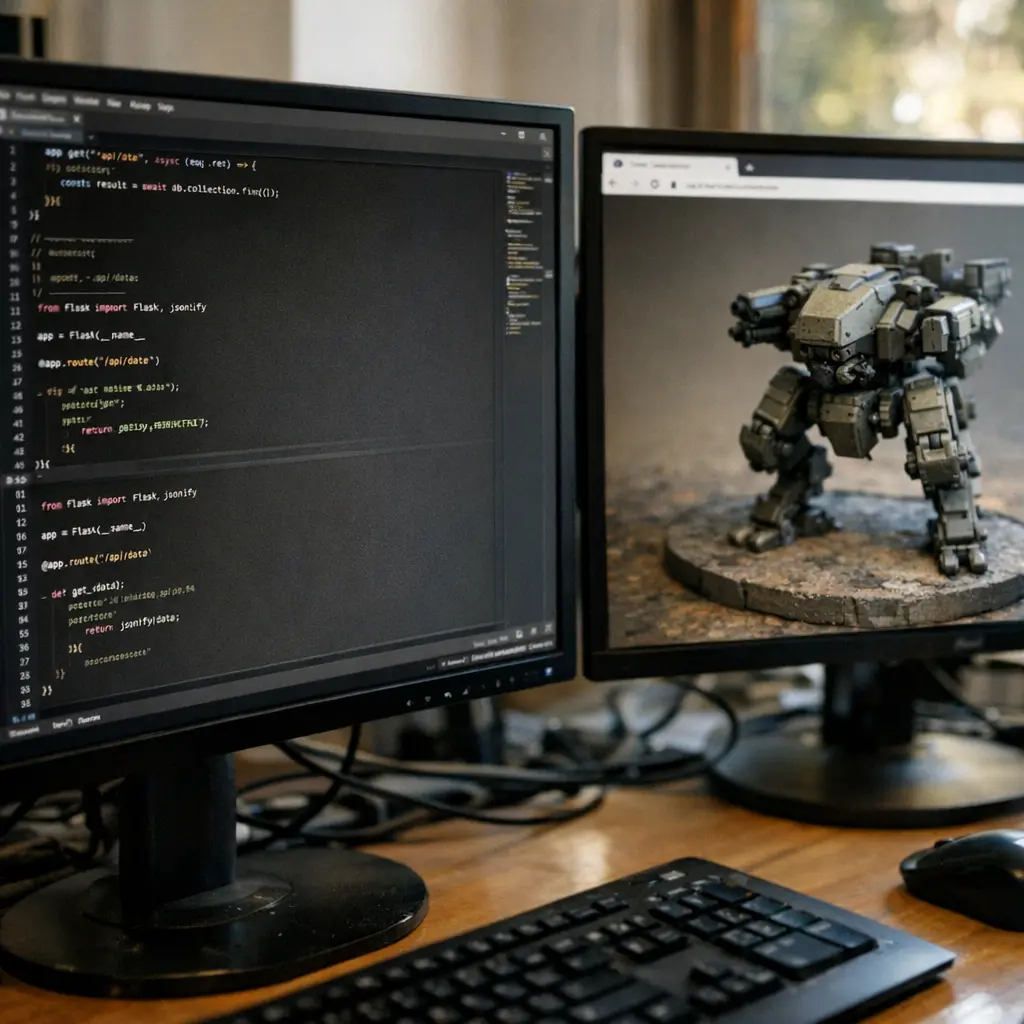
Let’s get technical for a second. The TimrX stack pairs a modern HTML/JavaScript frontend with a Flask backend. Why Flask? It’s fast, lightweight, and plays nicely with Python’s AI toolkits and file processing libraries. The frontend handles user interactions—drag and drop, camera controls, real-time parameter tweaks—while the backend does the heavy lifting: model validation, format conversion, even AI-powered mesh repair.
// JavaScript: Upload model
const input = document.getElementById('model-upload');
input.addEventListener('change', async (e) => {
  const formData = new FormData();
  formData.append('file', e.target.files[0]);
  await fetch('/api/upload', { method: 'POST', body: formData });
  // Trigger re-render
});
The key is efficient communication. We use REST endpoints for file uploads and processing tasks, plus WebSockets for real-time status updates and collaborative features. That keeps the UI responsive, even if you’re uploading a massive scan or running a heavy AI job in the background.
Optimizations: Making It All Feel Instant
Here’s where most browser 3D viewers fall flat: they get laggy as soon as you load anything bigger than a low-poly demo. For TimrX, performance is non-negotiable. We profile every frame, optimize draw calls, and aggressively cull objects outside the camera view. Texture compression (WebP, KTX2), mesh simplification, and lazy-loading are all in play.
- Asset preprocessing: Decimate high-poly meshes before loading.
- Texture streaming: Only load visible textures at full res.
- Viewport frustum culling: Don’t render what you can’t see.
- GPU metrics: Monitor and limit frame time to avoid jank.
It’s not just theory. On a recent project, I loaded a 120MB GLB architectural model in TimrX—on a mid-tier laptop, no less. The scene hit 60 FPS after initial load, with smooth orbit controls and real-time material tweaks. Try that in a vanilla Three.js sandbox and you’ll see the difference. For anyone printing or prepping assets, this speed matters. And if you want to see how browser-based workflows compare to desktop, check out How to Create Print-Ready 3D Models Without Blender.
Real-World Workflows: 3D Printing, AI, and Creative Coding
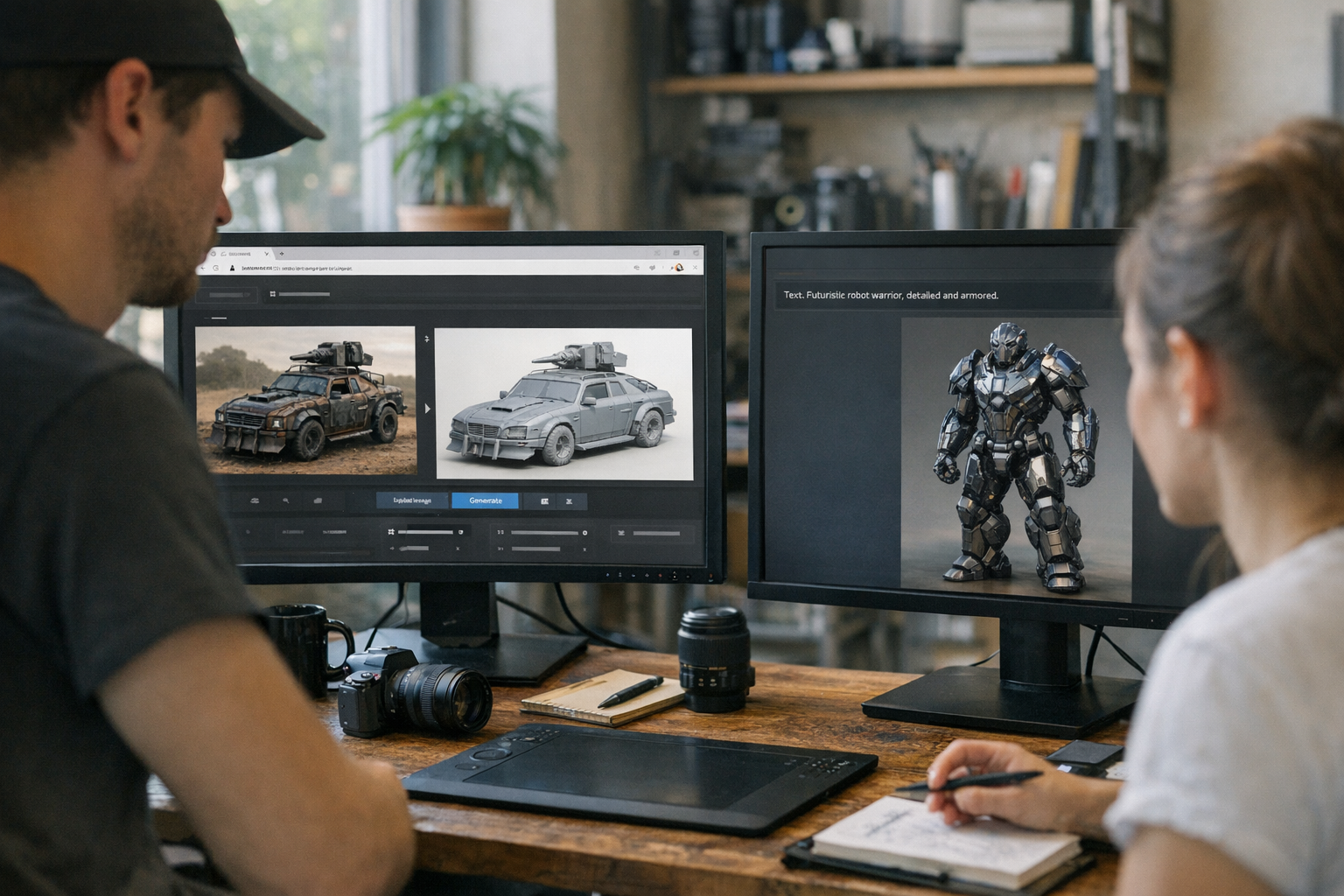
TimrX isn’t just a viewer. It’s built to plug browser-based rendering into every part of your creative workflow. Whether you’re using No-Blender 3D Modeling or going from Image to 3D, the key is instant feedback. You can tweak models, preview AI-generated textures, or prep assets for 3D printing—all without leaving the workspace.
And if you’re building your own browser-based 3D tools, here’s what I’ve learned: prioritize user experience above all. Features like drag-and-drop, real-time undo/redo, and fast file format conversion make the difference between a tool people love and one they abandon. If you’re curious about the deeper file format differences, read GLB vs GLTF vs STL: Choosing the Right 3D File Format for Your Project.
Conclusion: The Browser Is Your Studio—Jump In
Rendering 3D in the browser isn’t just a technical trick—it’s the future of creative work. With the right stack (Three.js, Flask, and smart asset pipelines), you get speed, flexibility, and zero-install freedom. I genuinely believe this is the best approach for modern creators. If you’re ready to experience a browser-native 3D workflow, head over to the TimrX workspace and see it for yourself. No downloads, no waiting, just pure creation.
FAQ: Rendering 3D in the Browser with TimrX
- Q: Which 3D file formats does TimrX support in the browser? A: TimrX natively supports GLB and OBJ for interactive browser viewing. STL and others are supported for conversion and print workflows.
- Q: Will browser 3D rendering work on low-end hardware? A: Yes. Thanks to mesh simplification and texture streaming, even mid-range laptops and Chromebooks run smoothly.
- Q: How does TimrX handle large 3D files? A: Files are preprocessed server-side for size, then streamed and loaded in chunks for fast, crash-free interaction.
- Q: Can I edit and export models for 3D printing? A: Absolutely. The workspace lets you tweak, repair, and export models for print—all browser-native.
- Q: Where can I try this workflow? A: Visit the TimrX hub to upload, preview, and edit 3D models right in your browser.
Sources
- [1] Core Courses - Digital and Interactive Media Arts
- [2] Design, Illustration & Media Arts - Hartford Area Career & Technology ...
Comments 0
Be the first to comment on this post.