


Let’s cut through the noise: if you’re building or operating a serious AI platform, an admin dashboard isn’t just a nice-to-have. It’s the backbone of reliability, trust, and—frankly—sanity. I’ve worked with teams who tried to run complex AI services on hope and log files. It never ends well. Here’s why I think the admin dashboard is absolutely non-negotiable, and what real admin tooling looks like when you’re dealing with modern AI stacks like TimrX.
Why Admin Dashboards Aren’t Optional for Modern AI Platforms
It’s tempting for early-stage teams to put off admin tooling. Maybe the founders are handling ops via direct database queries, or they think cloud provider dashboards are enough. But here’s the thing: as soon as you have paying users, a public API, or even just a few mission-critical workflows, you’re flying blind without a real admin panel. You don’t know which providers are failing, you don’t see usage spikes, and you’re always one missed alert away from a support nightmare.

I’ve seen this play out repeatedly—even at major companies. When something breaks (a provider outage, a credit overrun, a refund dispute), the lack of a unified view means you’re scrambling across tools and logs. And if you’re running any kind of creative AI workflow—video generation, text-to-3D, or prompt-driven pipelines like those described in From AI Image to 3D Model: Inside the TimrX Creative Pipeline—the operational complexity is simply too high for ad hoc monitoring.
What Makes a Real Admin Dashboard? (Not Just Pretty Charts)
Let’s get specific. A real admin dashboard isn’t just a Grafana board duct-taped to a database. It has to support the core operational tasks that keep an AI platform healthy, trusted, and responsive. Here’s what I consider the must-have features:
- Provider health and alerting: Are any model APIs down? Are costs or latencies spiking?
- User/job monitoring: See active jobs, top users, and recent failures in real time.
- Billing and credits: Track spend, revenue, credit grants, and margin. Not just at the top level—by provider, by user, and by feature.
- Refund and dispute workflows: You need to review, approve, and execute refunds (with audit trails), not just log a support ticket.
- Content moderation and claim validation: For platforms that host user-generated content, you need tools for fact-checking, moderation, and compliance.
- Power tools for ops: CSV export, audit logs, direct credit adjustments, and bulk actions are non-negotiable if you want to move fast under pressure.
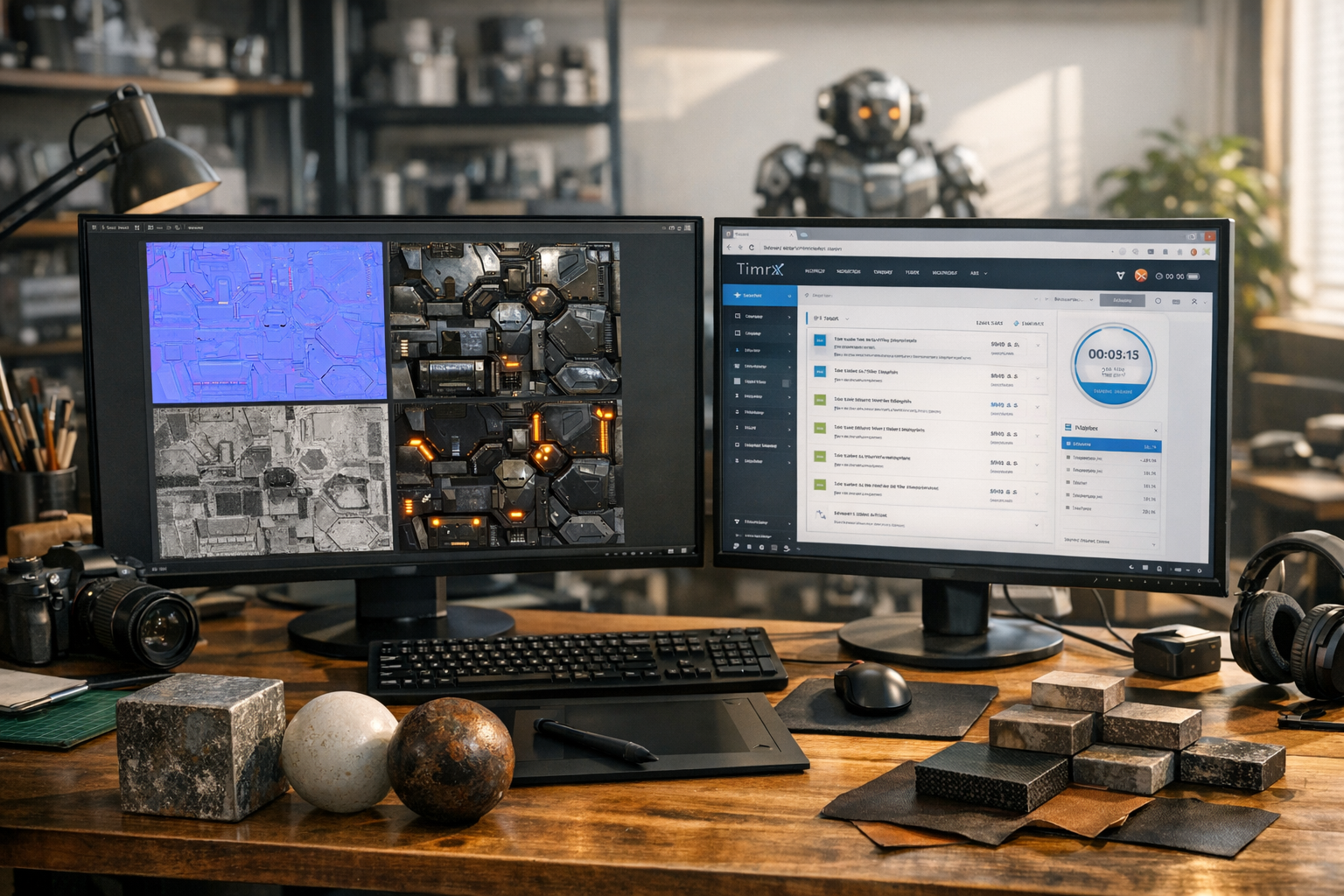
A dashboard that can’t do these things is a liability masquerading as a feature. If you want to see what this looks like in a live system, check out the admin panel in TimrX—every workflow is built around the realities of running a creative AI platform at scale. The TimrX Hub exposes many of the same insights to creators, but the admin view goes much further.
Operational Health: No More Guesswork
The days of 'just reboot it' are over. When you’re orchestrating jobs across multiple AI providers (think OpenAI, Google, fal Seedance, or custom 3D pipelines), you need to know—at a glance—which systems are green, yellow, or red. Provider health is not just about uptime; it’s about tracking latency, error rates, and real cost per job. See something weird? You should be able to drill down and resolve it before users even notice.
In my experience, this is where most homegrown dashboards fail. They surface aggregate metrics, but you can’t see the underlying causes. Contrast that with the TimrX admin dashboard: you get per-provider health cards, real-time job stats, and clickable alerts. Critical provider balances (think prepaid API wallets) get their own snapshots and warnings so you never run out of credits mid-pipeline.
Want a deeper dive into creative pipeline monitoring? The article Generate Videos, Images, and 3D Models with AI: Inside the TimrX Platform walks through how these admin insights directly impact user experience and reliability.
Financial Control: Spend, Margin, and Billing in One Place
Let’s be blunt: most AI startups underestimate just how fast provider bills can spiral out of control. The only way to prevent a surprise $10k invoice is to track spend and margin in real time—by provider, by job type, by user. A modern admin dashboard should show you not just revenue, but also provider cost, margin, and risk alerts. You want to see exactly which users or workflows are unprofitable, and flag anomalies before they become existential threats.
Take the TimrX billing dashboard. It pulls in data from Stripe, purchase history, credit grants, and even failed payments. You see not just global stats, but breakdowns by product (images, 3D models, videos) and by provider. This isn’t academic—when you’re running workflows like text-to-3D model generation or AI video, margin can vary by 3-4x depending on the backend. If you’re curious how these economics play out in real-world creative AI, AI 3D Printing Models: From Text Prompt to STL File covers the cost and value chain from prompt to physical print.
Trust and Accountability: Refunds, Disputes, and Moderation
Let’s talk about the stuff that keeps support teams up at night: refunds, chargebacks, and content disputes. If you’re running a creative AI platform—especially one with paid credits or subscriptions—users will request refunds, and some will dispute charges with their banks. If all you have is Stripe’s dashboard or a spreadsheet, you’re in trouble. A real admin dashboard gives you a single place to review, approve, and execute refunds, complete with audit trails, admin notes, and email notifications.
The same goes for content moderation and claim validation. When users push the boundaries—think questionable 3D models or bold technical claims—you need tools to validate, moderate, and reference sources. TimrX’s admin panel includes a claim validation chat (with real-time fact-check and source suggestions), so admins can enforce evidence-backed standards. That’s not just compliance—it’s about building trust with your creators and end users.
If you want a practical look at moderation and validation workflows for AI-generated content, see How to Fix AI 3D Models for 3D Printing (Complete Guide) for lessons that go far beyond the 3D print niche.
Power Tools for Real Ops (and Why You’ll Regret Not Building Them Early)
Here’s something I’ve learned the hard way: you never regret investing in admin power tools. CSV export, audit logs, one-click credit grants, bulk user actions—these aren’t 'enterprise features.' They’re what let you move fast when things go wrong, or when you need to triage an incident at 3 AM. I’ve seen teams lose days to manual data pulls or botched refunds because their ops tools were an afterthought.
The TimrX admin panel’s direct actions—like granting credits, sending targeted notifications, or merging user identities—have saved countless hours. And let’s be honest: if you’re planning to scale, these are the features that let support, ops, and engineering work together instead of stepping on each other’s toes.
Why Admin Dashboards Are a Competitive Advantage (Not Just Overhead)
There’s a myth that admin tooling is a cost center, not a differentiator. That’s just wrong. The platforms that survive—let alone win—are the ones that can adapt, respond, and operate with transparency. Your creators, your customers, and your team all benefit. When the dashboard is missing, you’re always behind the curve. When it’s robust, you can spot anomalies, fix issues, and ship improvements before your competitors even realize there’s a fire.
If you want proof, look at the rapid iteration cycles on TimrX. New features—like advanced AI video workflows or 3D print model generators—ship fast because the admin layer makes it safe to experiment and roll back. For more on how platform-level admin tools empower creators and developers alike, check out TimrX: The All-in-One AI Platform for Text-to-Video, Image-to-3D, and AI Content Generation.
Conclusion: Don’t Ship Without It
If you’re building an AI platform—whether you’re a solo indie dev, a creative studio, or a VC-backed startup—make admin dashboards a first-class citizen. They aren’t just for compliance or troubleshooting. They’re what turn an experimental AI toy into a professional-grade, reliable, and trusted product. Skip it, and you’ll spend more time firefighting than building. Build it right, and you’ll be ready for anything the world (or your users) can throw at you.
For developers and creators looking to see what a modern, unified admin experience looks like, the TimrX Hub is a good place to start. But if you want to understand the full scope and value of admin tooling, don’t just look at the surface—dive into the workflows, the edge cases, and the real-world impact. That’s where the difference is made.
FAQ
- Why can’t I just use cloud dashboards for monitoring? Because they don’t unify provider health, billing, user activity, and refunds in one place. You need a platform-centric view.
- What’s the most overlooked admin feature? Refund/dispute workflows with audit trails. You’ll regret skipping them the first time there’s a billing dispute.
- How does TimrX handle claim validation and moderation? Through integrated validation chat, evidence tagging, and admin-attachable reference blocks, all from the admin UI.
- Isn’t admin tooling just for big teams? Not at all. Even solo founders benefit from visibility and control—especially when real money or user trust is on the line.
- Where can I learn more about real-world creative AI workflows? Explore TimrX Blogs for deep dives into AI 3D, video, and image pipelines.
Sources
- [1] HTML meta charset Attribute - W3Schools
- [2] What is ? - html - Stack Overflow
- [3] HTML charset Attribute - GeeksforGeeks


Comments 0
Be the first to comment on this post.