
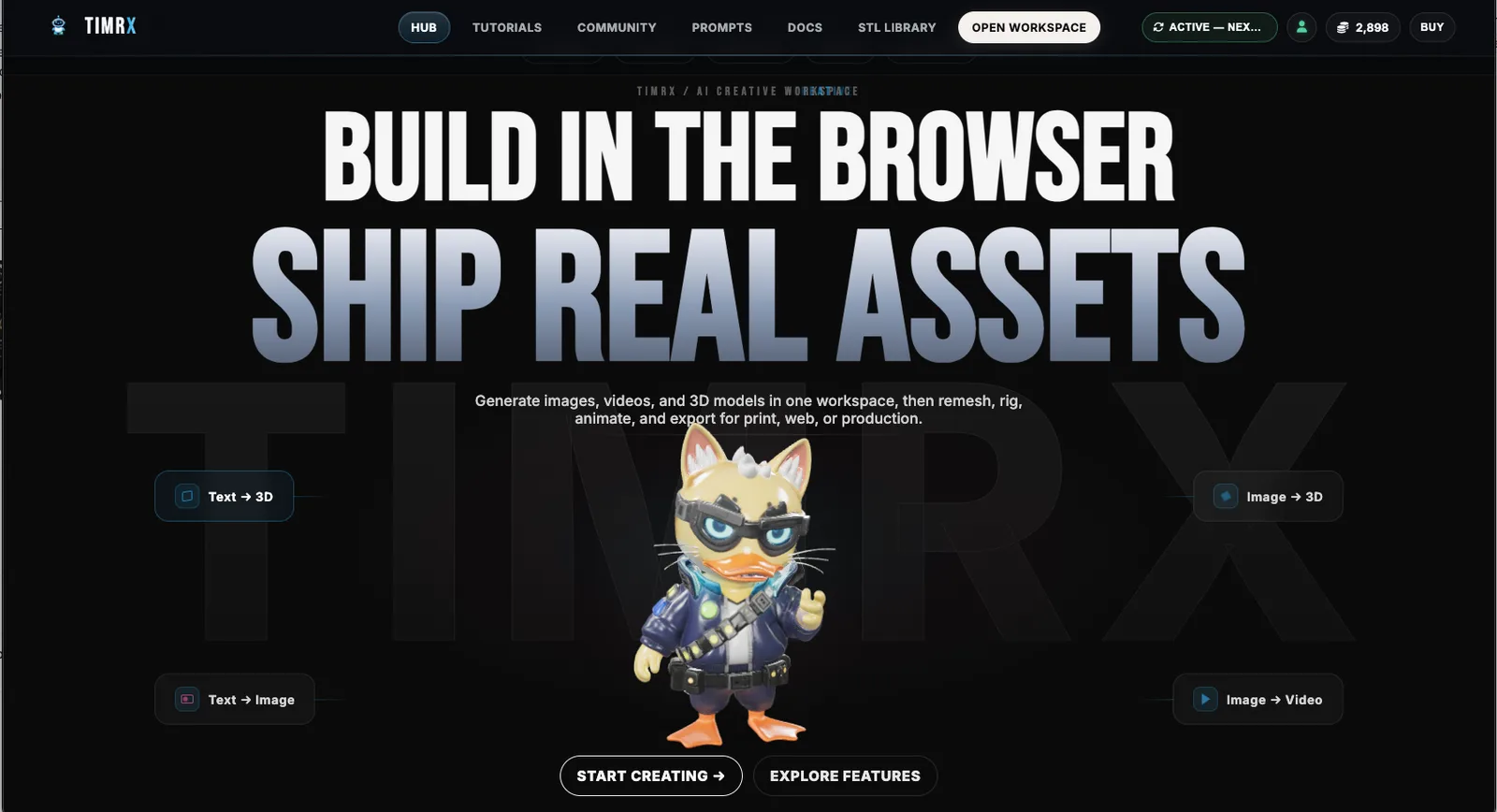

Fast, unified, browser-native creative production isn’t some far-off promise—it’s already changing how teams and solo creators work. If you’re building concept art, motion design, 3D assets, or prepping models for 3D printing, you know the old stack: a patchwork of tools, endless exports, and a folder labyrinth. That’s shifting. We’re seeing the real momentum behind browser-based creative platforms, where image generation, video pipelines, 3D modeling, and print-ready workflows all live side by side. No more exporting files just to import them somewhere else. No more desktop install headaches. Just real-time, multimodal asset creation, right in your browser.
The Shift Toward Unified Creative Workflows
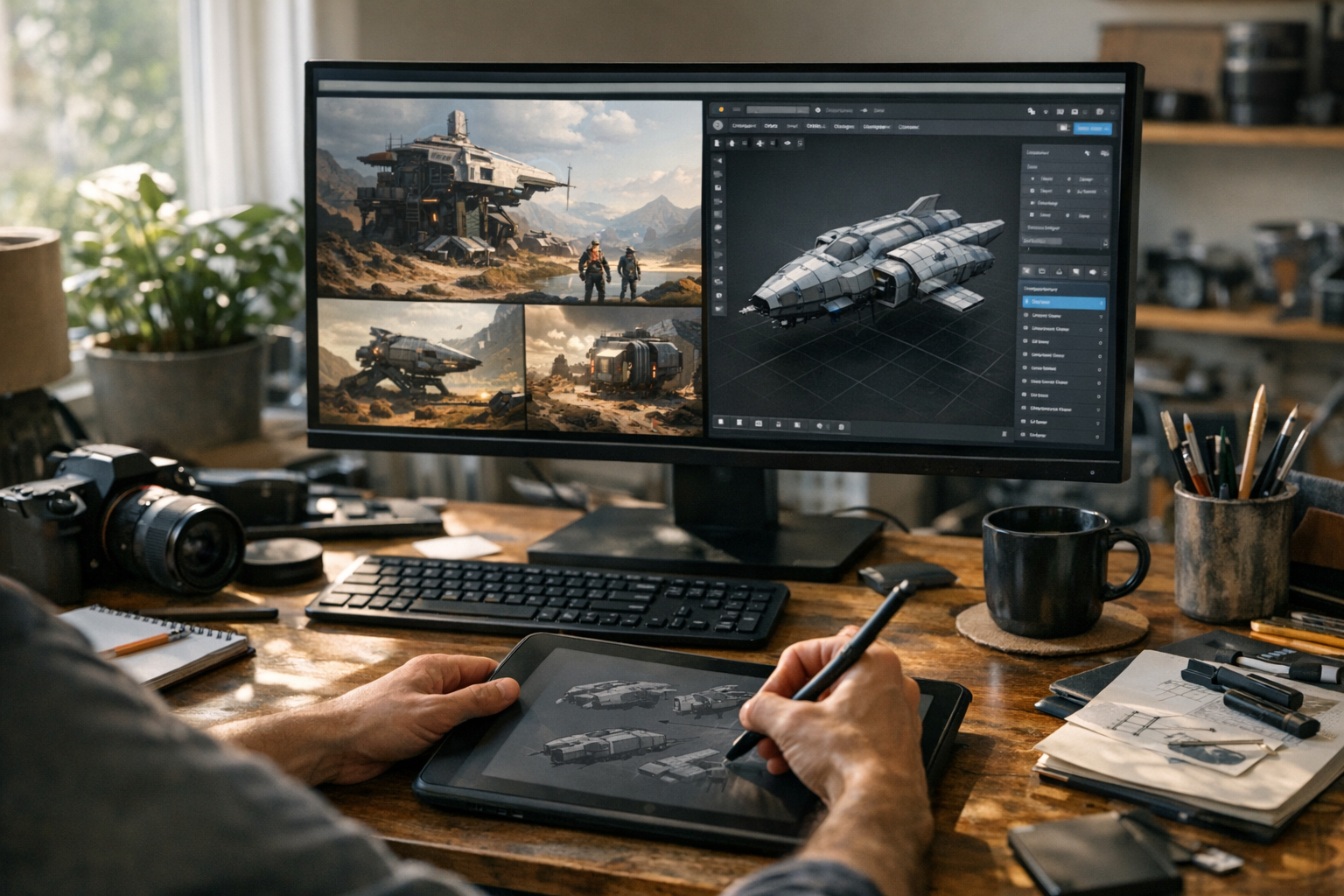
Here’s the thing: most creators don’t just work in one medium. You might ideate with images, storyboard with video, then switch to 3D for prototyping or game assets. Until recently, each step happened in a silo. Integrated, browser-based creative platforms change the equation. You get image generation, cinematic video creation, 3D model building, and texture workflows all in one place. That means fewer context switches, fewer compatibility issues, and much faster iteration. Once you’ve worked in a unified pipeline, jumping back to disconnected tools feels clunky and slow. In my experience, the real win is how these systems let you focus on the creative—less time fighting the tools, more time making.
Browser-Based Image Generation Workflows
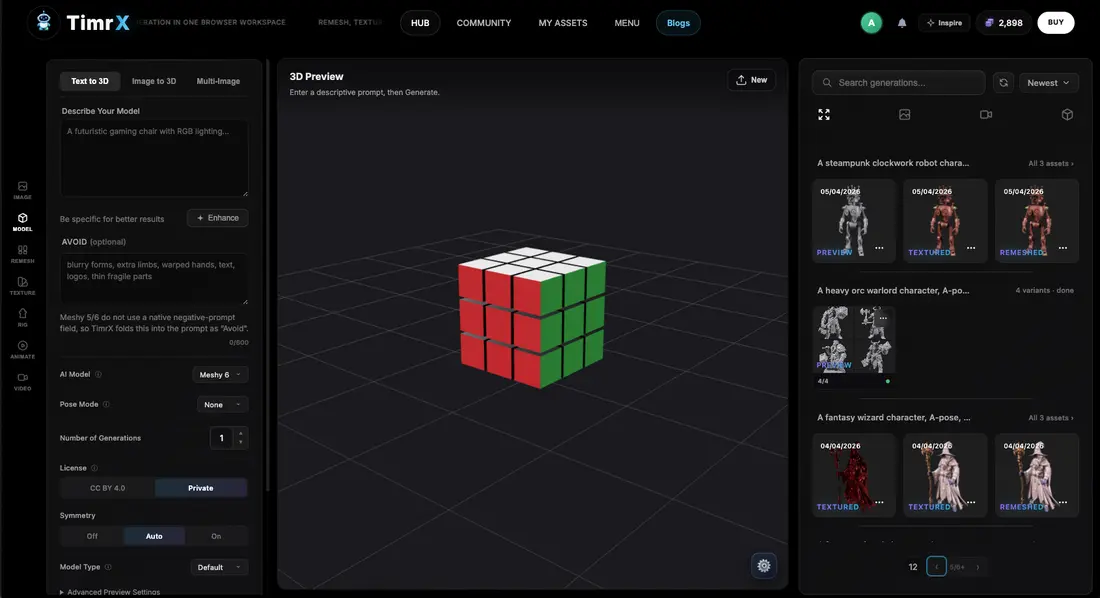
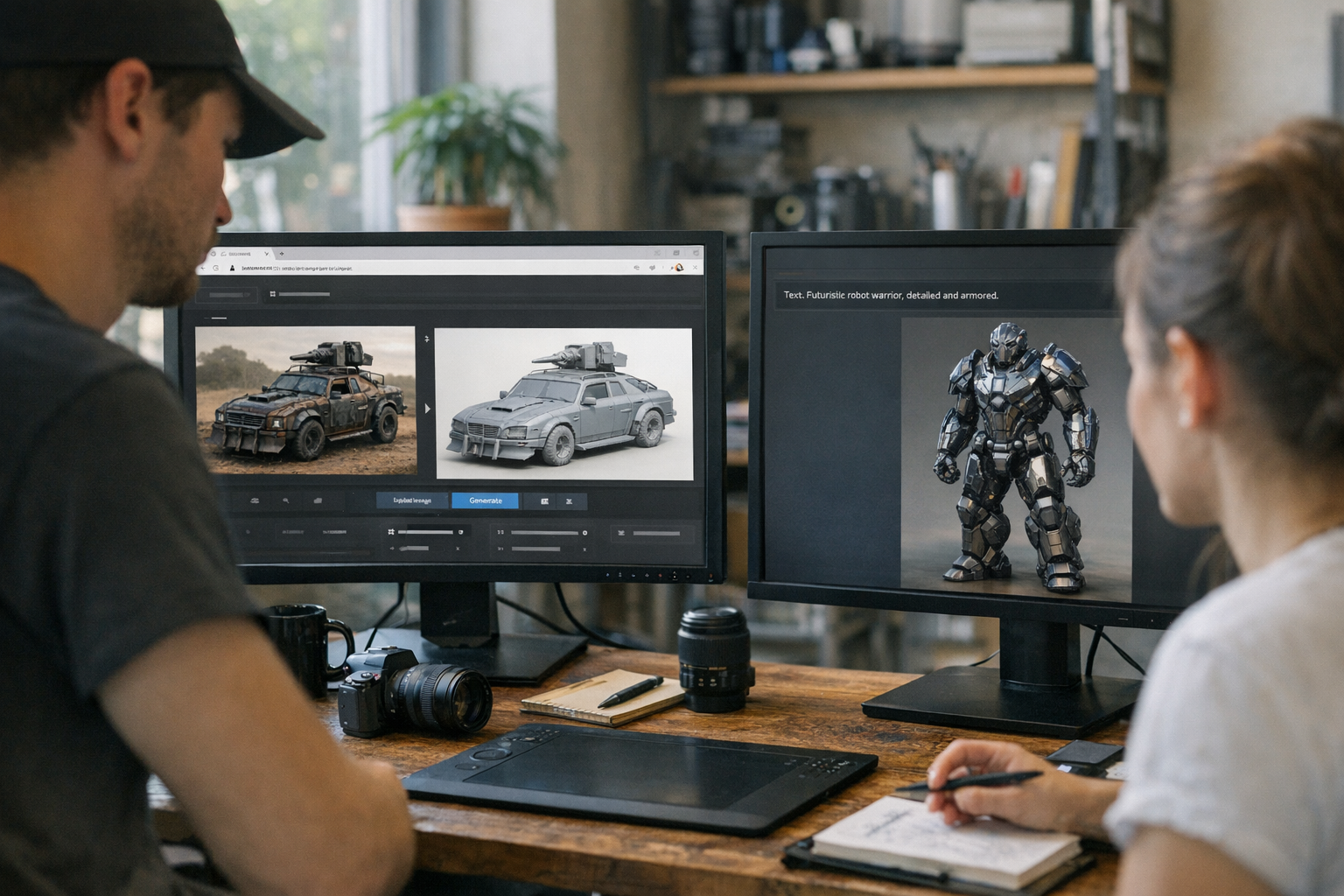
Concept art and visual ideation are still the backbone of most creative projects. But the difference now is speed—browser-native image generators let you go from prompt to usable concept in seconds. Whether you’re moodboarding, developing product visualizations, or building texture bases for 3D, this workflow is so much faster than traditional digital painting or photo editing. For example, on platforms like the Creative Hub, you can access a directory of creative tools, including the dedicated AI Image Generator. I’ve watched designers spin up dozens of look-dev iterations in a single session—far more than would be practical with Photoshop alone. The real unlock is direct integration: generate an image, then immediately feed it into a 3D workflow or use it as a texture base with no manual export/import hassle.
Video and Motion Generation Workflows
Motion is core to storytelling and modern content. Cinematic video generation in the browser used to sound like science fiction, but tools like AI Video Generator, Veo 3, and Seedance now make it practical. A typical image-to-video pipeline lets creators animate static concepts or style-transfer stills into short-form clips. For social content, storyboarding, or pre-visualization, the speed advantage is massive. These workflows don’t live in isolation. For example, you might generate a concept image, use it as a reference for a video sequence, and then bring both into a 3D scene for further production. This is why platforms are folding video pipelines directly into the creative stack—pushing toward real, integrated multimodal generation. If you want to go deeper, check out this breakdown of next-gen video tools.
3D Asset Generation in the Browser
3D workflows have always had a high barrier to entry: expensive software, steep learning curves, and endless file wrangling. That’s changed with browser-based 3D asset generation—especially with text to 3D and image to 3D pipelines. Now, you can describe an object or upload a photo and get a usable, textured mesh in GLB or GLTF format in minutes, not days. Platforms with tools like AI 3D Generator, Text to 3D, and Image to 3D make this accessible to designers who have never touched Blender. Geometry cleanup and remeshing are handled in-browser, so you can prep assets for games, XR, or printing without leaving your tab. The best part? You can iterate rapidly, tweaking prompts or re-uploading images, without ever exporting or manually retopologizing meshes. If you want to see just how far the "no Blender workflow" can go, read this guide to Blender-free 3D creation.
Print-Ready Production Pipelines
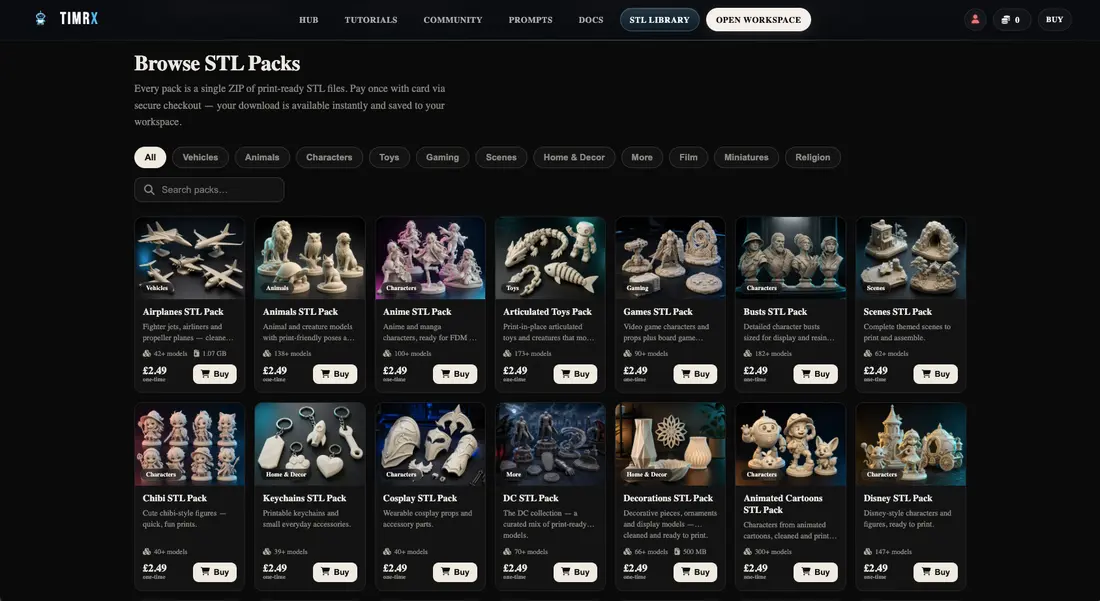
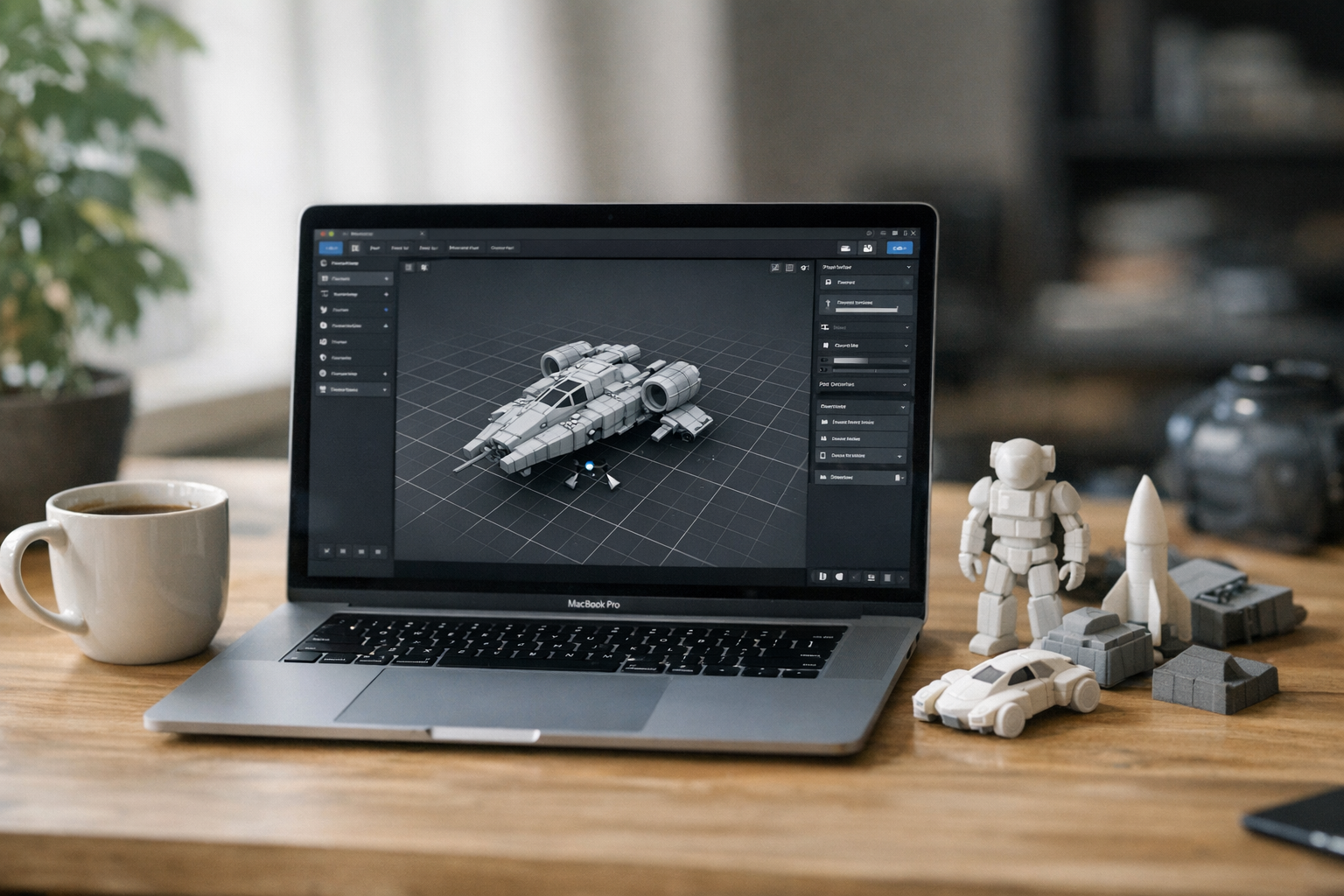
3D printing is where a lot of browser-native pipelines show their real teeth. Traditionally, prepping a model for print meant a trip through Blender, Meshmixer, or Netfabb—each with their own quirks and export formats. Now, browser-based print workflows (like those on 3D Print Generator) let you preview, repair, remesh, and texture models all in one place. As pictured above, entire libraries of STL files are available for instant download or further editing. Remeshing tools smooth out geometry, texture systems add realism, and export pipelines handle GLB, STL, and OBJ with a click. You can even generate print-ready assets from scratch with the 3D Print Model Generator. This destroys the old complexity—no more bouncing between half a dozen tools just to get a watertight STL. For a deeper dive into print prep and mesh fixing, see this mesh repair guide.
Multimodal Asset Pipelines
Let’s talk practical creator pipelines. The real magic of a multimodal generation platform is how it lets you chain workflows: concept art → 3D model → animation → print, all in-browser. Here’s an example I’ve seen work well: A designer generates moodboards and concepts via the Image Generator, feeds a favorite output into Image to 3D to prototype a model, uses texture workflows to refine the surface, then spins up a video sequence for presentation. The asset can then be remeshed and exported as GLB for game engines or STL for printing through browser-based print tools. This isn’t just about convenience. It’s about rapid iteration and asset reuse—systems like these let you tweak, swap, and fork assets at any stage. Want to see a real pipeline breakdown? Check this deep dive on the image-to-3D pipeline.
The Future of Browser-Native Creative Tools
The trajectory is obvious: browser-native creative platforms are moving from single-task utilities to full production ecosystems. Texture workflows, remesh tools, cinematic video generation, and export-ready 3D all under one roof. We’re seeing WebGL creative tools mature to the point where real-time preview, editing, and export is not just possible—it’s standard. The next phase is even tighter integration with cloud storage, collaboration, and asset pipelines. Why does this matter? For one, it means anyone with a browser can build production assets for games, animation, or print—no $2,000 workstation or specialized software needed. It also means that teams can iterate in real time, sharing assets and feedback instantly. As multimodal workflows become the norm, expect more creators to adopt browser-based production as their default. If you want to keep up with where things are headed, keep an eye on the Creative Hub, blog archive, and platform updates.
Conclusion
Unified, browser-based creative platforms are here, and they’re already transforming the way creators work. Instead of wrestling with disconnected tools and endless exports, you get a true creator workflow platform: image, video, and 3D generation, all in-browser, with export-ready assets and print pipelines a click away. This isn’t just about convenience—it's about unlocking new creative flows, faster iteration, and seamless multimodal asset pipelines. If you want to see what’s possible, start exploring the Creative Hub, check out the 3D Print workspace, and dig into the latest guides and platform features. The future of creative production is browser-native—and it’s already arrived.
FAQ
- What is a multimodal creative platform?
A multimodal creative platform combines image, video, 3D, and texture workflows into a single browser-based system, enabling creators to move between media types without leaving the platform. - How does image-to-3D generation work?
Image-to-3D tools analyze a 2D input image and generate a 3D mesh, typically using photogrammetry or neural inference for geometry and texture extraction. The result is a textured model ready for editing or export. - Can browser-based tools create print-ready assets?
Yes. Modern browser-based platforms include remeshing, watertight mesh repair, texture baking, and direct STL/OBJ/GLB export, supporting 3D printing workflows without desktop software. - What are GLB and GLTF exports used for?
GLB and GLTF are modern 3D model formats optimized for real-time engines, XR, and browser previews. They store geometry, textures, and animation in a portable, efficient package for game, web, and AR/VR pipelines. - How do creators combine image, video and 3D workflows?
Unified platforms allow creators to generate concept images, turn them into 3D models, animate them into video, and export or print—all within a single, integrated browser environment.
Comments 0
Be the first to comment on this post.