


In the fast-paced world of technology, scaling an AI-powered feature from a simple tool to a robust production system is a journey fraught with challenges and learning opportunities. This case study chronicles our experience in transforming an internal AI feature into a production-ready powerhouse capable of handling thousands of requests daily.
Initial Setup (Day 1)
On day one, our AI feature was a straightforward backend service that made direct API calls to perform its functions. With a minimal user base, the setup was simple: a single server, direct AI API integrations, and basic monitoring to track usage metrics.
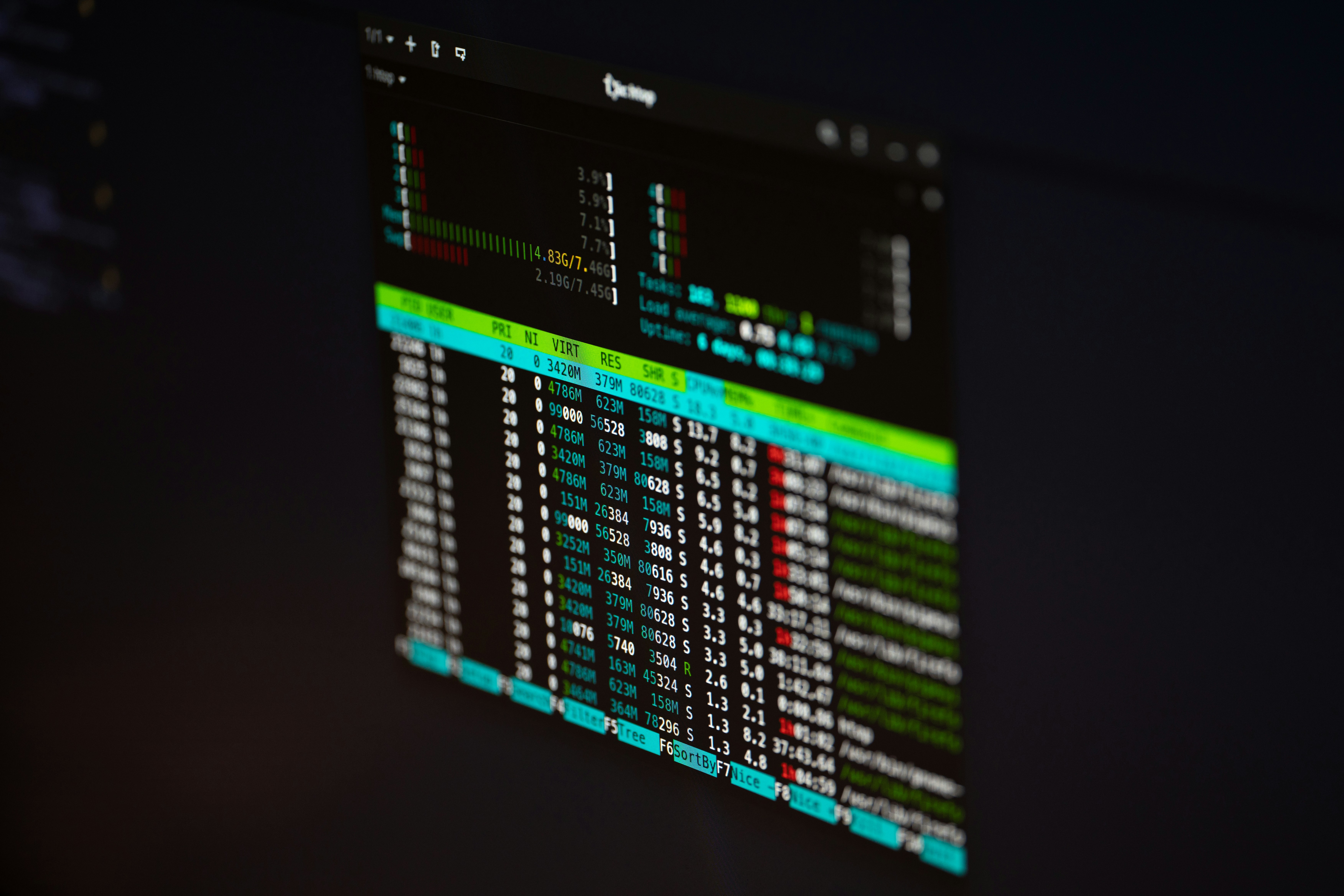
First Scaling Problems
As user adoption increased, we quickly encountered significant scaling problems. Latency spikes became common, leading to an inconsistent user experience. API timeouts were frequent, and the unexpected cost growth due to increased API calls was alarming.
- Latency spikes affecting user experience.
- Frequent API timeouts leading to failures.
- Escalating costs from increased API usage.
Step-by-Step Fixes
To tackle these issues, we implemented several strategies. Request batching reduced the number of API calls, while caching responses lowered repeated requests for the same data. We introduced asynchronous job queues to manage longer-running tasks and implemented timeouts and retries for better reliability.
def batch_requests(requests):
    batched_requests = []
    for i in range(0, len(requests), BATCH_SIZE):
        batched_requests.append(requests[i:i + BATCH_SIZE])
    return batched_requests
Infrastructure Adjustments
As we progressed, infrastructure adjustments became necessary. We implemented load balancing to distribute incoming traffic across multiple servers, enabling horizontal scaling. Background workers processed tasks asynchronously, enhancing the system's capacity to handle more requests.

Results After Scaling
After implementing these changes, we observed significant improvements. Latency was reduced by over 50%, stabilizing the user experience. Cost growth was curtailed through optimized API usage, and overall system reliability improved markedly, with fewer timeouts and failures.
- Latency reduced by over 50%.
- Cost growth stabilized.
- Improved system reliability.
Lessons Learned
Reflecting on our journey, we underestimated the rapid growth in user demand and the resulting infrastructure strain. Implementing batch processing and caching early could have mitigated initial scaling issues. However, our proactive approach to infrastructure adjustments and continuous monitoring proved invaluable. Next time, we would prioritize scalability from the onset to avoid reactive measures.
Scalability should be a priority from day one to prevent the need for reactive solutions.
Engineering Team Lead
In conclusion, scaling an AI feature from a simple tool to a production-ready system is an iterative process filled with challenges and opportunities to learn. By sharing our experience, we hope to provide insights that others can use in their journeys toward scalable, reliable AI solutions.




Comments 0
Be the first to comment on this post.